Android Users Can Boost Map Precision by Tweaking Key Settings
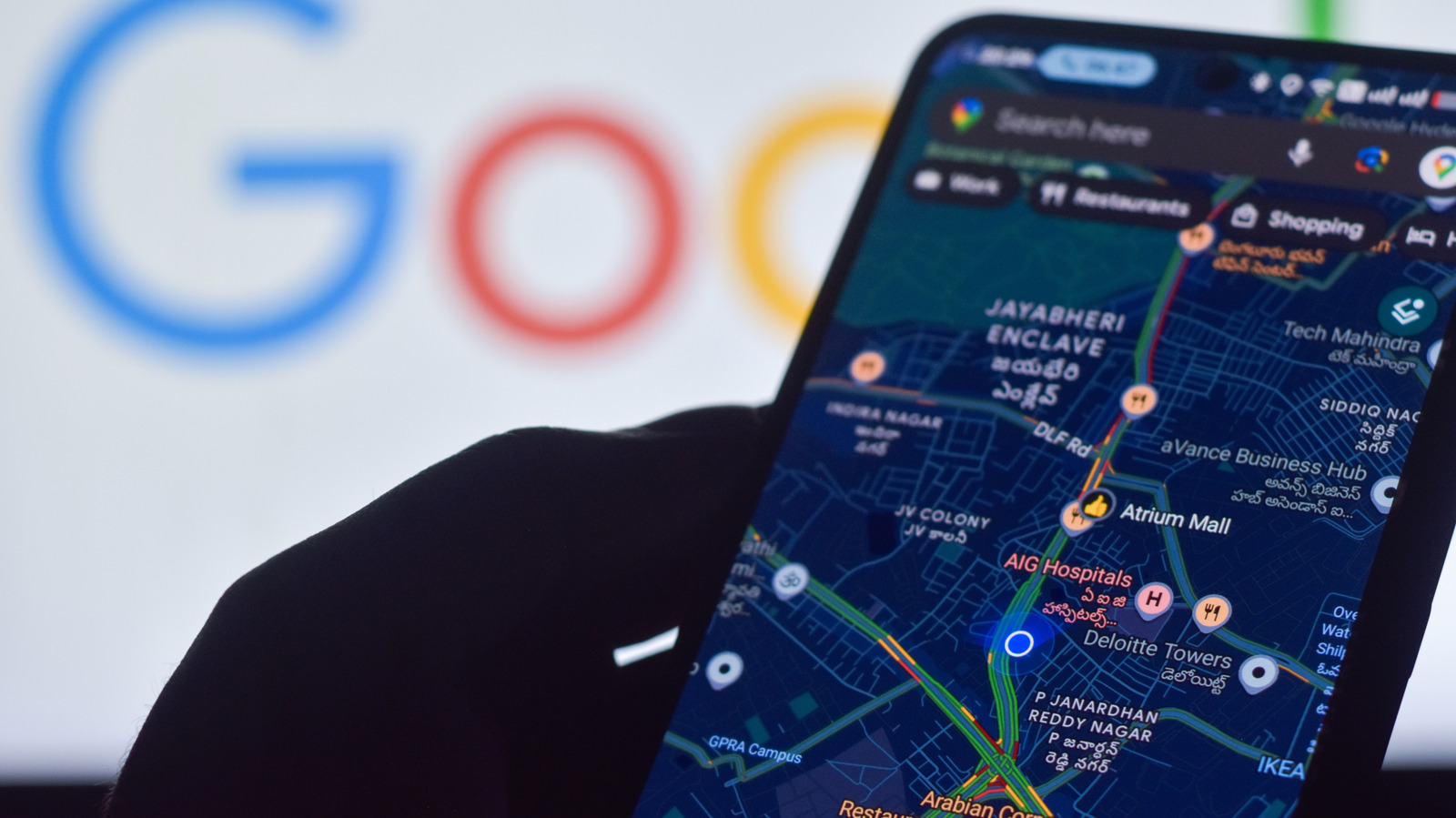
Android smartphone owners experiencing unreliable map markers or drifting navigation routes have a straightforward checklist to improve location accuracy, according to guidance originally published by Engadget. The steps focus on built‑in system options that influence how the device determines its position.
The first recommendation is to activate the "High accuracy" mode within the location settings. This mode combines GPS, Wi‑Fi, Bluetooth, and cellular data to compute the most precise fix, rather than relying on GPS alone, which can falter in dense urban canyons or indoor environments. Users can find the option under Settings → Location → Mode and select "High accuracy" to enable the hybrid approach.
Beyond the primary mode, Android offers auxiliary features that enhance signal quality. Turning on "Wi‑Fi scanning" and "Bluetooth scanning" allows the phone to use nearby networks and devices as reference points, even when Wi‑Fi or Bluetooth are not actively connected. These scans run in the background and can significantly tighten location estimates, especially where satellite visibility is limited.
Another practical tip is to calibrate the device's compass and clear cached location data. Calibrating the magnetic sensor—often prompted by a rotating figure‑eight motion—helps correct directional errors that can affect map orientation. Meanwhile, clearing the Google Location Services cache (Settings → Apps → Google Play Services → Storage → Clear cache) removes outdated satellite data that might otherwise skew positioning.
Finally, keeping the operating system and Google Play Services up to date ensures that the latest location algorithms and security patches are in place. If users continue to encounter persistent inaccuracies after applying these adjustments, the article advises contacting the device manufacturer or carrier for deeper diagnostics, as hardware issues or carrier‑level restrictions can also play a role. By systematically reviewing these settings, Android users can restore reliable map performance, which is critical for everyday navigation, ride‑sharing, and emergency location services.

Comments (0)
Be the first to comment.
Join the discussion