How Much Memory Do Raspberry Pi Projects Really Require?
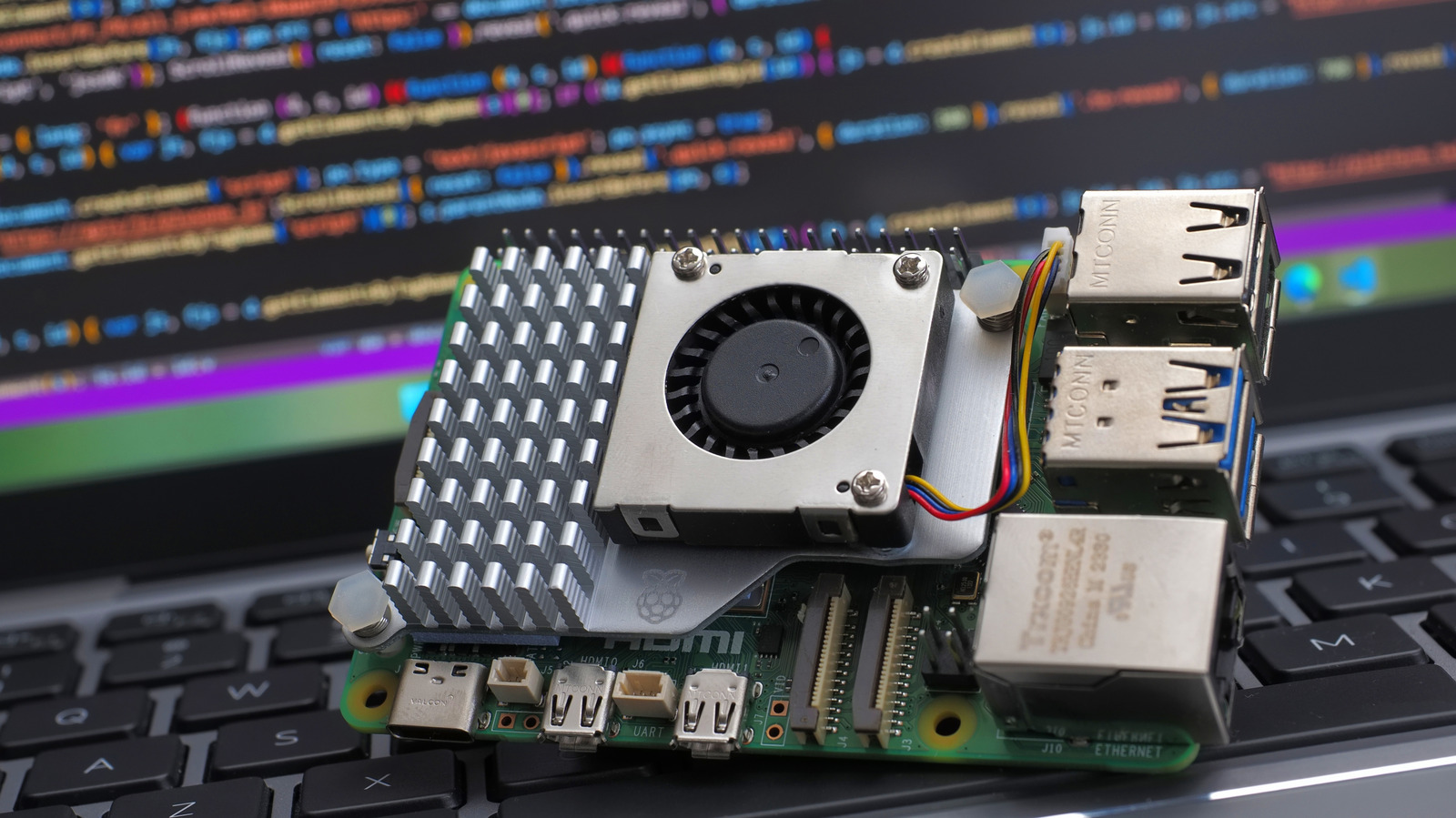
Raspberry Pi computers have become the go‑to platform for hobbyists, educators and makers looking for an inexpensive way to prototype everything from simple sensors to full‑blown desktop replacements. While the price point is often highlighted, the amount of RAM a Pi needs for a given task is a question that can trip up newcomers, especially as the product line now spans models with 512 MB to 8 GB of memory.
At the low end, the original Raspberry Pi Zero and Zero W ship with 512 MB of RAM, which is sufficient for lightweight workloads such as single‑board sensor nodes, basic GPIO‑driven projects, or headless servers running a stripped‑down Linux distribution. These use cases typically involve a few background services, a small web server, or a command‑line interface, all of which comfortably fit within the modest memory budget.
Moving up the ladder, the Raspberry Pi 3 B+ and the earlier 4 GB‑RAM models of the Pi 4 come with 1 GB or 2 GB of memory. That extra capacity opens the door to more demanding applications, including multimedia playback, lightweight desktop environments, and development work that requires compiling code or running containerized services. For many hobbyists who want to use the Pi as a personal computer for web browsing, office tasks or educational programming, 2 GB provides a smoother experience without frequent swapping to the SD card.
The top‑tier offerings, such as the 4 GB and 8 GB variants of the Raspberry Pi 4 and the newer Raspberry Pi 5, target power users who run memory‑intensive software like media‑center stacks, AI inference models, or multiple virtual machines. In these scenarios, the operating system itself can consume a significant share of RAM, and having ample headroom prevents performance bottlenecks that would otherwise manifest as lag or crashes. Users who plan to host Docker containers, run databases, or experiment with machine‑learning libraries are advised to opt for at least 4 GB.
Beyond the raw numbers, the choice of operating system and the presence of swap space influence perceived memory needs. Raspberry Pi OS, the official distribution, can be installed in a “lite” version that omits a graphical desktop, reducing baseline RAM usage dramatically. Conversely, full‑desktop versions with a GUI, web browser and office suite will naturally demand more memory. Enabling a modest swap file on a fast micro‑SD card or external SSD can mitigate occasional spikes, but it cannot replace the performance benefits of having sufficient physical RAM.
Ultimately, selecting the right amount of memory hinges on the intended workload. Simple automation, sensor logging or hobbyist tinkering can thrive on 512 MB to 1 GB, while projects that involve media streaming, desktop use or computational workloads benefit from 2 GB or more. As the Raspberry Pi ecosystem continues to evolve, the price gap between memory configurations narrows, making it easier for users to choose a model that aligns with both budget constraints and performance expectations.


Comments (0)
Be the first to comment.
Join the discussion