Samsung expands DeX to Galaxy Z Fold 8’s inner display with new shortcut
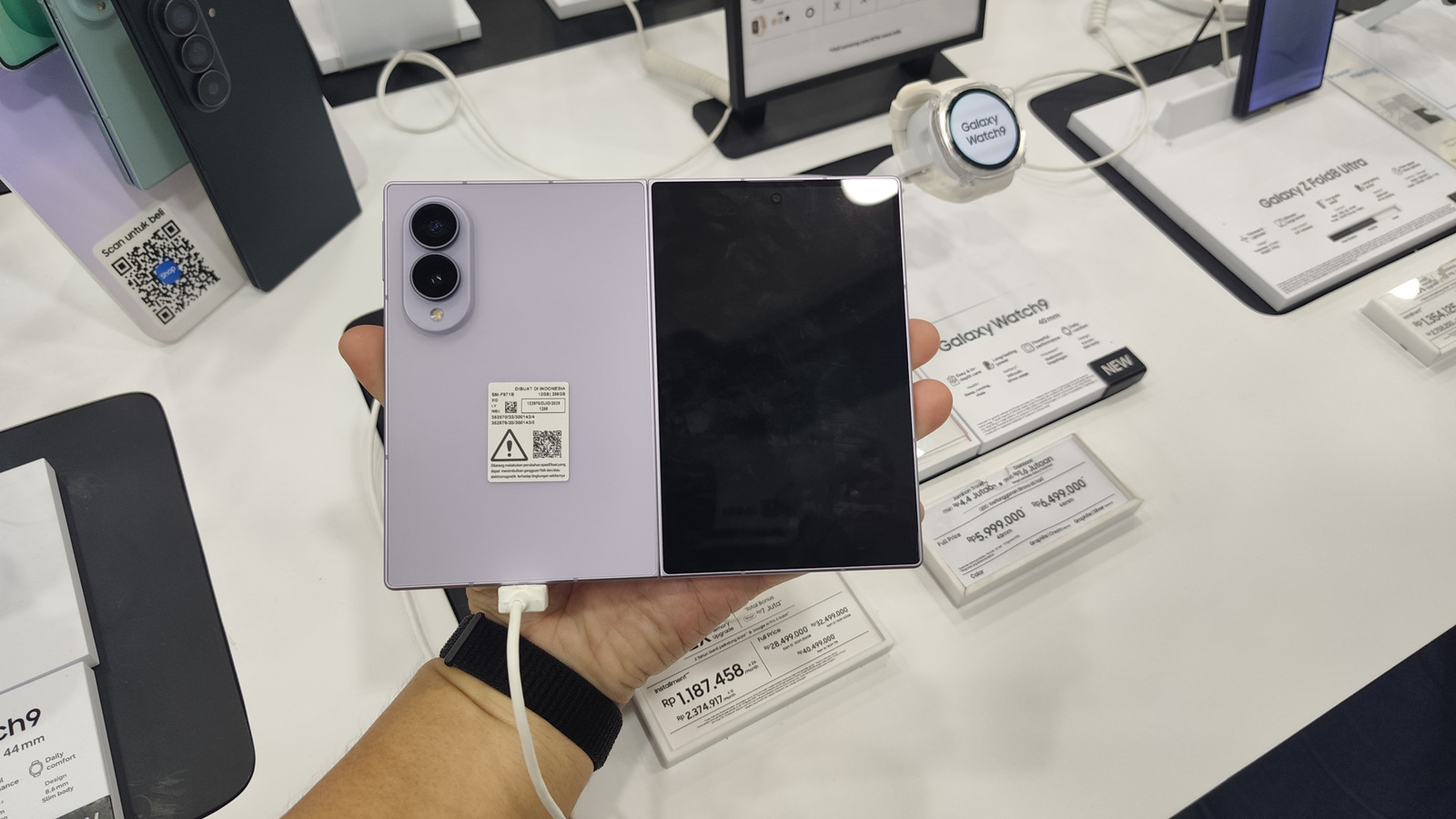
Samsung has added a new shortcut that lets owners of the Galaxy Z Fold 8 launch DeX directly on the device’s inner screen, turning the foldable’s tablet‑sized display into a makeshift desktop without the need for an external monitor.
The DeX platform, introduced several years ago, traditionally required users to connect a compatible Samsung phone to a TV or monitor via a cable, dock, or wireless adapter to obtain a PC‑like interface. By enabling DeX from the phone’s quick‑settings panel and then switching to the Fold’s larger screen, users can now enjoy the same multi‑window, resizable app layout on the go.
Industry analysts note that the move reflects Samsung’s broader strategy to blur the lines between mobile and desktop computing. Foldable devices already aim to combine a phone’s portability with a tablet’s productivity, and bringing DeX into the native experience strengthens that value proposition.
Early adopters of the Galaxy Z Fold 8 have praised the convenience of accessing DeX without hauling extra hardware. The ability to run a desktop‑style workspace on the inner screen means tasks such as document editing, spreadsheet work, or even light coding can be performed on a larger canvas while the device remains untethered.
While the new shortcut does not replace the full‑feature external‑display mode—where DeX can drive a 4K monitor with a mouse and keyboard—it does offer a viable middle ground for users who need a quick productivity boost while traveling or working remotely.
Samsung has not disclosed whether the feature will roll out to other foldable or flagship models, but the company’s software updates often broaden compatibility over time. Observers expect that future iterations of DeX may further integrate with Samsung’s ecosystem, potentially supporting additional peripherals and cloud‑based services.



Comments (0)
Be the first to comment.
Join the discussion