Windows Memory Diagnostic Reveals Hidden RAM Faults Behind System Slowdowns
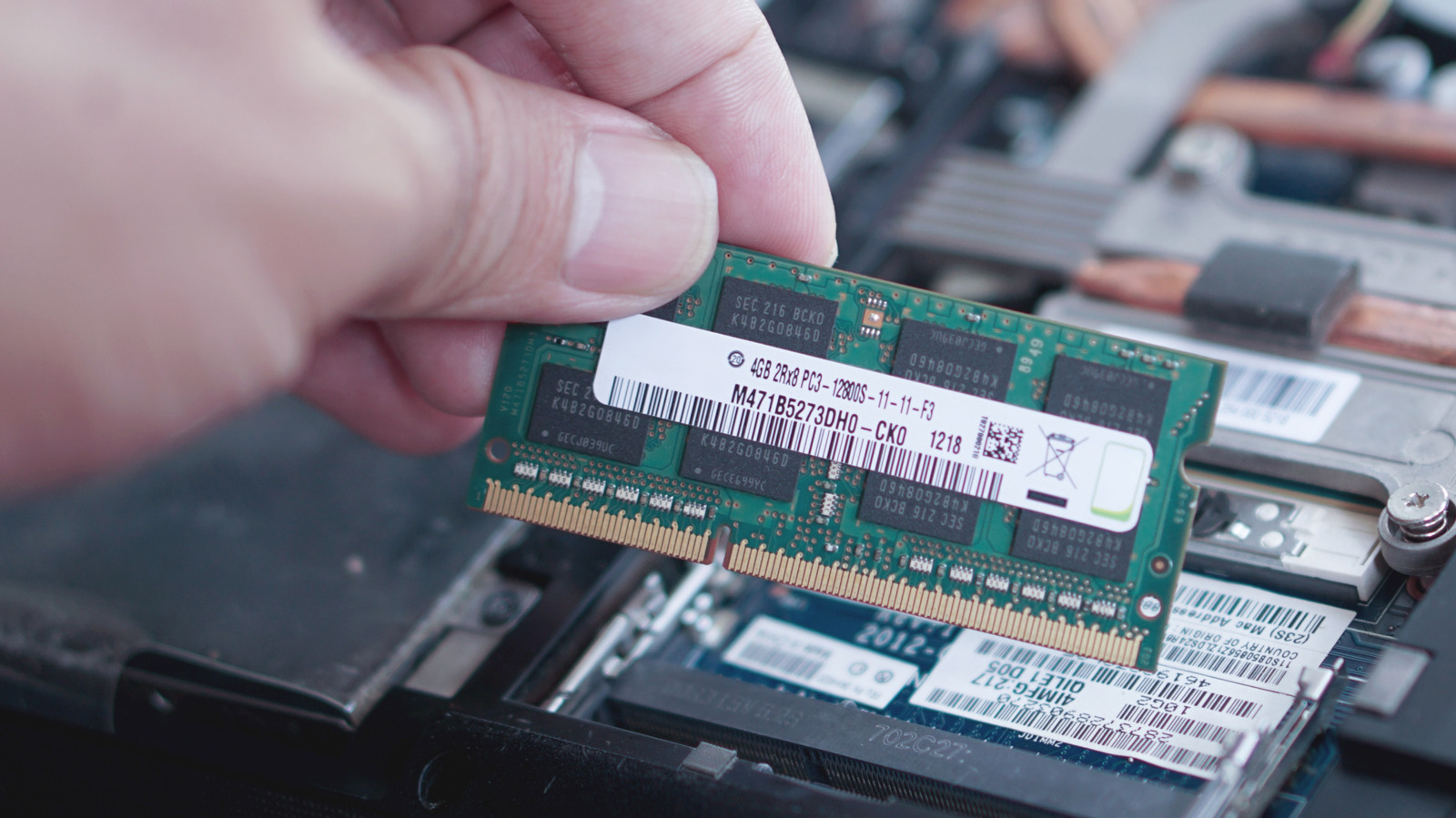
Microsoft’s built‑in Windows Memory Diagnostic (WMD) utility is gaining attention as a straightforward way for users to pinpoint faulty RAM that may be causing sluggish performance, unexpected crashes, or spontaneous reboots.
When launched, the tool runs a series of read‑ and write‑intensive tests on a computer’s physical memory modules, checking for errors that the operating system might otherwise overlook. The process can be started from the Start menu or by typing “mdsched.exe” into the Run dialog, after which users choose whether to restart immediately or schedule the scan for the next boot.
During the reboot, Windows loads a lightweight diagnostic environment that isolates memory testing from the normal operating system, allowing the program to examine each memory address without interference. The tests typically run for several minutes, though longer stress patterns are available for deeper analysis. Upon completion, the system returns to Windows and displays a summary report indicating whether any errors were detected.
Finding errors in the diagnostic report is a strong indicator that one or more RAM sticks are defective or that the memory controller is experiencing issues. In such cases, experts advise users to reseat the modules, test them individually, or replace the faulty hardware. Conversely, a clean bill of health suggests that the underlying problem likely resides elsewhere, such as a software conflict, driver issue, or storage subsystem fault.
The utility’s simplicity makes it a useful first‑line tool for both casual users and IT professionals troubleshooting intermittent system instability. While it does not replace more exhaustive third‑party memory testers that can run custom patterns for extended periods, it provides a quick, no‑cost assessment that can rule out memory as the culprit before deeper investigation.
Microsoft continues to include the diagnostic in all supported Windows versions, reflecting the operating system’s emphasis on built‑in maintenance utilities. As hardware costs rise and PCs become more complex, having an accessible method to verify RAM integrity helps users maintain reliability without immediate recourse to specialized equipment.
Users who encounter persistent errors after confirming memory health may be directed toward additional diagnostics, such as checking for overheating, reviewing event logs, or using system file integrity tools. The Windows Memory Diagnostic thus serves as a gateway step in a broader troubleshooting workflow, ensuring that a common hardware failure is not overlooked.

Comments (0)
Be the first to comment.
Join the discussion