Older USB Flash Drives Aren’t Safe Long‑Term Storage, Experts Advise Backups
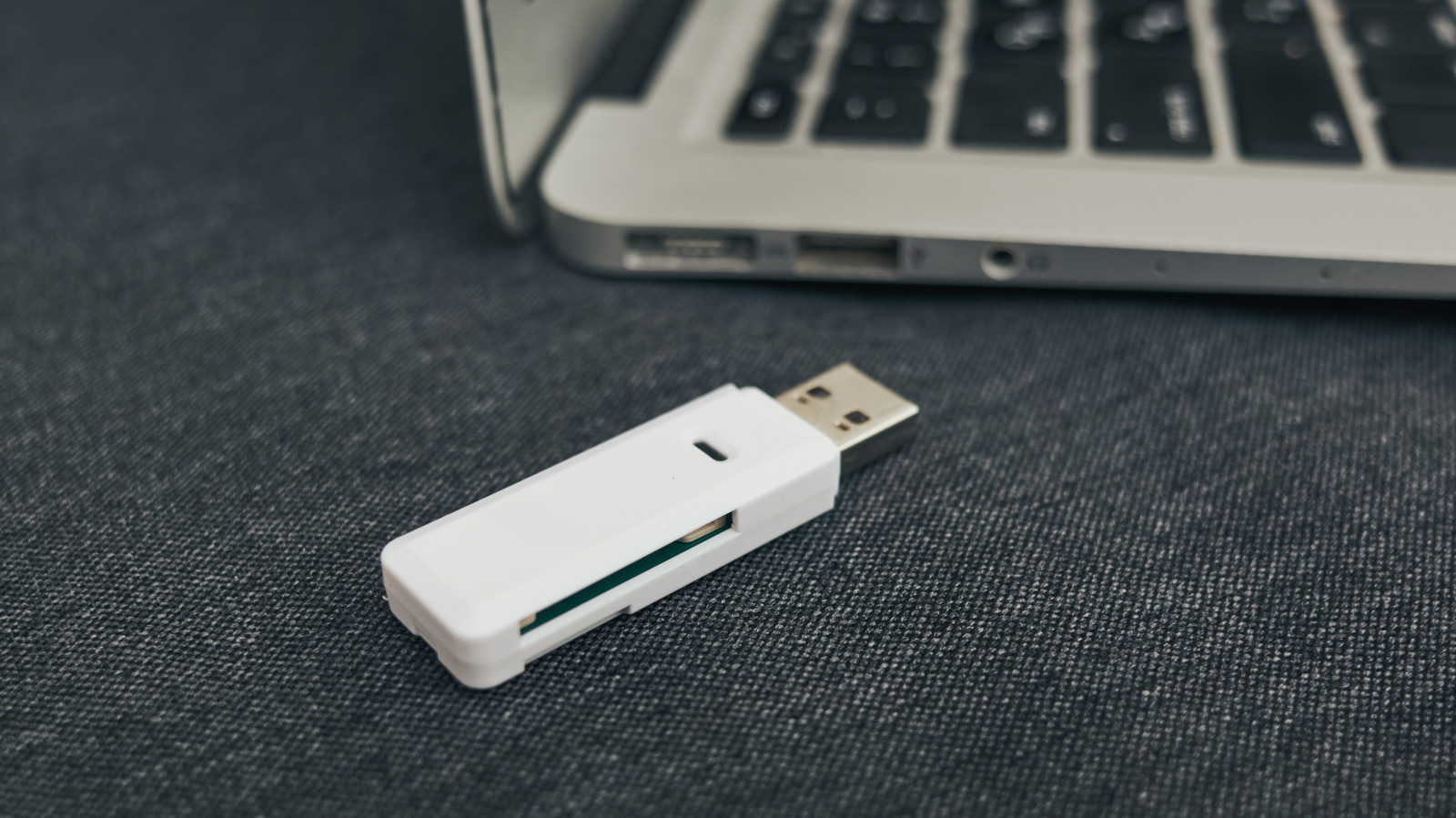
While a thumb drive offers instant portability for documents, photos and project files, many users overlook the fact that older USB flash drives can become unreliable over time, making a secondary backup essential.
Flash memory stores data in cells that can only endure a finite number of program‑and‑erase cycles. Early‑generation drives often used lower‑grade NAND chips without advanced wear‑leveling algorithms, meaning each cell may be written to repeatedly, accelerating wear and increasing the chance of corruption.
Physical and environmental stresses also take a toll. Exposure to high temperatures, humidity, or even repeated plugging and unplugging can degrade the connector and the memory chips inside. Unlike solid‑state drives that are built for continuous use, many consumer thumb drives were designed for occasional transfers, not for long‑term archival.
Reports of data loss from aging drives have risen as users attempt to retrieve files saved years ago. When a drive fails, the loss can affect personal memories, legal documents, or critical work files, underscoring the risk of treating a single flash drive as a permanent repository.
Data‑safety professionals recommend a layered approach: keep an original copy on the thumb drive, duplicate the contents to a reliable external hard drive, and store a cloud‑based version for redundancy. Regularly checking the drive’s integrity and migrating files to newer media every few years can further reduce the chance of surprise failures.
In an era where digital information underpins daily life and business, proactively backing up files from older thumb drives is a simple step that protects against data loss and ensures that important content remains accessible for the future.


Comments (0)
Be the first to comment.
Join the discussion