How to Free a Stuck Ethernet Cable Without Damaging Your Equipment
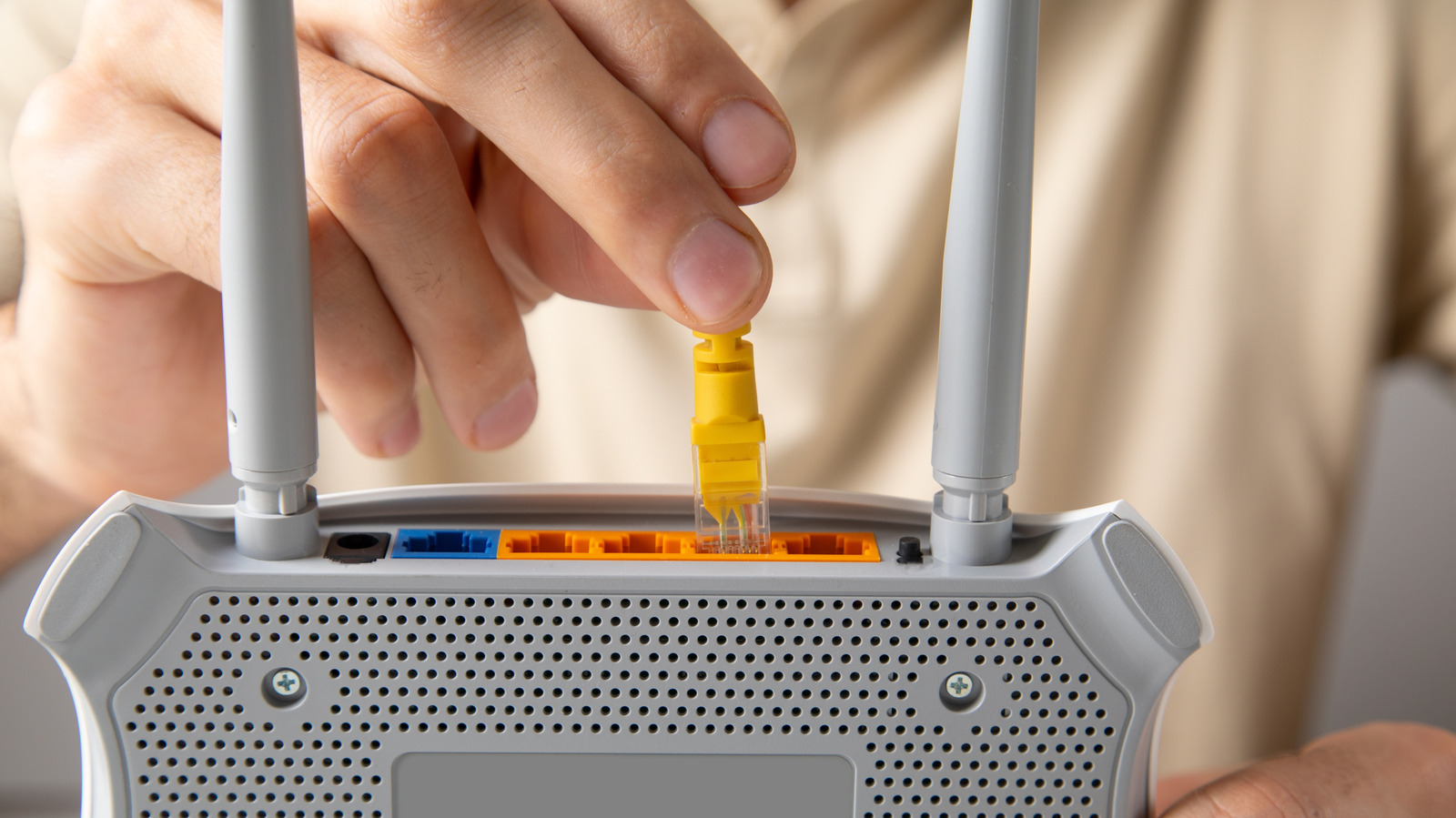
Gamers, streamers and anyone who prefers a wired internet link often find themselves wrestling with an Ethernet cord that refuses to release from a computer or router port, a problem that can quickly turn a routine setup into a frustrating ordeal.
Ethernet cables remain the go‑to choice for low‑latency, high‑throughput connections, especially in competitive gaming and professional environments where wireless interference can compromise performance. The RJ‑45 connector, while robust, incorporates a small latch that snaps into place to secure the link, and that very feature can become a source of trouble when the clip catches on debris or the cable is pulled at an awkward angle.
Most incidents of a stuck cable stem from three typical scenarios: the latch catching on a bent pin inside the jack, the cable being yanked while the device is still powered on, or the connector becoming misaligned during insertion. In each case the result is a connector that feels locked in but will not disengage with normal hand pressure.
To extract the cable safely, start by powering down the equipment to avoid short‑circuit risk. Gently press the latch on the RJ‑45 plug while simultaneously wiggling the cable back and forth; the motion often releases the tension on the latch. If the plug does not budge, use a pair of non‑metallic tweezers or a small flat‑head tool to press the latch more firmly, taking care not to apply force to the plastic housing. Applying a tiny amount of isopropyl alcohol around the connector can reduce friction, but the liquid should be used sparingly and the area allowed to dry before re‑connecting. In stubborn cases, a thin piece of plastic card can be inserted beside the latch to lever it open, always keeping pressure away from the pins.
Should these measures fail, it is advisable to stop and seek professional help rather than risk breaking the port or the cable. For devices under warranty, contacting the manufacturer’s support line can prevent accidental voiding of coverage. Replacing the cable with a new, properly rated one is often the simplest long‑term solution.
The episode highlights why many users still value wired networking despite the convenience of Wi‑Fi. A stable Ethernet link delivers consistent speeds, lower latency and better security, making it indispensable for tasks that cannot tolerate packet loss. Understanding how to resolve a stuck connector helps maintain those benefits without costly repairs.
Looking ahead, newer connector designs such as the RJ‑45 variants with tool‑free release mechanisms are beginning to appear in high‑end networking gear, promising to reduce the incidence of jammed cables. Until such hardware becomes commonplace, the careful, step‑by‑step approach outlined above remains the best way to free a stubborn Ethernet plug without harming the underlying hardware.



Comments (0)
Be the first to comment.
Join the discussion