V‑Sync’s Impact on Frame Rates: Benefits and Trade‑offs for PC Gamers
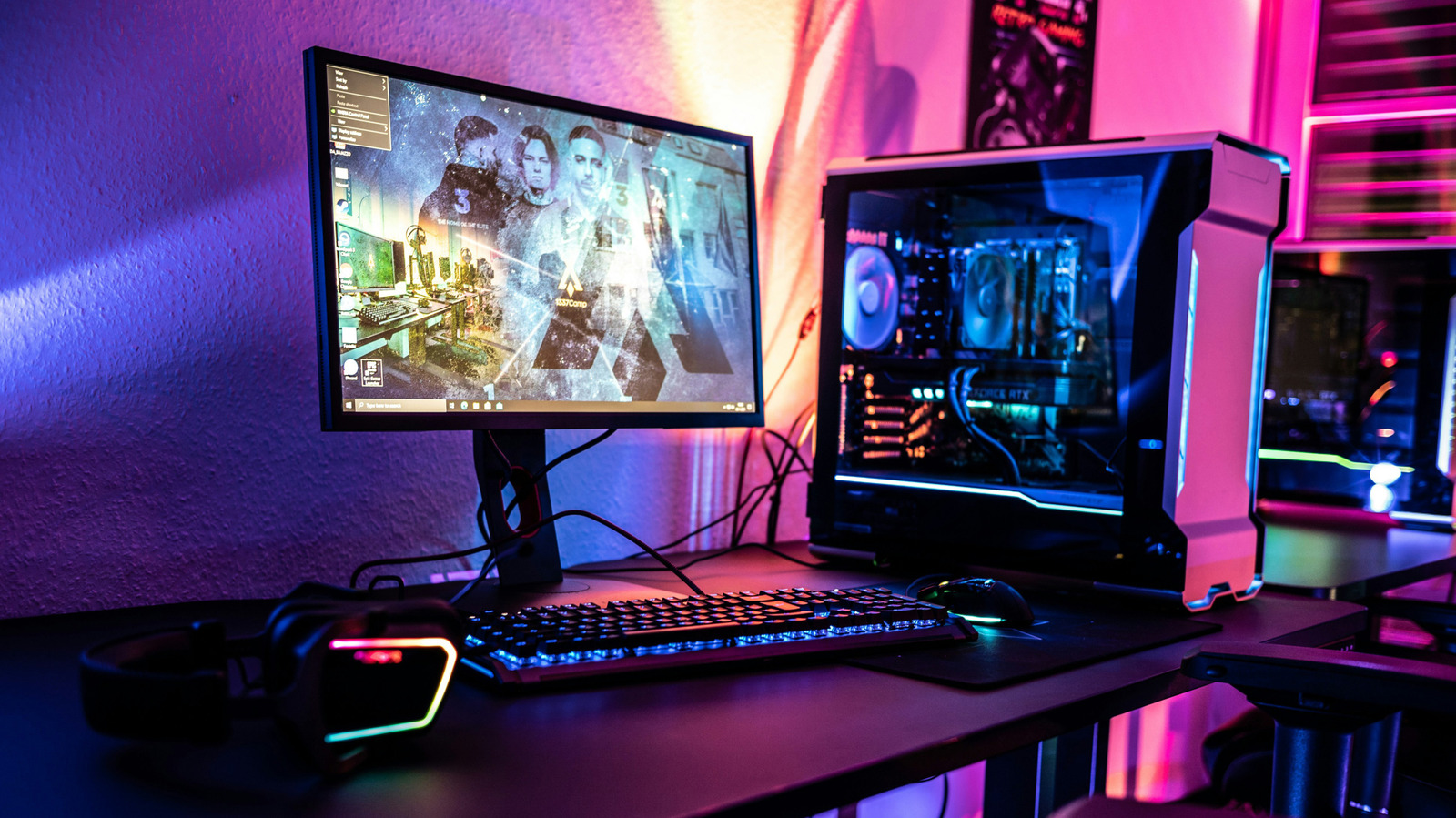
V‑Sync, short for vertical synchronization, directly influences how many frames per second a PC graphics card delivers to a monitor, and its effects have become a staple discussion point among gamers and developers alike.
The feature was originally introduced to eliminate the visual artifact known as screen tearing, which occurs when the GPU’s frame output and the display’s refresh cycle fall out of step, causing mismatched image slices to appear on screen.
When V‑Sync is enabled, the graphics processor is forced to hold each rendered frame until the monitor is ready to draw the next line, effectively capping the output at the display’s refresh rate—typically 60 Hz for most consumer monitors. This cap can reduce the overall frame count, especially on systems capable of exceeding the monitor’s native rate, but it also prevents the rapid, uneven frame delivery that creates tearing.
Beyond eliminating tearing, the synchronization can introduce new drawbacks. Users often notice a slight increase in input latency because the GPU must wait for the next refresh interval before presenting a frame. In scenarios where the hardware struggles to sustain the monitor’s refresh rate, V‑Sync may cause noticeable stutter, as the system repeatedly drops frames to stay in sync.
Because of these trade‑offs, many modern titles now ship with adaptive options such as NVIDIA’s G‑Sync or AMD’s FreeSync, which dynamically adjust the monitor’s refresh rate to match the GPU’s output. These technologies aim to retain the tear‑free experience while preserving low latency and smoother frame delivery, addressing the primary criticisms of traditional V‑Sync.
For now, the choice remains in the hands of the user. Developers continue to provide toggles for V‑Sync and its adaptive counterparts, allowing players to prioritize visual fidelity, responsiveness, or a balance of both. As display hardware evolves and higher refresh‑rate panels become commonplace, the relevance of V‑Sync may shift, but its core purpose—aligning frames with screen refresh—will remain a fundamental consideration in PC graphics performance.

Comments (0)
Be the first to comment.
Join the discussion