Understanding Your Router’s Ethernet Ports: How to Identify the Right One
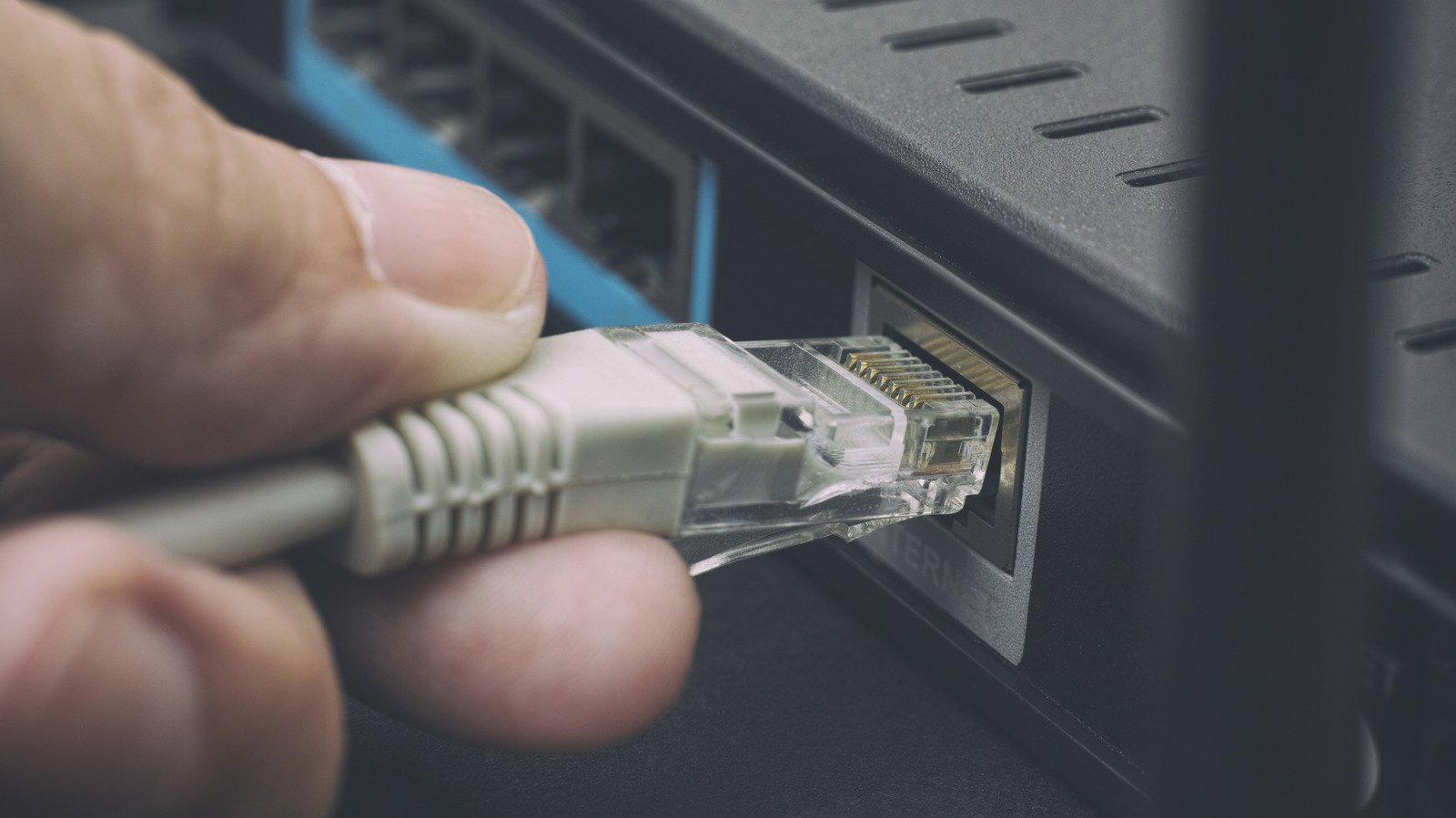
Home networking equipment often includes several Ethernet sockets, but they are not interchangeable. Knowing which port is intended for the internet connection, local devices, or specialized services can prevent bottlenecks and ensure that the network runs as efficiently as possible.
Most consumer routers distinguish the wide‑area network (WAN) input from the local‑area network (LAN) outputs by color, labeling, or an icon. The WAN port—sometimes highlighted in blue or marked “Internet”—receives the signal from the modem, while the remaining ports, often yellow or gray, distribute that signal to computers, game consoles, and other wired devices.
Identifying the purpose of each socket usually starts with the router’s documentation, which lists the function of every Ethernet jack. Physical cues such as a small globe icon for the WAN side or a switch symbol for LAN ports help, as does the router’s web‑based admin panel where port assignments can be confirmed. In the absence of clear markings, a quick speed test after connecting a device can reveal whether a port is limited to 100 Mbps or supports full gigabit throughput.
Using the wrong port can have tangible consequences. Connecting a high‑bandwidth device, like a 4K streaming box, to a port that is actually reserved for a low‑speed service may cause buffering, while plugging a modem into a LAN jack can create a double NAT scenario that interferes with online gaming and remote access tools. Likewise, certain routers allocate a dedicated port for IPTV or Voice over IP, and misusing those can degrade picture quality or call reliability.
Manufacturers often follow consistent conventions. For example, Netgear’s Nighthawk series typically features a blue WAN port and four yellow LAN ports, while Asus routers label the WAN socket explicitly and may include an additional “Link Aggregation” port for combining two connections into a faster link. Some mesh systems provide a single multi‑gigabit port that can serve either WAN or LAN duties, depending on the configuration set in the device’s software.
The relevance of proper port selection is growing as broadband speeds climb beyond the traditional 1 Gbps ceiling. Newer devices incorporate 2.5 Gbps, 5 Gbps, or even 10 Gbps Ethernet ports, and many modern routers now include at least one multi‑gig port to accommodate these faster links. Connecting a gigabit‑capable device to a standard 1 Gbps LAN jack will unnecessarily throttle performance.
Consumers looking to optimize their home networks should verify each Ethernet socket’s capabilities, update router firmware to unlock any hidden features, and consider adding a managed switch if the number of required high‑speed connections exceeds the router’s built‑in ports. By matching devices to the appropriate ports, users can maintain a smoother, more reliable internet experience across all wired endpoints.

Comments (0)
Be the first to comment.
Join the discussion