TVs vs. Computer Monitors: Weighing the Trade‑offs for Home and Office Use
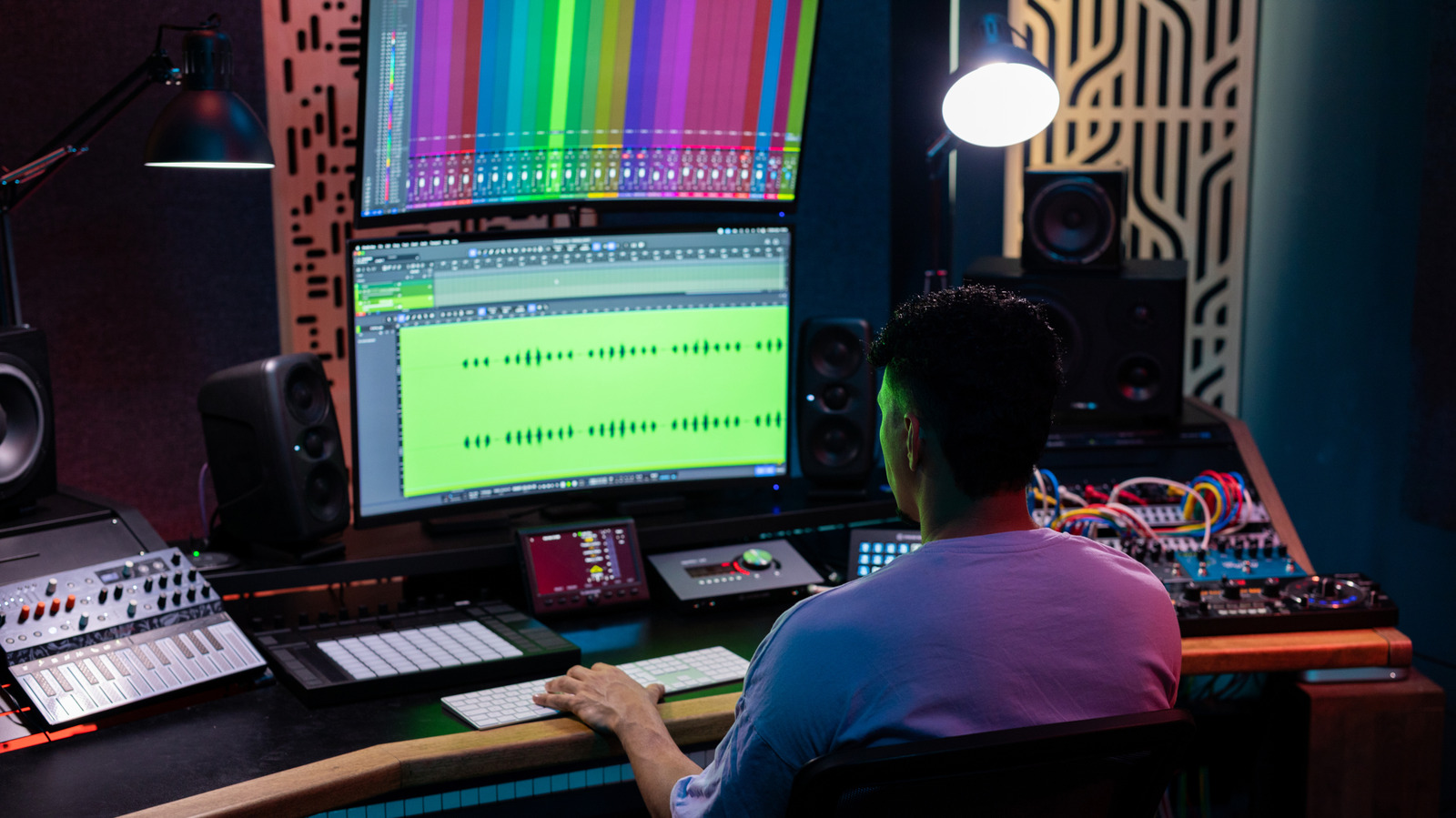
As more households blend work, gaming, and streaming into a single living space, the question of whether a television can double as a computer monitor has moved from niche curiosity to practical consideration. While a large‑screen TV may seem like a convenient way to gain extra real‑estate on a desk, fundamental differences in design, input lag, and pixel density mean the substitution is not always straightforward.
Televisions are engineered primarily for video playback at typical viewing distances of several feet, which drives choices like lower pixel‑per‑inch (PPI) counts and panel technologies optimized for brightness and color accuracy from a distance. In contrast, computer monitors target close‑up use, often boasting higher PPI, sharper text rendering, and faster refresh rates to accommodate rapid cursor movements and high‑frame‑rate gaming. This divergence can make text appear less crisp on a TV, especially when the screen is positioned near a keyboard.
Input latency is another critical factor. Most modern TVs include a “game mode” that bypasses certain image‑processing steps, reducing lag to levels comparable with entry‑level monitors. However, even with these settings, many TVs still introduce a few extra milliseconds of delay, which can be noticeable to competitive gamers or professionals who rely on precise timing. Monitors designed for gaming often feature sub‑1 ms response times and adaptive‑sync technologies that synchronize the display’s refresh rate with the graphics card, delivering smoother motion without tearing.
Connectivity and ergonomics also shape the decision. TVs typically rely on HDMI ports, which support high resolutions but may lack the variable‑refresh‑rate (VRR) support found on DisplayPort connections common to monitors. Additionally, TV stands are not built for desk mounting, and the default height and tilt may cause neck strain during prolonged use. Users can mitigate these issues with VESA‑compatible brackets and external speakers, but the extra equipment adds cost and complexity.
Ultimately, the suitability of a TV as a monitor hinges on the user’s primary tasks. For casual browsing, video conferencing, or media consumption, a modern 4K TV can provide an immersive experience with ample screen space. Professionals handling detailed spreadsheets, designers needing color‑critical work, and esports enthusiasts, however, will likely benefit from a purpose‑built monitor that offers higher pixel density, lower input lag, and ergonomically adjustable stands. As display technology continues to converge, future models may blur these lines further, but for now, weighing the trade‑offs remains essential before repurposing a television for daily computing work.

Comments (0)
Be the first to comment.
Join the discussion