Transitioning from Windows to macOS: Challenges Users May Face
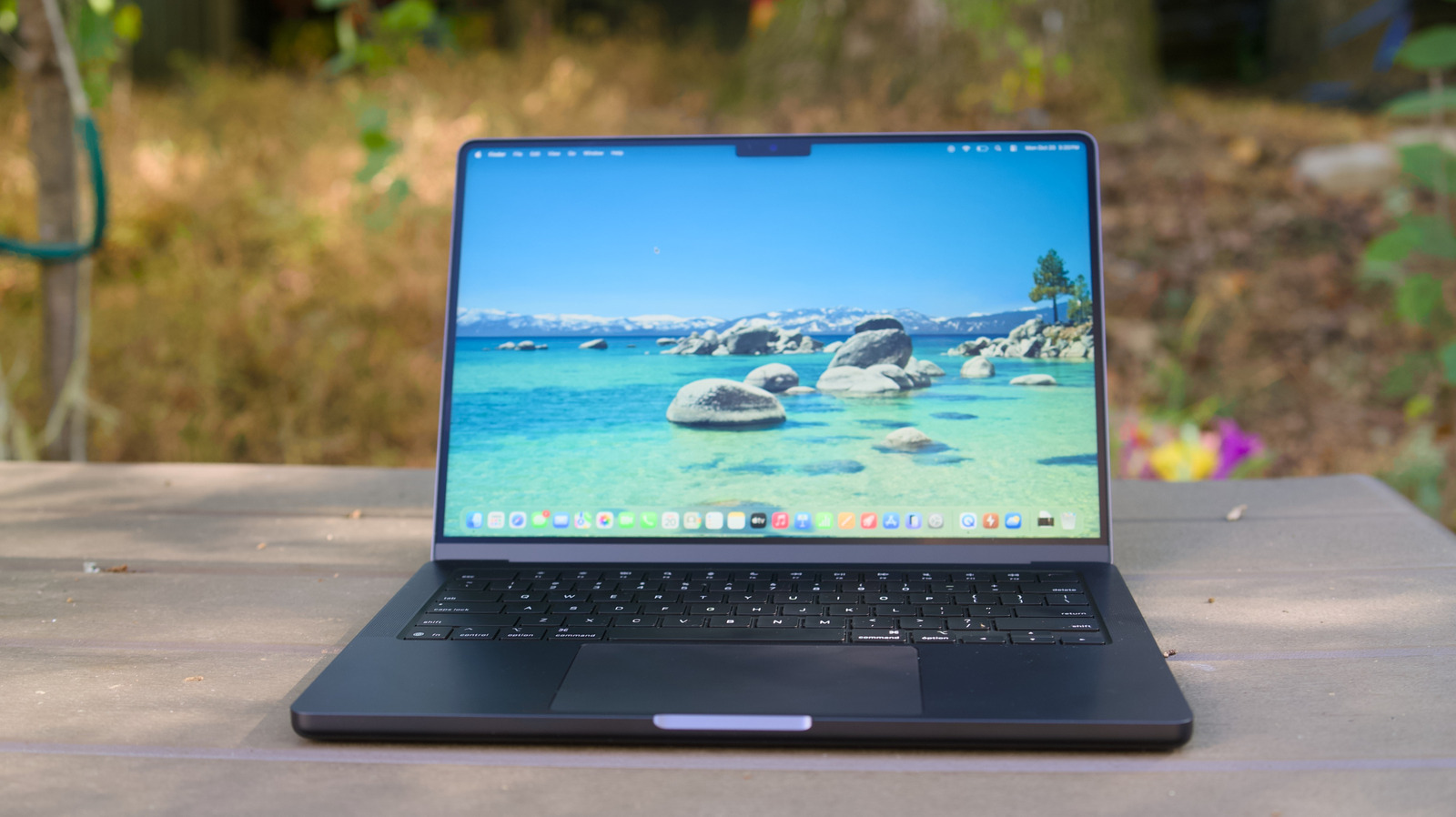
When longtime Windows users decide to move to Apple’s macOS platform, the shift often comes with a noticeable learning curve that can affect daily productivity and comfort levels.
One of the most immediate differences is the graphical interface and the way common tasks are performed. Windows users are accustomed to a right‑click menu, the Start button, and a file‑explorer layout that differs markedly from macOS’s Finder, Dock, and menu‑bar conventions. Keyboard shortcuts such as Ctrl + C and Ctrl + V are replaced by Command‑based equivalents, and muscle memory built over years can lead to momentary confusion.
Hardware compatibility is another area where the transition can be rocky. Many peripherals—especially specialized keyboards, mice, or legacy printers—rely on drivers that are either unavailable or less mature for macOS. Users may need to purchase new accessories or spend time hunting for third‑party drivers, which can be a deterrent for those with extensive workstation setups.
The software ecosystem presents its own set of hurdles. Certain professional or niche applications are released solely for Windows, and while some have macOS counterparts, others do not. Users who depend on these tools must explore alternatives, use compatibility layers such as Wine, or run Windows in a virtual machine, each of which adds complexity and can strain system resources.
Cost considerations also factor into the decision. Apple hardware typically carries a premium price tag compared to comparable Windows‑based PCs. For individuals or organizations on tight budgets, the upfront expense of a Mac can feel steep, especially when factoring in the need to replace incompatible accessories.
Support structures differ as well. Windows users often rely on a broad network of third‑party technicians, community forums, and a wide range of troubleshooting guides. Apple’s support model is more centralized, with official channels and a curated set of resources, which can feel limiting to users accustomed to a more fragmented but abundant support landscape.
These challenges matter because they can temporarily reduce efficiency as users adapt to new workflows. In a business context, the learning period may translate into slower task completion and a need for additional training resources, influencing decisions about platform migration.
Despite the obstacles, several pathways can ease the transition. Apple offers built‑in tutorials, and many third‑party sites provide step‑by‑step guides for common Windows‑to‑Mac tasks. Setting up a dual‑boot environment with Boot Camp or using virtualization software can allow users to retain access to essential Windows applications while they acclimate to macOS. Over time, many adopters find the integrated hardware‑software experience of a Mac to be a worthwhile trade‑off, but the initial adjustment phase remains a significant consideration.

Comments (0)
Be the first to comment.
Join the discussion