Switching Google Authenticator to a New Phone Made Simple
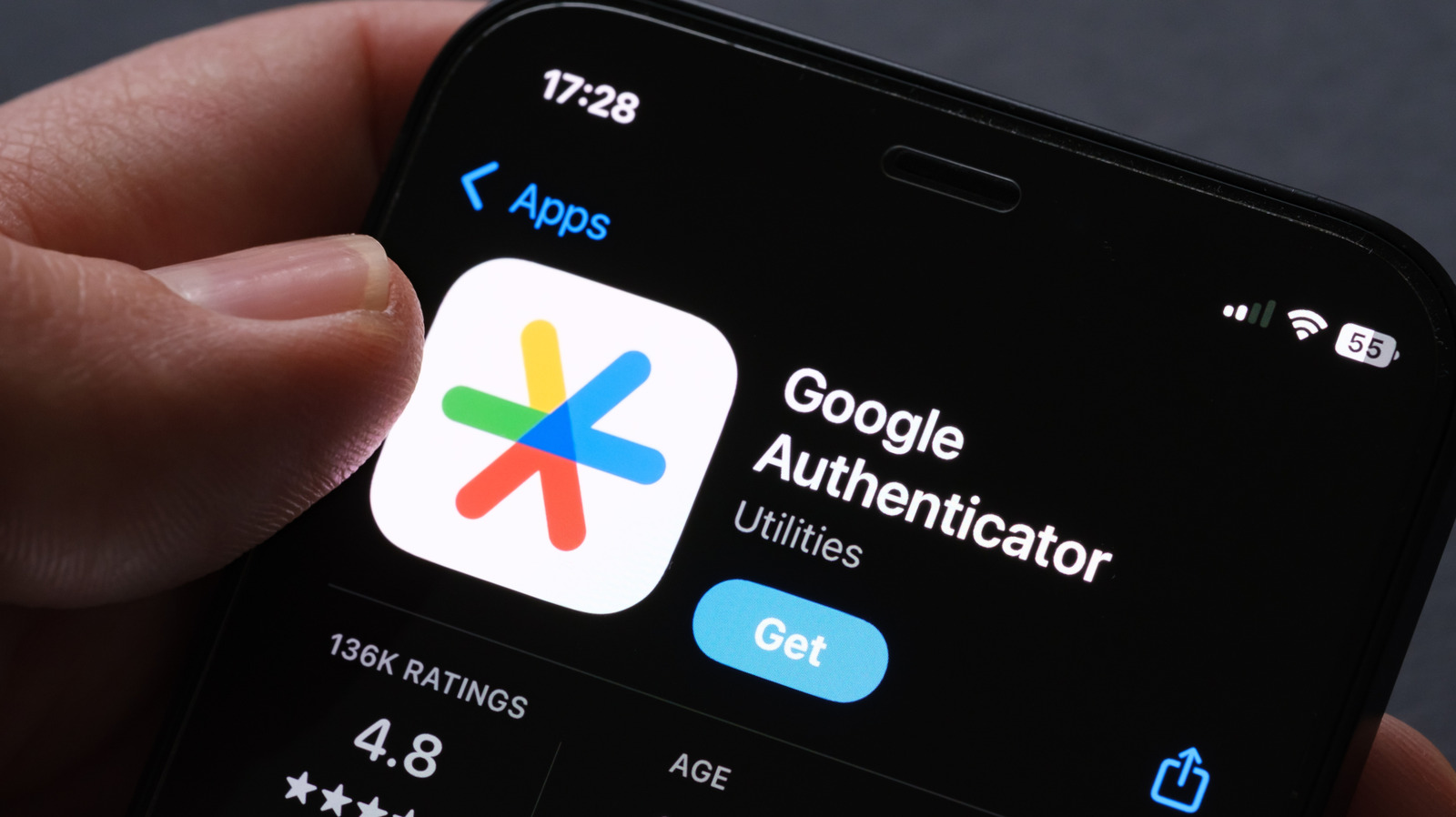
Smartphone upgrades often trigger a scramble among users who rely on Google Authenticator for two‑factor security, as the time‑based codes do not automatically follow a device change. Recent guidance from technology outlets highlights a straightforward path that lets users migrate their authentication tokens without losing access to critical online accounts.
Google Authenticator generates six‑digit one‑time passwords that supplement passwords with a second verification layer, a practice that has become a baseline defense against credential theft. Because the codes are tied to the device on which the app is installed, moving to a new phone can temporarily lock users out of services ranging from email to banking.
The first recommendation is to keep the original phone operational long enough to export the existing tokens. Within the app’s settings, users can select the “Transfer accounts” option, which displays a QR code that encodes all stored keys. Scanning that code with the newly installed Authenticator app on the replacement device copies the entire set of accounts in a single step.
If the older handset is still accessible but the built‑in transfer feature is unavailable, the alternative is to manually record the secret keys or backup codes provided by each online service before disabling the old token. Most platforms supply a set of printable recovery codes that can be used to reset two‑factor authentication, allowing the user to re‑register the new phone as the primary authenticator.
When the original device cannot be retrieved—for example, after loss or damage—relying on those recovery codes becomes essential. Users must log into each affected account, navigate to the security settings, and follow the provider’s process for revoking the old authenticator and enrolling a new one. Though more time‑consuming, this method ensures that access is restored without compromising security.
Experts advise keeping a secure, offline copy of recovery codes and periodically updating the Authenticator app to benefit from newer transfer tools. As two‑factor authentication continues to expand across services, mastering the migration process helps prevent the inconvenience of locked accounts and reinforces the overall resilience of personal digital security.



Comments (0)
Be the first to comment.
Join the discussion