Simple Tweaks Reveal Hidden Power of Android Auto
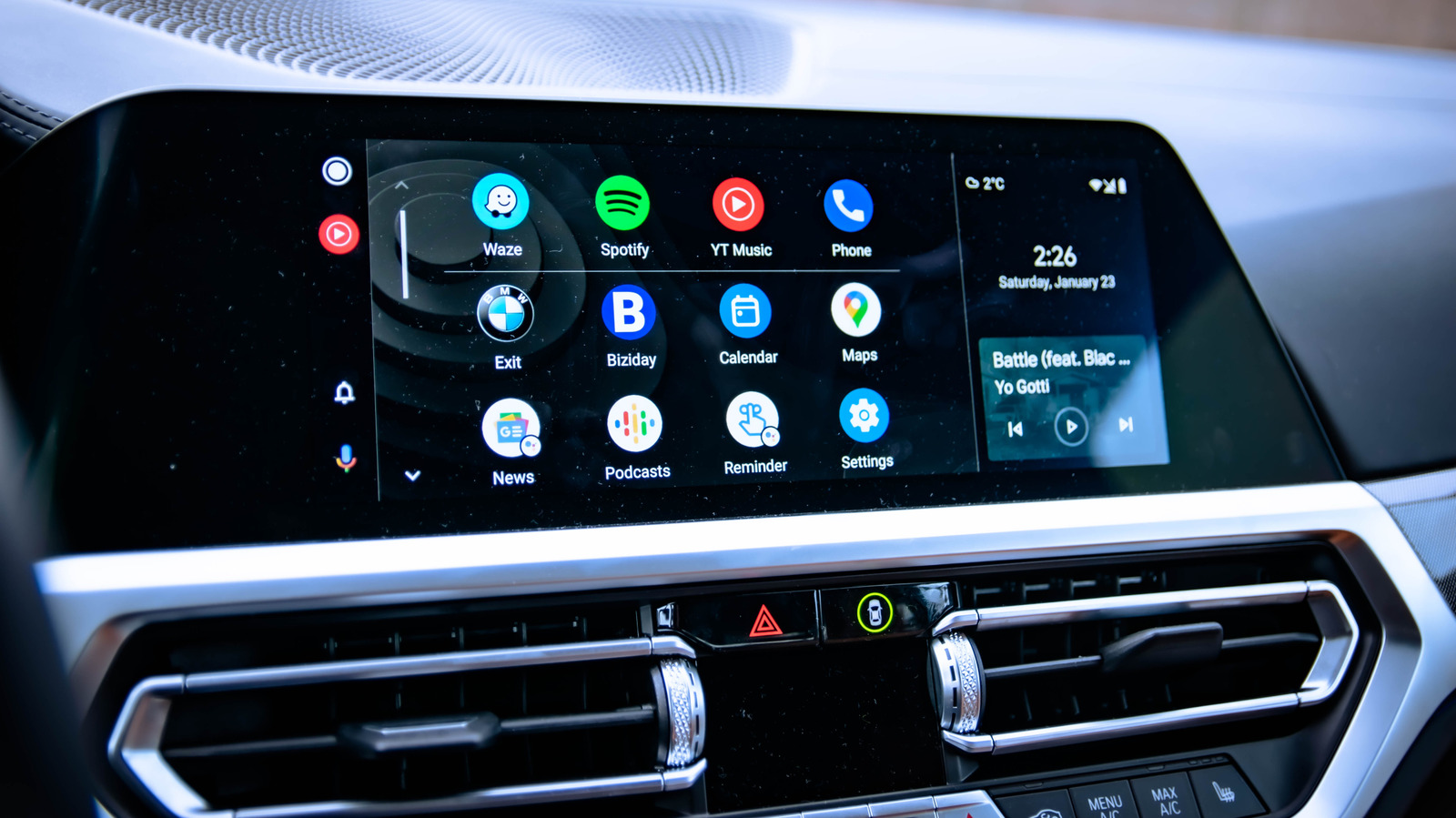
Android Auto users looking for a smoother, more capable in‑car experience can achieve noticeable gains by adjusting a handful of settings that are often overlooked. While the platform already activates core functions such as navigation, music playback, and messaging out of the box, a short checklist of tweaks can expand its usefulness and reduce driver distraction.
The default configuration of Android Auto includes essential tools like Google Maps, Spotify, and the ability to send quick replies to texts. However, many drivers are unaware that the system also supports customizable voice commands, third‑party app shortcuts, and a “Do Not Disturb While Driving” mode that silences notifications without requiring manual intervention.
Experts recommend a few straightforward steps: first, enable the built‑in “Do Not Disturb While Driving” toggle in the Android settings so the phone automatically mutes alerts once the car is detected. Next, review the quick‑reply list to add personalized messages that suit everyday situations. Adjusting screen brightness and choosing a dark theme can improve visibility at night while conserving battery life, especially for wireless connections. Finally, ensure the Android Auto app and the vehicle’s firmware are up to date, as recent patches often introduce performance enhancements and new integrations.
These adjustments matter because they streamline the interaction between driver and device, allowing more focus on the road. Reduced notification noise lowers the risk of accidental glances at the phone, while custom shortcuts cut the number of taps needed to launch favorite apps. For commuters who spend hours behind the wheel, the cumulative time saved and the boost in safety can be significant.
Android Auto’s market share continues to grow, positioning it as a direct competitor to Apple CarPlay in the connected‑car arena. As manufacturers embed the platform deeper into vehicle infotainment systems, the ability to fine‑tune its behavior becomes increasingly relevant for a broad audience of drivers. Industry analysts note that user‑friendly customization options are a key factor in consumer adoption.
Looking ahead, the Android Auto team has hinted at forthcoming updates that may introduce richer widget support and expanded voice‑assistant capabilities. Until those features roll out, drivers can maximize their current setup by following the simple checklist outlined above. Engadget’s coverage of these tips underscores the practical value of taking a few minutes to explore the platform’s hidden settings, turning a competent system into a truly personalized driving companion.


Comments (0)
Be the first to comment.
Join the discussion