Practical Steps to Extend Android Battery Life
Android users who find their phones running out of juice before the day ends can take a series of straightforward actions to stretch battery performance without replacing the device. Recent guidance from technology outlets emphasizes that most battery drain stems from default settings and everyday usage patterns, not from hardware failure.
One of the most effective adjustments is to lower the screen brightness or enable adaptive brightness, which automatically dims the display based on ambient light. The screen is the single largest power consumer on a smartphone, and even modest reductions can add several hours of runtime. Coupled with a shorter screen timeout, these changes curb the amount of time the display stays active when the phone is idle.
Another key area is background activity. Many apps continue to refresh data, sync notifications, or access location services even when they are not in use. Users can review the battery usage menu in Settings to identify the most demanding applications and either restrict their background activity, disable unnecessary permissions, or uninstall rarely used programs. Turning off “always-on” location services and limiting GPS use to when it is explicitly needed also prevents the radio hardware from drawing power continuously.
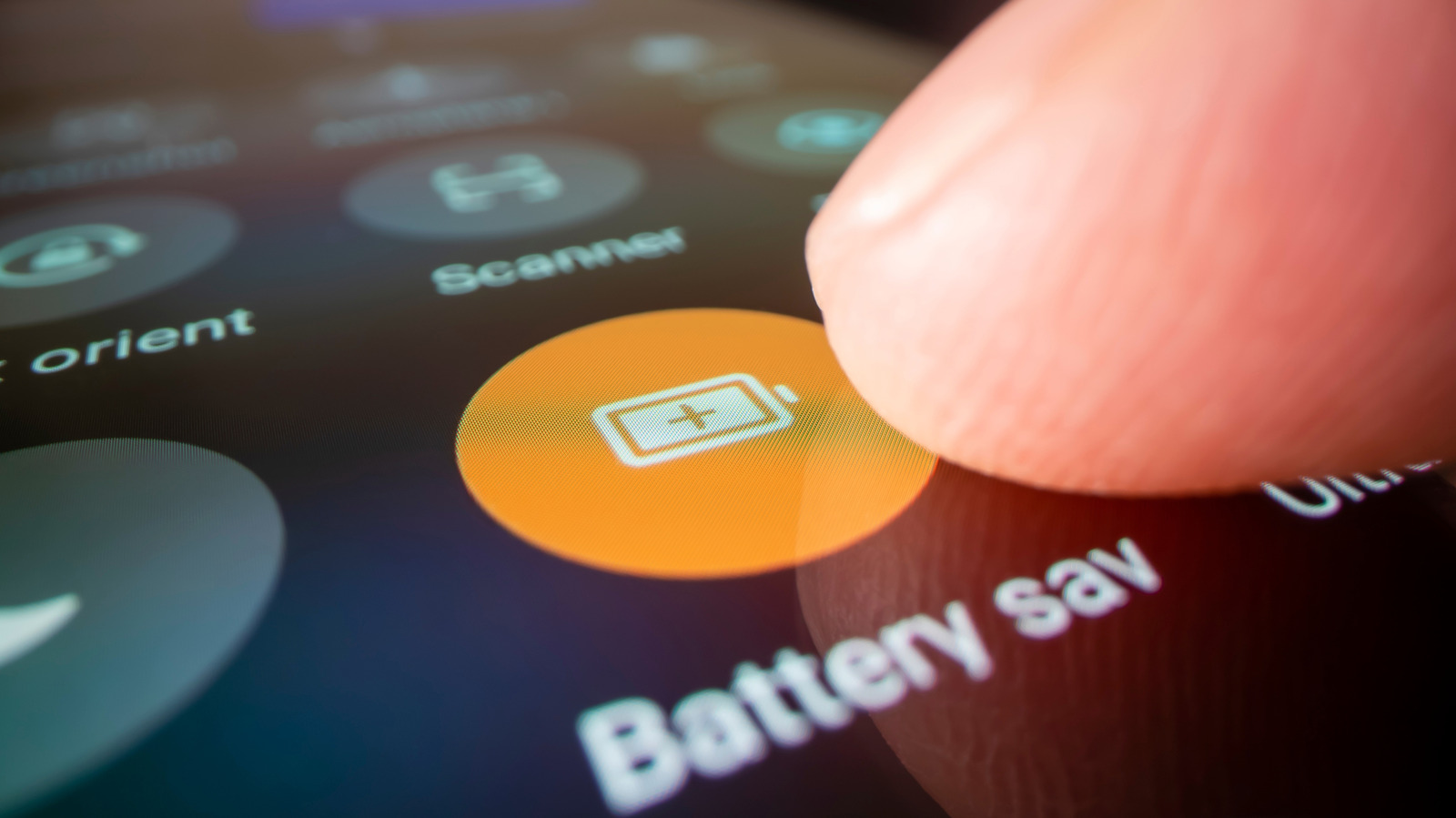
System-level features such as Battery Saver mode, dark mode, and adaptive battery can be toggled to conserve energy. Battery Saver reduces CPU performance and limits background processes once the charge falls below a set threshold, while dark mode reduces power draw on OLED screens by displaying darker pixels. Adaptive battery, introduced in newer Android releases, learns usage patterns and prioritizes power for frequently used apps, automatically throttling less important ones.
Keeping the operating system and apps up to date is another practical tip. Software updates often include optimizations that improve power management, fix bugs that cause excessive wake‑locks, and refine background sync schedules. Likewise, using the charger supplied by the device manufacturer or a reputable, high‑quality third‑party charger ensures that the battery charges efficiently and avoids the stress of over‑voltage or under‑voltage conditions that can degrade capacity over time.
Finally, users should be mindful of environmental factors. Extreme temperatures—both hot and cold—can temporarily reduce battery capacity and accelerate long‑term wear. Storing the phone in a temperate environment, avoiding prolonged exposure to direct sunlight, and not leaving it plugged in for days on end are simple habits that help preserve battery health. By combining these adjustments, most Android owners can expect a noticeable improvement in daily endurance without the need for costly replacements or professional service.



Comments (0)
Be the first to comment.
Join the discussion