iPhone’s Live Text Lets Users Capture and Act on Real‑World Text Instantly
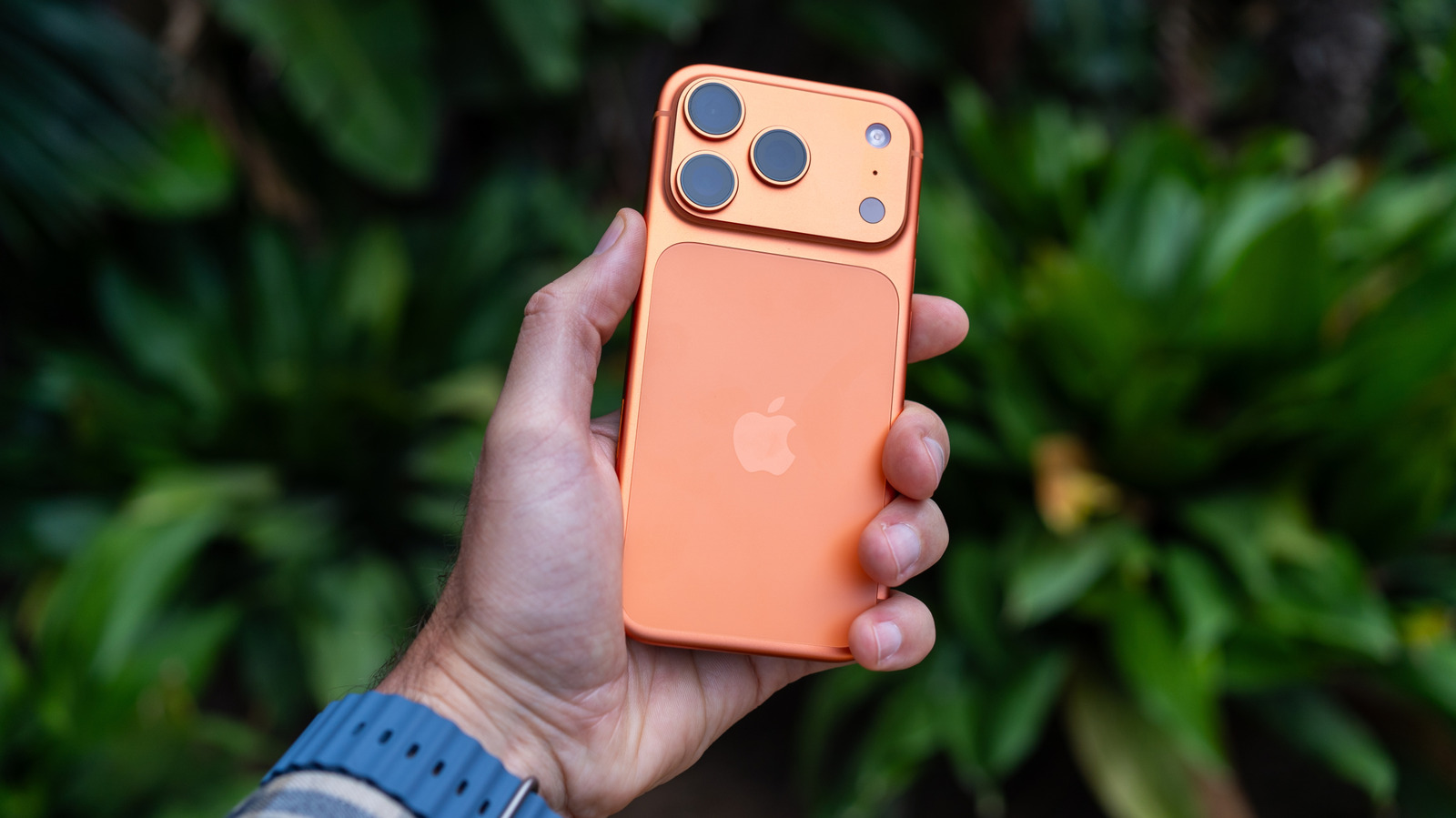
Apple’s Live Text feature, built into recent versions of iOS, allows iPhone owners to interact with printed or handwritten words simply by pointing the camera at them, eliminating the need to type out information seen in the physical world.
To use the tool, users open the Camera app or view a photo in the Photos library, then tap the Live Text icon that appears over recognized text. The same functionality is embedded in Safari, Notes and other native apps, and it works on iPhone models that support iOS 15 or later, including the iPhone 12 series and newer.
Once the text is highlighted, a contextual menu offers actions such as copying the content to the clipboard, pasting it into a message, looking up a definition, translating the passage, or, for phone numbers and addresses, initiating a call or opening a map location. Users can also select multiple blocks of text to extract larger excerpts without manual transcription.
Behind the scenes, Live Text runs an on‑device optical character recognition (OCR) engine that processes images in real time. Because the analysis happens locally, Apple emphasizes that no image data is sent to external servers, preserving user privacy while delivering fast results.
The feature has been praised for its convenience, especially in professional and educational settings where quickly capturing serial numbers, receipts or lecture notes can save time. It also narrows the gap with Android’s similar capabilities, which have been available on many devices for several years.
Looking ahead, analysts expect Apple to expand Live Text to support more languages and to integrate it more deeply with third‑party apps via the upcoming Vision framework. As the technology matures, the line between the digital and physical worlds continues to blur, giving iPhone users a seamless way to bring real‑world information into their workflows.


Comments (0)
Be the first to comment.
Join the discussion