Pixel Phones Gain Desktop Experience When Hooked Up to a Monitor
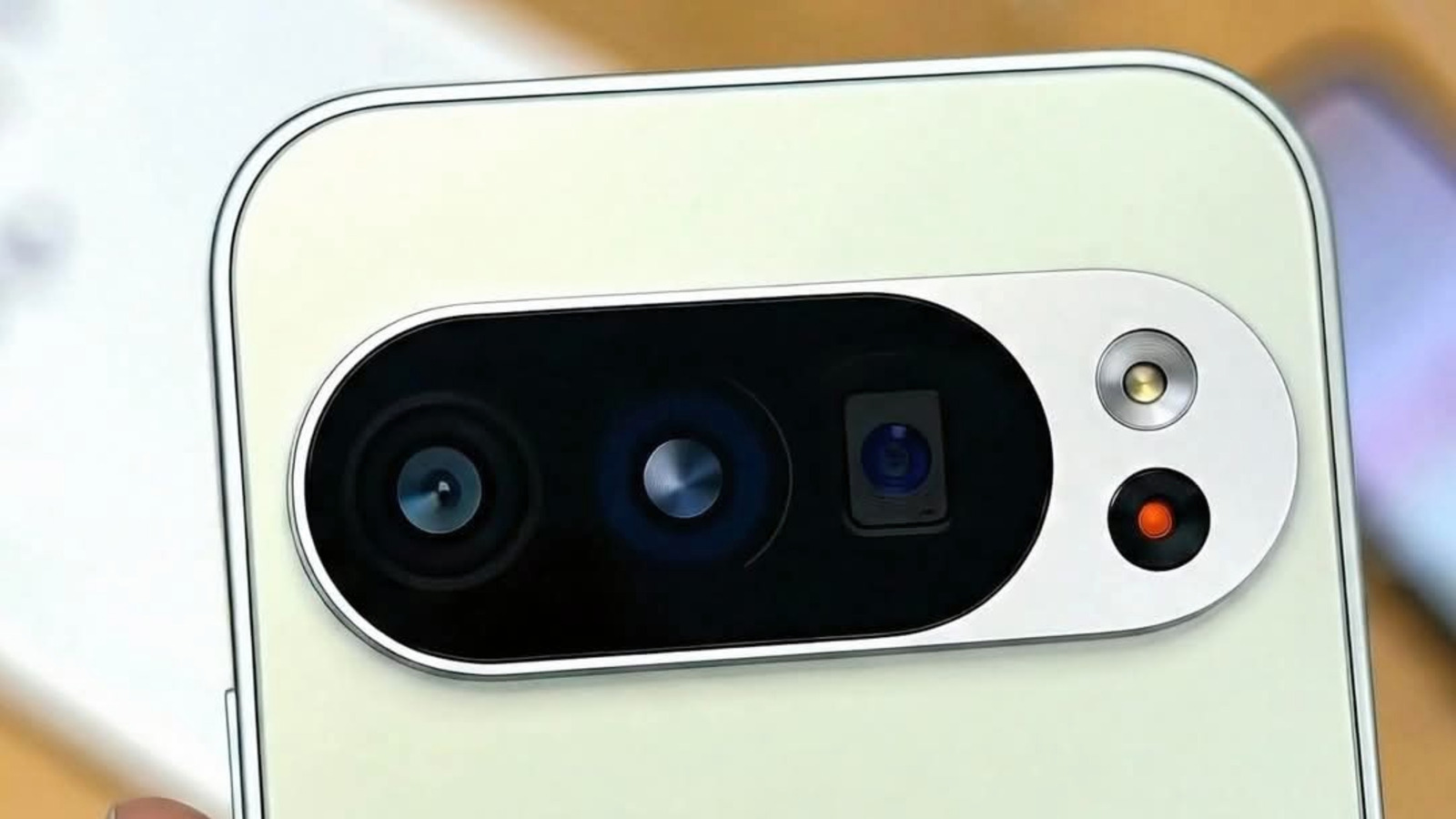
Google’s recent Pixel lineup can now double as a compact desktop computer, thanks to Android’s Desktop mode that activates when the device is connected to an external display. By plugging a Pixel phone into a monitor via USB‑C, users are presented with a windowed, PC‑like interface that supports multitasking, resizable apps, and a taskbar, effectively turning the handset into a tiny workstation.
The feature, which arrived with Android 12L and was refined in subsequent updates, is designed for larger screens such as televisions, monitors, and even some car infotainment systems. When a compatible Pixel model—such as the Pixel 7, Pixel 7 Pro, or the newer Pixel 8 series—is linked to a display, the operating system automatically switches to a landscape layout optimized for mouse and keyboard input. Users can pair Bluetooth peripherals or use a USB hub to attach a keyboard and trackpad, creating a setup that mirrors a traditional desktop environment.
While the experience resembles that of Samsung’s DeX, Android’s Desktop mode remains distinct in that it runs the same Android apps without a separate operating system layer. Applications that support resizable windows will expand to fill the screen, while others will continue to run in a scaled phone‑sized window. This hybrid approach means that many Android apps work out of the box, but productivity‑focused tools like Google Docs, Chrome, and Gmail benefit most from the larger display.
Industry analysts note that the capability could appeal to users who need occasional computing power without carrying a laptop. Students, remote workers, and travelers can set up a lightweight station at a coffee shop or hotel room by connecting a Pixel to a monitor and adding a keyboard. The low cost of entry—often just a USB‑C cable and a spare monitor—makes it an attractive alternative to more expensive thin‑client solutions.
However, the desktop mode is not a full replacement for a PC. Performance is bounded by the phone’s processor and RAM, and certain desktop‑grade applications remain unavailable on Android. Additionally, the feature relies on the phone’s battery unless a powered dock is used, and not all apps have been optimized for the larger UI, which can lead to occasional scaling issues.
Google has hinted that future updates will broaden app compatibility and introduce richer multitasking gestures, suggesting that the desktop experience could become a more integral part of the Android ecosystem. As the line between mobile and desktop continues to blur, the ability to transform a smartphone into a functional workstation may become a standard expectation for high‑end Android devices.

Comments (0)
Be the first to comment.
Join the discussion