How to Tailor Apple CarPlay Settings to Fit Your Driving Style
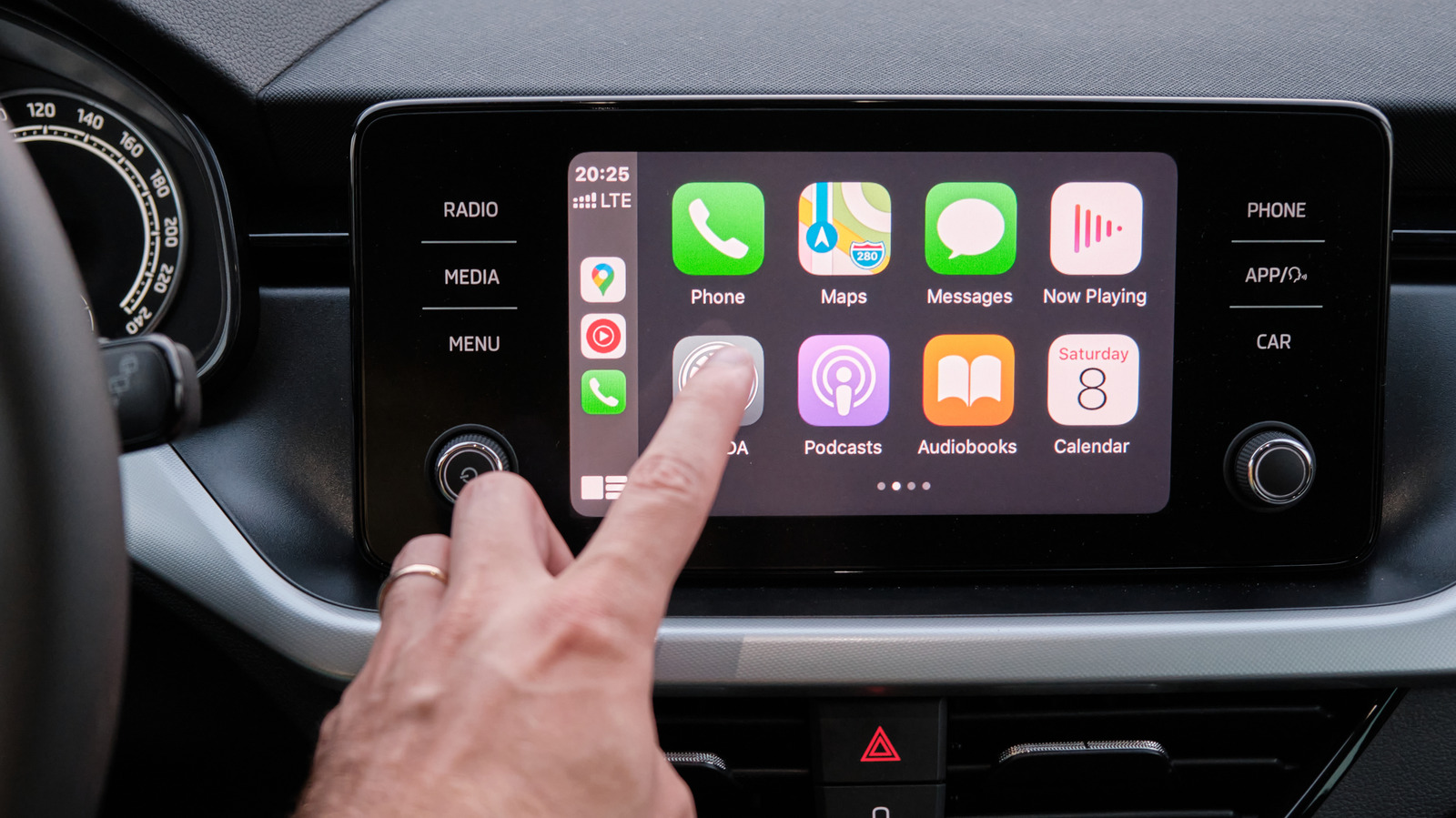
Apple's CarPlay platform delivers a seamless interface for iPhone users behind the wheel, but the out‑of‑the‑box configuration is only a starting point. After the initial setup, drivers can adjust a handful of options to better align the system with their daily routines, making the experience feel less generic and more responsive to personal habits.
One of the most noticeable tweaks involves the arrangement of app icons on the CarPlay home screen. Users can drag and drop frequently used applications—such as navigation, messaging, or music—into positions that are most convenient for quick access. This simple reordering can reduce glance time and keep attention focused on the road.
Beyond visual layout, CarPlay offers control over notification behavior. By toggling the "Do Not Disturb While Driving" feature, drivers can decide whether alerts from messages, calls, or third‑party apps appear on the display or remain silent. Adjusting this setting helps balance safety with the need to stay informed, especially for commuters who rely on timely updates.
Another area ripe for personalization is Siri integration. Users may enable or disable voice‑activated suggestions, choose whether Siri reads incoming texts aloud, or set the preferred language for voice commands. These choices shape how much the digital assistant intervenes during a trip, catering to those who prefer a hands‑free experience versus those who favor a quieter cabin.
Finally, audio preferences—including equalizer presets, volume limits for navigation prompts, and the choice between Bluetooth or wired connections—can be fine‑tuned within CarPlay's settings menu. As Apple continues to expand the platform, additional customization options are expected, giving drivers even more control over how their vehicle's infotainment system behaves. By taking a few minutes to explore these adjustments, CarPlay users can transform a solid default into a truly personalized driving companion.

Comments (0)
Be the first to comment.
Join the discussion