Understanding iPhone Soft and Hard Resets: When and How to Use Them
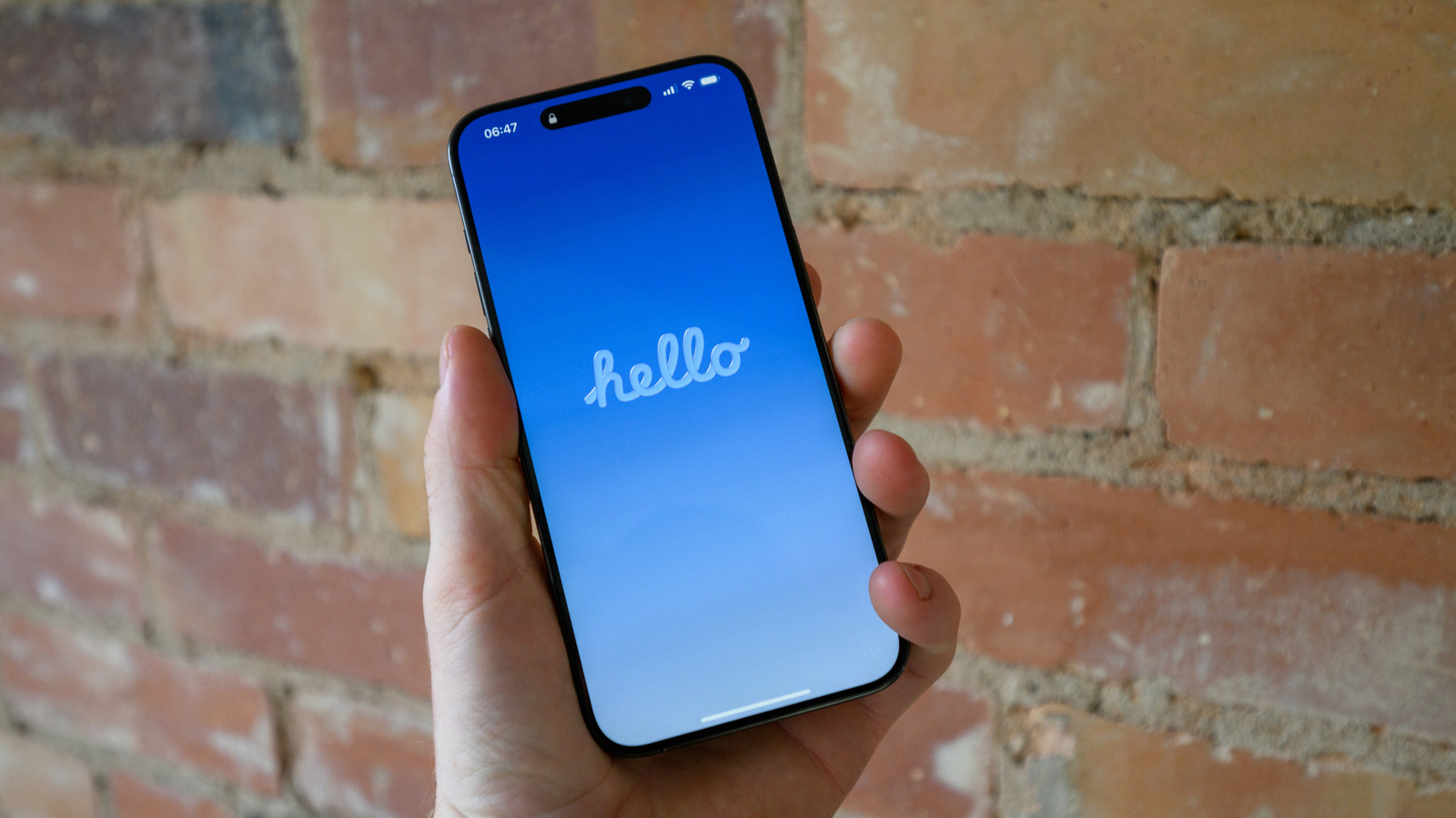
Apple iPhone users experiencing freezes, unresponsive apps or connectivity glitches are often advised to perform a reset, but the distinction between a soft and a hard reset is frequently misunderstood. A soft reset, essentially a simple restart, clears temporary memory without affecting personal data, while a hard reset forces the device to reboot from a powered‑off state, useful when the screen is unresponsive.
Tech support guides and forums consistently recommend the soft reset as the first troubleshooting step. To initiate it, users press and hold the side (or top) button together with either volume button until the power‑off slider appears, then slide to turn off the phone and press the side button again to power it back on. This process shuts down active processes, refreshes the operating system, and often resolves minor software hiccups.
If the device does not respond to the soft reset—such as when the display is frozen or the power button itself is unresponsive—a hard reset is required. For iPhone models with Face ID, the sequence involves quickly pressing and releasing the volume‑up button, then the volume‑down button, followed by holding the side button until the Apple logo emerges. Earlier models with a Home button use a combination of the Home and Power buttons held together for several seconds. Importantly, this method does not erase user data; it merely forces the hardware to restart.
The rationale behind these resets lies in how iOS manages memory and processes. Over time, apps can accumulate background tasks that strain RAM, leading to lag. A restart clears these tasks, allowing the system to allocate resources more efficiently. For more persistent issues—like recurring crashes or failed updates—users may need to explore deeper solutions such as reinstalling iOS or contacting Apple support.
Industry analysts note that the prevalence of reset instructions reflects broader consumer expectations for device reliability. As iPhones continue to integrate more complex features, occasional software glitches are inevitable, making knowledge of reset procedures a basic skill for owners. Apple itself includes reset guidance in its support articles, underscoring its importance in routine device maintenance.
Looking ahead, Apple may introduce more granular troubleshooting options within iOS, potentially reducing the need for manual resets. Until such features arrive, the soft and hard reset remain the quickest ways for users to revive a sluggish or frozen iPhone, preserving data while restoring functionality.


Comments (0)
Be the first to comment.
Join the discussion