How to Safeguard Your iPhone Before Installing an iOS Public Beta
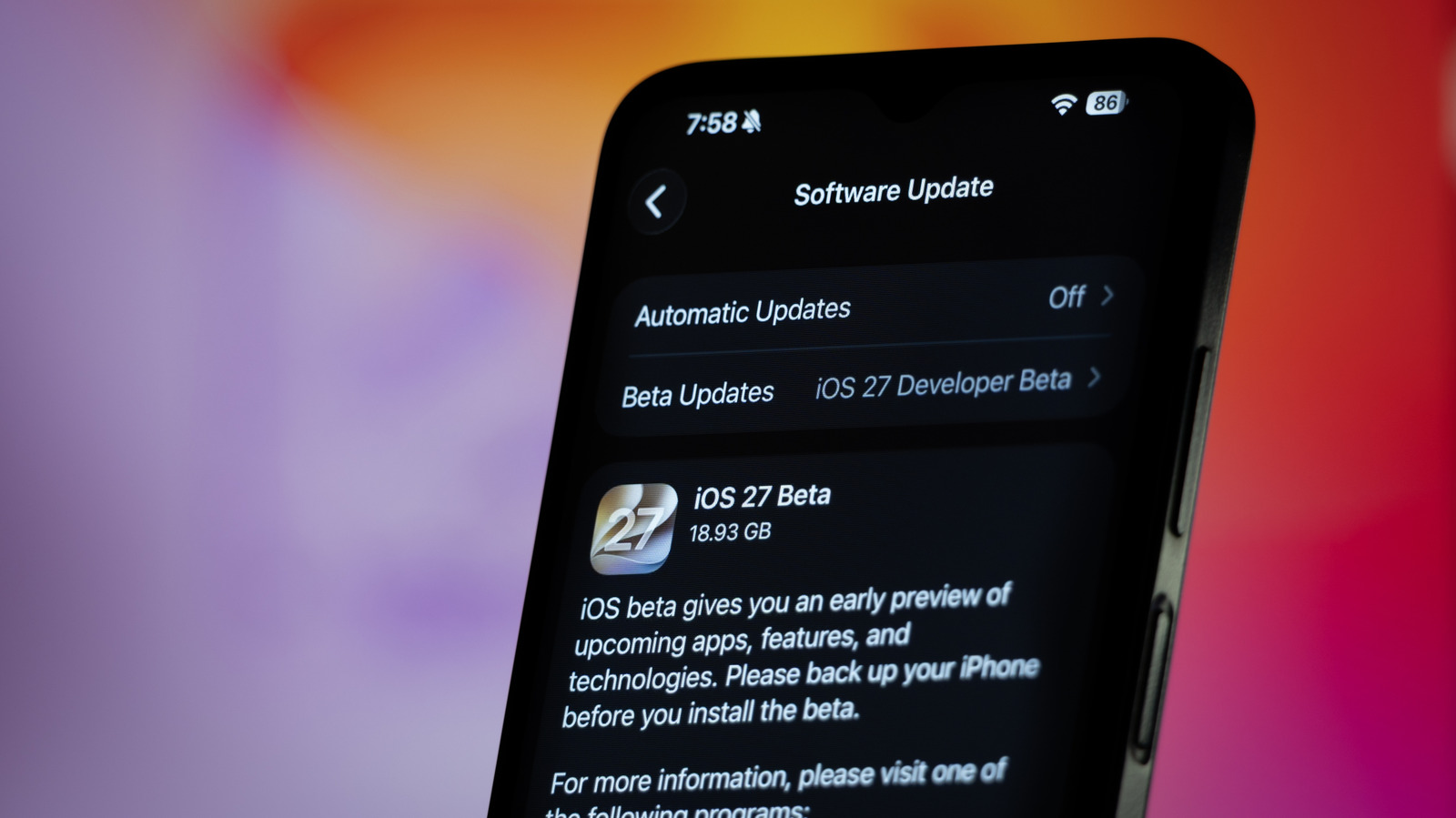
Apple’s public iOS beta program invites enthusiasts to test upcoming features before they reach the mainstream, but the excitement can come with a hidden risk: data loss. Tech experts stress that the most reliable way to avoid losing personal information is to create a complete backup of the device before the beta installer is applied.
Apple provides two primary backup methods: iCloud and a local computer using Finder or iTunes. An iCloud backup stores a snapshot of apps, settings, photos, and messages in the cloud, while a local backup captures the same data on a Mac or PC. Both approaches ensure that, should the beta encounter instability or fail to install correctly, users can restore their iPhone to its pre‑beta state with minimal disruption.
Beyond the backup itself, users should verify that sufficient storage space is available for the backup file and that the iPhone is connected to a stable Wi‑Fi network during the process. A full backup can consume several gigabytes, especially for devices with extensive photo libraries or large app collections. Skipping this check can lead to incomplete backups, which defeats the purpose of the precaution.
The timing of the backup matters as well. Installing a beta shortly after a fresh iCloud sync or a recent computer backup reduces the chance that recent changes—such as new contacts or recent photos—are omitted. Many seasoned beta testers schedule the backup at the end of the day, ensuring that the most up‑to‑date data is captured before they begin the installation steps outlined by Apple.
Once the backup is confirmed, the beta installer can be downloaded from Apple’s developer or public beta portal, and the profile can be installed via Settings. After the installation, the device will prompt a restart and begin the beta update process. Should any issues arise, the same backup can be used to revert to the latest stable iOS release, preserving both functionality and personal data. By treating the backup as a non‑negotiable first step, users can explore new iOS features with confidence and avoid the frustration of irreversible data loss.


Comments (0)
Be the first to comment.
Join the discussion