When Your Home Router Needs an Upgrade, Look for These Warning Signs
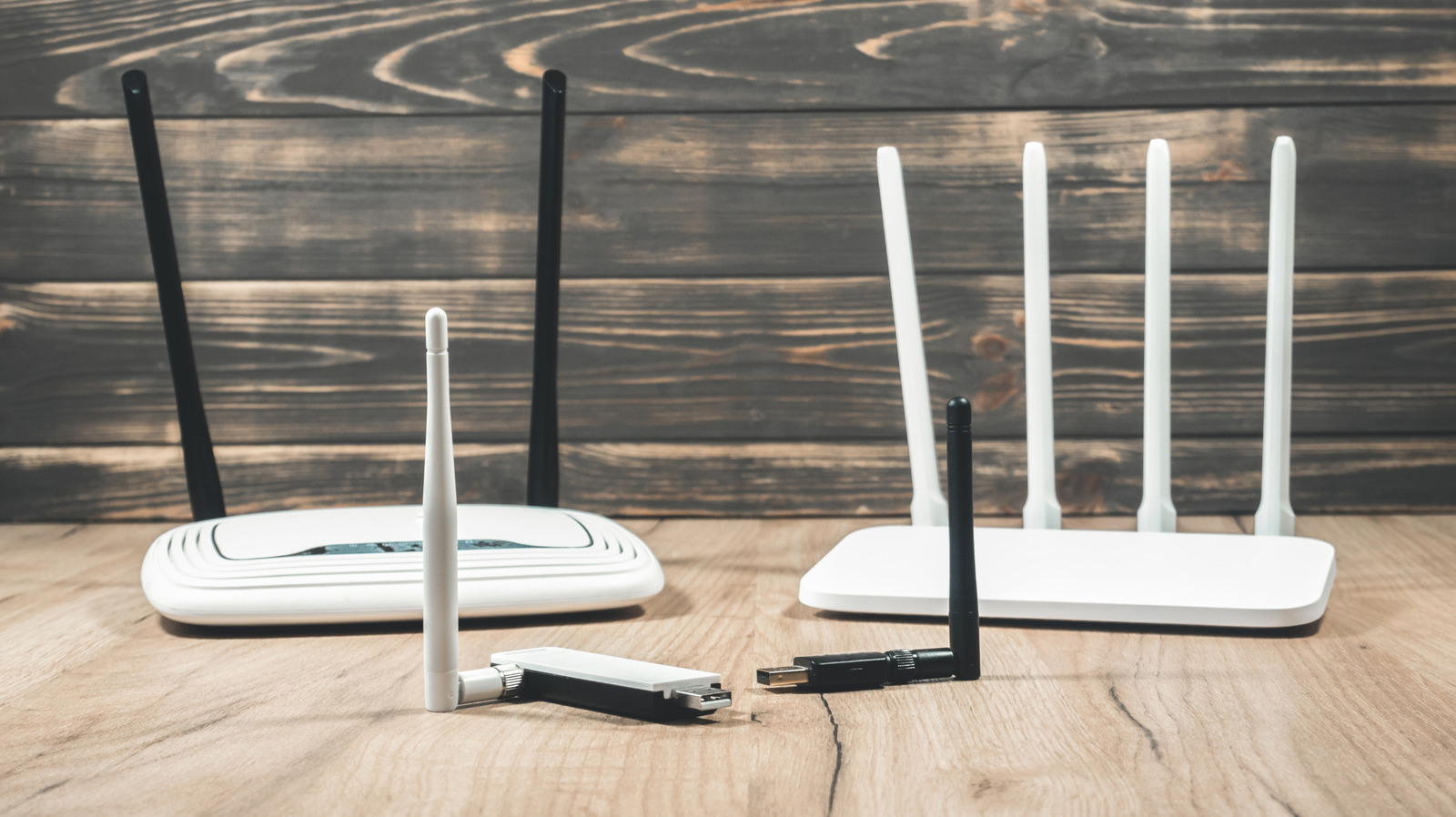
Homeowners often assume their wireless router will function indefinitely, but performance can decline subtly over time, leaving users frustrated with sluggish connections or intermittent drop‑outs. As more devices rely on stable Wi‑Fi for work, entertainment, and smart‑home functions, recognizing the point at which a router has outlived its usefulness has become increasingly important.
Typical symptoms of a failing router include frequent disconnects, noticeably slower download and upload speeds, and difficulty adding new gadgets to the network. Users may also notice the device heating up more than usual or the indicator lights behaving erratically. While occasional hiccups can stem from ISP outages or network congestion, a pattern of these issues often points to hardware fatigue.
Behind the symptoms are several technical factors. Older routers may no longer receive firmware updates, leaving them vulnerable to security flaws and incompatible with newer device standards. The internal components—such as capacitors and antennas—degrade with heat and use, reducing signal strength and throughput. Moreover, legacy models that support only older Wi‑Fi protocols (like 802.11b/g/n) struggle to keep up with the bandwidth demands of modern streaming and gaming.
Consumers can run simple diagnostics to gauge a router's health. Conducting speed tests on a wired connection can reveal whether the bottleneck lies with the ISP or the wireless bridge. Checking the router’s firmware version against the manufacturer’s website confirms if updates are still available. Resetting the device to factory settings and re‑configuring the network can sometimes resolve software glitches, but if performance remains subpar, replacement is likely warranted.
Age is a practical benchmark: most manufacturers design routers to perform optimally for three to five years. When a unit approaches or exceeds this window, it may lack support for emerging standards such as Wi‑Fi 6 (802.11ax) or the latest security protocols. Replacing an outdated router can improve coverage, reduce latency, and bolster protection against cyber threats, often at a price comparable to the original purchase.
When shopping for a new model, buyers should assess their household’s needs. A single‑router solution may suffice for smaller apartments, while larger homes benefit from mesh systems that distribute signal more evenly. Features like dual‑band or tri‑band operation, gigabit Ethernet ports, and built‑in parental controls add flexibility. Many internet service providers also offer routers as part of their packages, but third‑party devices often provide better performance and longer software support.
Looking ahead, the rapid rollout of higher‑speed broadband and the proliferation of IoT devices mean routers will need to be refreshed more regularly. Industry analysts suggest a replacement cycle of every three to four years to maintain optimal speed and security. Staying attentive to the warning signs outlined above can help users avoid prolonged connectivity issues and keep their home networks running smoothly.



Comments (0)
Be the first to comment.
Join the discussion