Simple Steps to Get Crisper Sound from Apple CarPlay
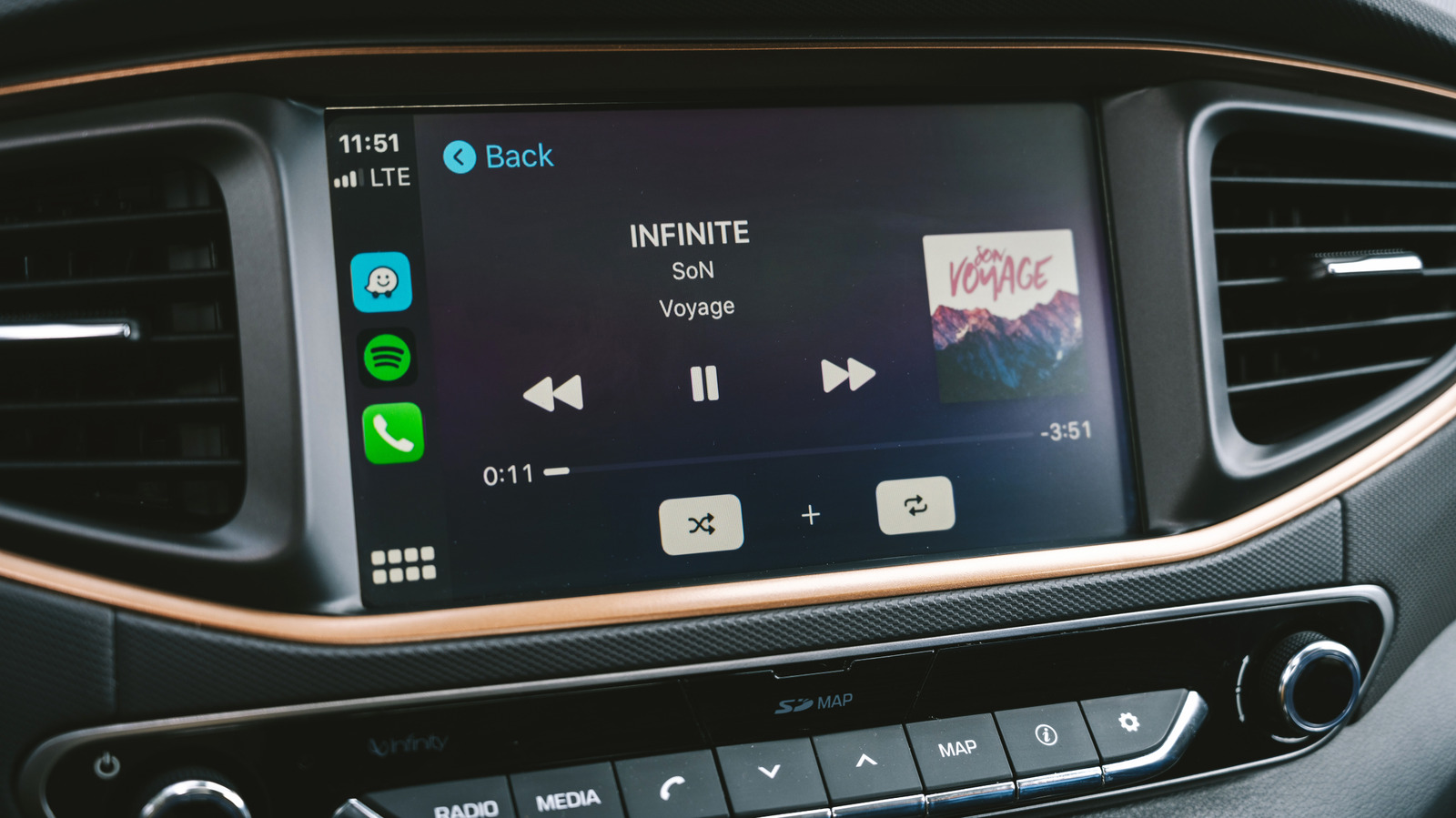
Apple CarPlay has become a staple for drivers who want seamless access to music, podcasts and navigation while keeping their eyes on the road. Yet many users notice that the audio output can sometimes sound flat or muffled, especially when streaming from a phone. The good news is that a handful of straightforward checks can ensure the system delivers high‑fidelity sound, turning a routine commute into a richer listening experience.
The first step is to verify that the source material is already high quality. Streaming services such as Apple Music, Spotify and Tidal offer different bitrate options; selecting the highest available setting (often labeled "Lossless" or "High Quality") guarantees that the data sent to CarPlay isn’t already compressed. Similarly, local files stored on an iPhone should be encoded at 256 kbps AAC or higher to avoid degradation before they reach the car’s speakers.
Next, users should examine the Bluetooth or wired connection that links the iPhone to the vehicle. While CarPlay can operate over a Lightning cable, many drivers rely on a wireless link. If Bluetooth is used, ensure the phone’s Bluetooth codec is set to a higher‑performance mode—AAC is the default for iOS devices and typically outperforms the standard SBC codec. In vehicles that support Apple’s proprietary “CarPlay Wireless” mode, a stable Wi‑Fi connection also matters; interference from other devices or a weak signal can cause audio dropouts and reduced fidelity.
Equalizer settings on both the iPhone and the car’s infotainment system can further shape the sound. iOS includes a built‑in Music EQ that, when left on “Off,” lets the original audio pass through unchanged. If the car’s head unit has its own tone controls or surround‑sound presets, experimenting with those can compensate for cabin acoustics without over‑processing the signal. Users should also disable any “Bass Boost” or “Loudness” options that may introduce distortion, especially at higher volumes.
Finally, keeping software up to date helps maintain optimal performance. Apple regularly releases iOS updates that refine CarPlay’s audio pipeline, and many automakers push firmware upgrades to address compatibility issues. Checking for the latest version of both iOS and the vehicle’s infotainment software can resolve hidden bugs that affect sound quality. As more cars adopt integrated sound‑enhancement hardware, future updates may even automate many of these adjustments, but for now a quick review of source quality, connection type, codec settings, and equalizer tweaks can make a noticeable difference in how CarPlay sounds on the road.

Comments (0)
Be the first to comment.
Join the discussion