How to Gauge What Home Internet Speed Is Truly Adequate and Boost It
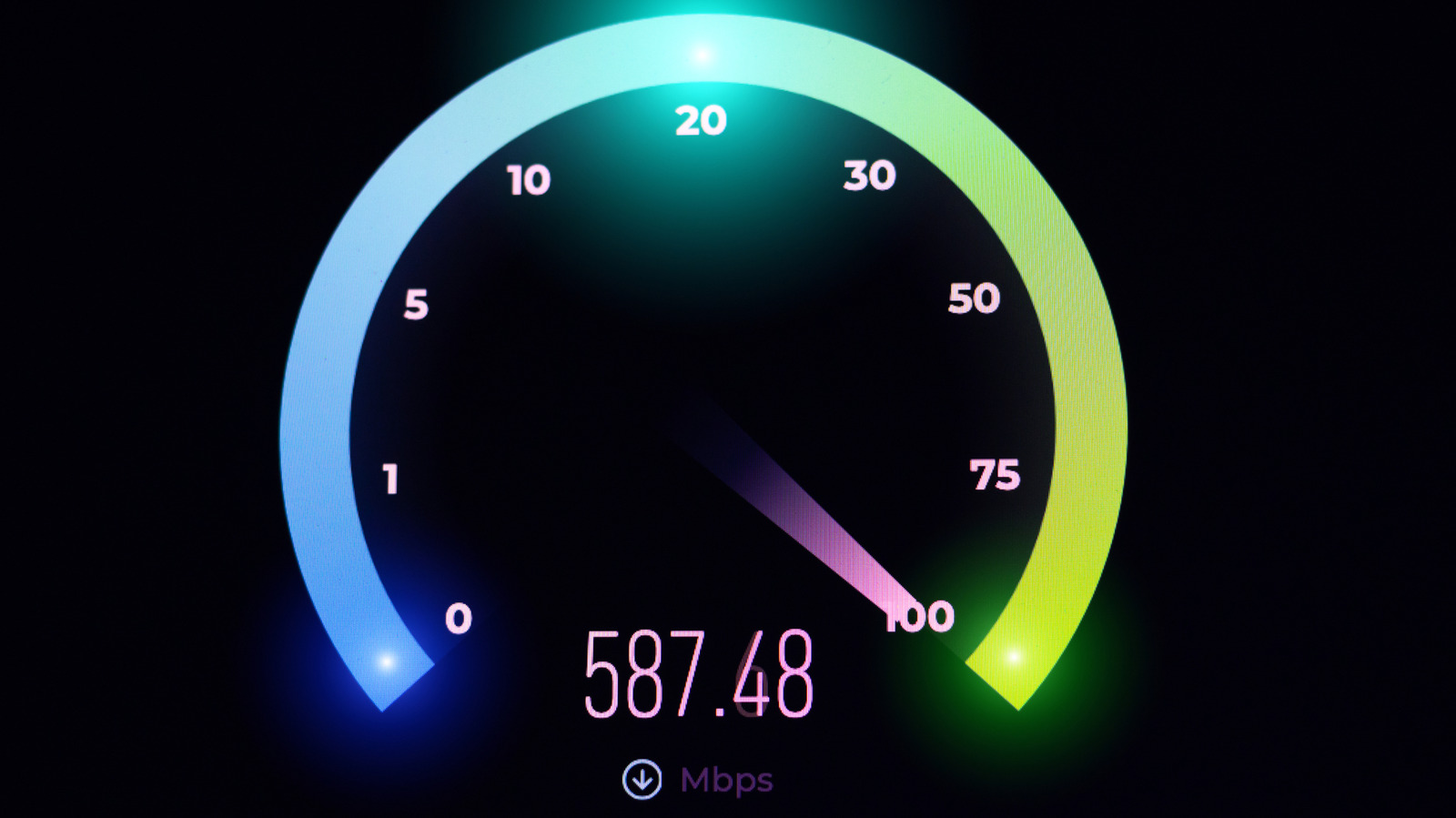
With more households relying on broadband for work, schooling, streaming and gaming, knowing whether a connection is fast enough has become a routine concern. While providers often tout advertised download rates, the real measure of a "good" home internet speed depends on how well the connection handles downloads, uploads and latency under everyday conditions.
Download speed is the most visible metric for most users, influencing how quickly videos buffer, files transfer and web pages load. For a single user streaming high‑definition video, a baseline of 25 Mbps is generally sufficient, whereas families that juggle multiple 4K streams, video conferences and large file downloads often benefit from 100 Mbps or more. Upload speed, though less celebrated, matters for cloud backups, video calls and online gaming; a minimum of 5–10 Mbps can keep a Zoom meeting smooth, while content creators may look for 20 Mbps or higher to avoid bottlenecks.
Latency—or ping—does not affect how fast a file arrives, but it determines the responsiveness of real‑time applications. Gamers and remote‑desktop users typically aim for a ping under 30 ms, while casual browsing can tolerate higher numbers. High latency often stems from network congestion, long routing paths or wireless interference, and it can make even a fast download feel sluggish in interactive scenarios.
Testing these three components is straightforward. Reputable speed‑test services such as Ookla’s Speedtest, Fast.com or Google’s measurement tool let users initiate a download, upload and ping test with a single click. For reliable results, experts recommend running the test on a device connected via Ethernet, closing background apps, and repeating the measurement at different times of day to capture peak‑usage variability. Comparing wired and Wi‑Fi results can also reveal whether the wireless network is throttling performance.
When tests show speeds falling short of expectations, several low‑cost steps can help. Restarting the router clears temporary glitches, while ensuring the firmware is up to date can address known bugs. Relocating the router to a central, unobstructed spot reduces signal loss, and switching to a less‑crowded Wi‑Fi channel can mitigate interference from neighboring networks. For households with many simultaneous devices, adding a mesh system or a dedicated access point may distribute bandwidth more evenly.
If optimization still leaves the connection lagging, it may be time to examine the service plan itself. ISPs often bundle higher speeds at modest price increments, and many regions now offer gigabit‑capable fiber or cable options that dramatically raise both download and upload ceilings. Consumers should also verify that the plan’s advertised speeds are being delivered; persistent shortfalls can be escalated to the provider or, where applicable, reported to regulatory bodies.
Understanding what constitutes a good speed is ultimately a function of how the household uses the internet. As remote work, online education and immersive media become entrenched, the benchmark for “adequate” continues to shift upward. Regular testing, basic network hygiene and an awareness of plan options empower users to keep pace with those evolving demands.

Comments (0)
Be the first to comment.
Join the discussion