Apple Advises Users on How to Resolve ‘iPhone Unavailable’ Lockouts
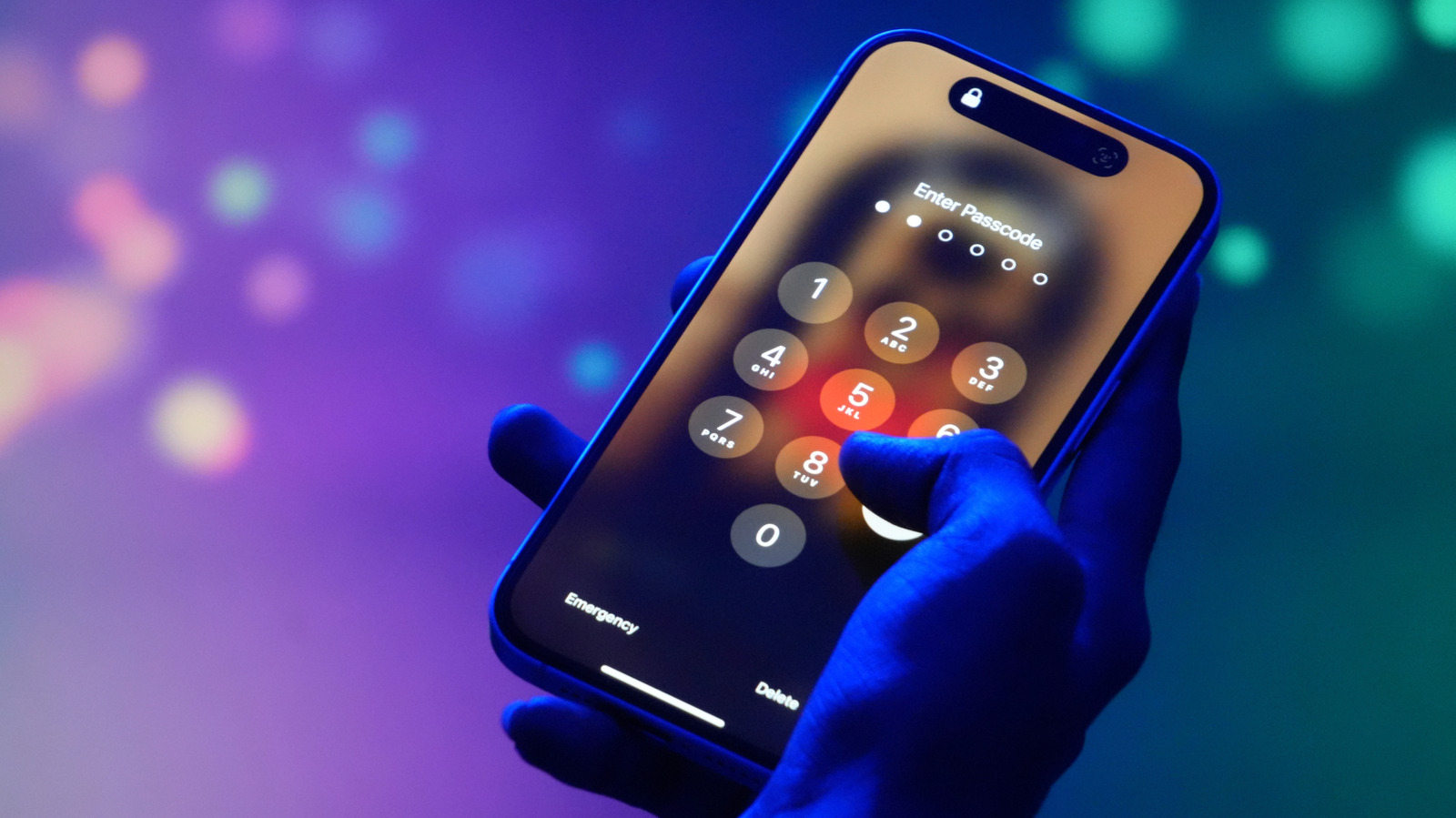
Apple users who encounter the “iPhone Unavailable” notification on their device are being directed to verify their identity with either the original passcode or the password linked to their Apple ID, according to guidance from the company’s support resources.
The message typically appears after multiple failed attempts to unlock the iPhone, triggering a security measure that temporarily disables the device. While the lockout can be frustrating, it is designed to protect personal data from unauthorized access. To regain entry, Apple requires proof that the user is the legitimate owner.
Experts note that the process mirrors the broader activation lock system introduced in iOS 7, which ties a device to an Apple ID and makes it harder for thieves to reset or sell stolen phones. When the lock screen displays the “iPhone Unavailable” alert, the only officially supported methods for unlocking involve entering the last known passcode or signing in with the Apple account credentials that were originally used to set up the phone.
Apple’s official support page advises users to try the following steps: first, wait the required timeout period before attempting another passcode entry; second, if the passcode is forgotten, use the “Forgot Passcode?” option to enter the Apple ID password; and third, if the Apple ID password is also unavailable, contact Apple Support for identity verification, which may involve providing the device’s serial number and proof of purchase.
The guidance underscores the importance of keeping both the passcode and Apple ID information current and accessible. Security analysts warn that neglecting to back up these credentials can lead to permanent loss of access, especially for devices that lack a recent iCloud backup. As iOS continues to evolve with stronger encryption, the reliance on these two authentication factors is likely to remain a cornerstone of Apple’s security architecture.
Looking ahead, Apple has hinted at future enhancements that could streamline the recovery process, such as biometric verification or integration with third‑party password managers. Until such features are rolled out, users are encouraged to store their passwords securely and to enable two‑factor authentication on their Apple IDs to reduce the risk of being locked out of their own devices.


Comments (0)
Be the first to comment.
Join the discussion