Gentle Maintenance Tips to Keep Your PlayStation 5 Running Smoothly
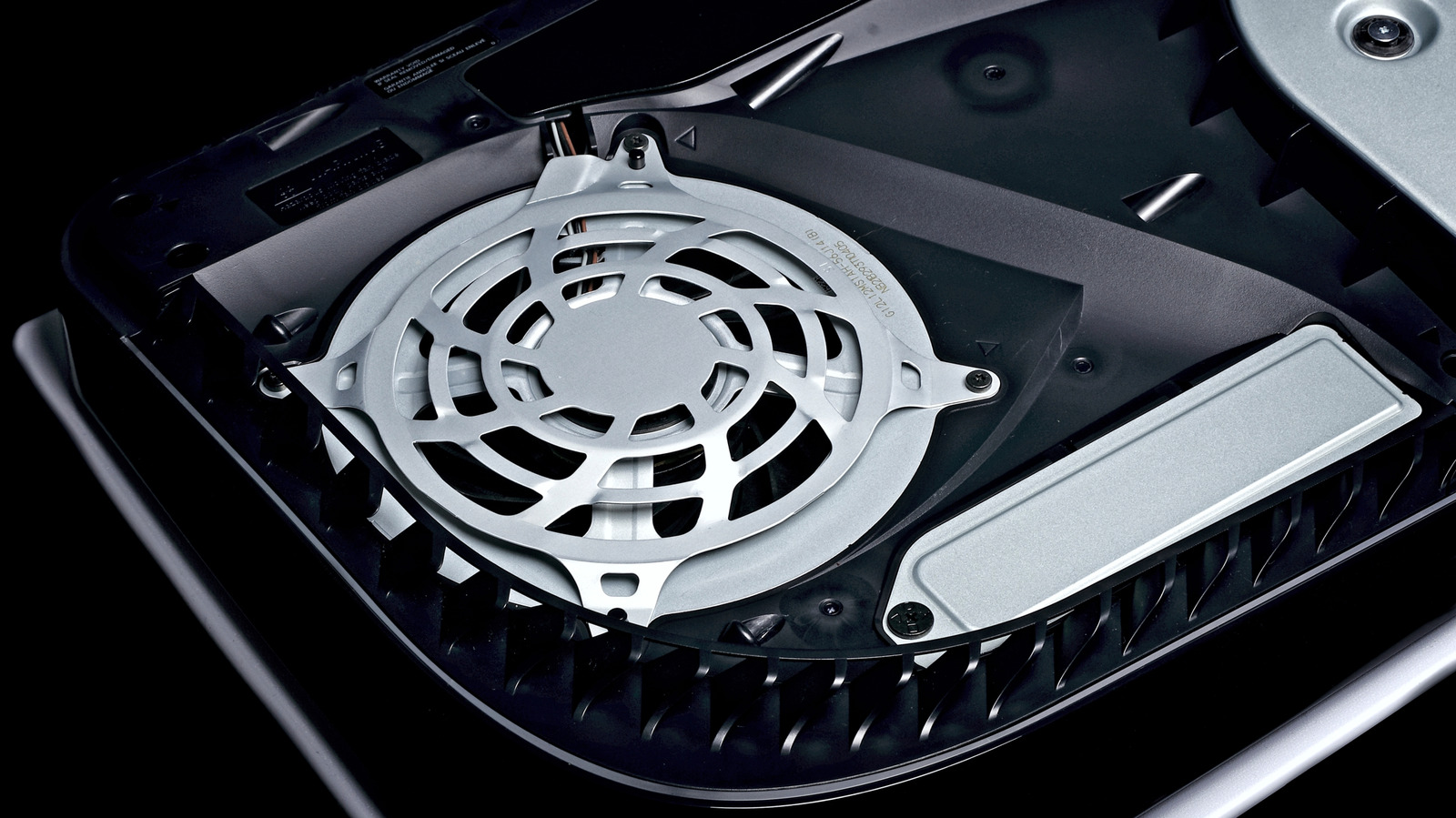
Owners of the PlayStation 5 are being reminded that periodic cleaning can help preserve the console's performance, but the process should be approached with care to avoid accidental damage.
Like most high‑performance electronics, the PS5 draws in air through vents to cool its internal components. Over time, dust and lint can accumulate on the exterior grills and within the airflow channels, potentially leading to higher operating temperatures, fan noise, or throttling of the processor.
Experts recommend a simple routine: first, shut down the system completely and disconnect all cables. Using a soft, anti‑static brush, gently sweep away visible debris from the vent openings. A short burst of compressed air—held at a safe distance—can dislodge particles that have settled deeper inside, but users should avoid shaking the can or directing the spray directly onto the circuitry. Moisture‑based cleaners, solvents, or abrasive tools should never be applied, as they can corrode contacts or scratch the surface.
The console’s warranty typically does not cover damage caused by unauthorized disassembly, so most manufacturers advise against opening the chassis unless you have the proper tools and technical knowledge. Instead, focus on cleaning the exterior and the easily reachable vents. If more thorough internal cleaning is required, many service centers offer professional maintenance without voiding the warranty.
Regular, light cleaning—perhaps once every few months depending on the environment—can extend the lifespan of the PS5 and maintain its quiet operation. Users may also consider placing the console in a well‑ventilated area, keeping it away from carpets or other dust‑prone surfaces, and using dust‑filter accessories that can be removed and washed. By adopting these modest habits, gamers can enjoy consistent performance without risking the delicate hardware inside.


Comments (0)
Be the first to comment.
Join the discussion