Drivers Seek Relief: How to Stop Apple CarPlay from Auto‑Connecting
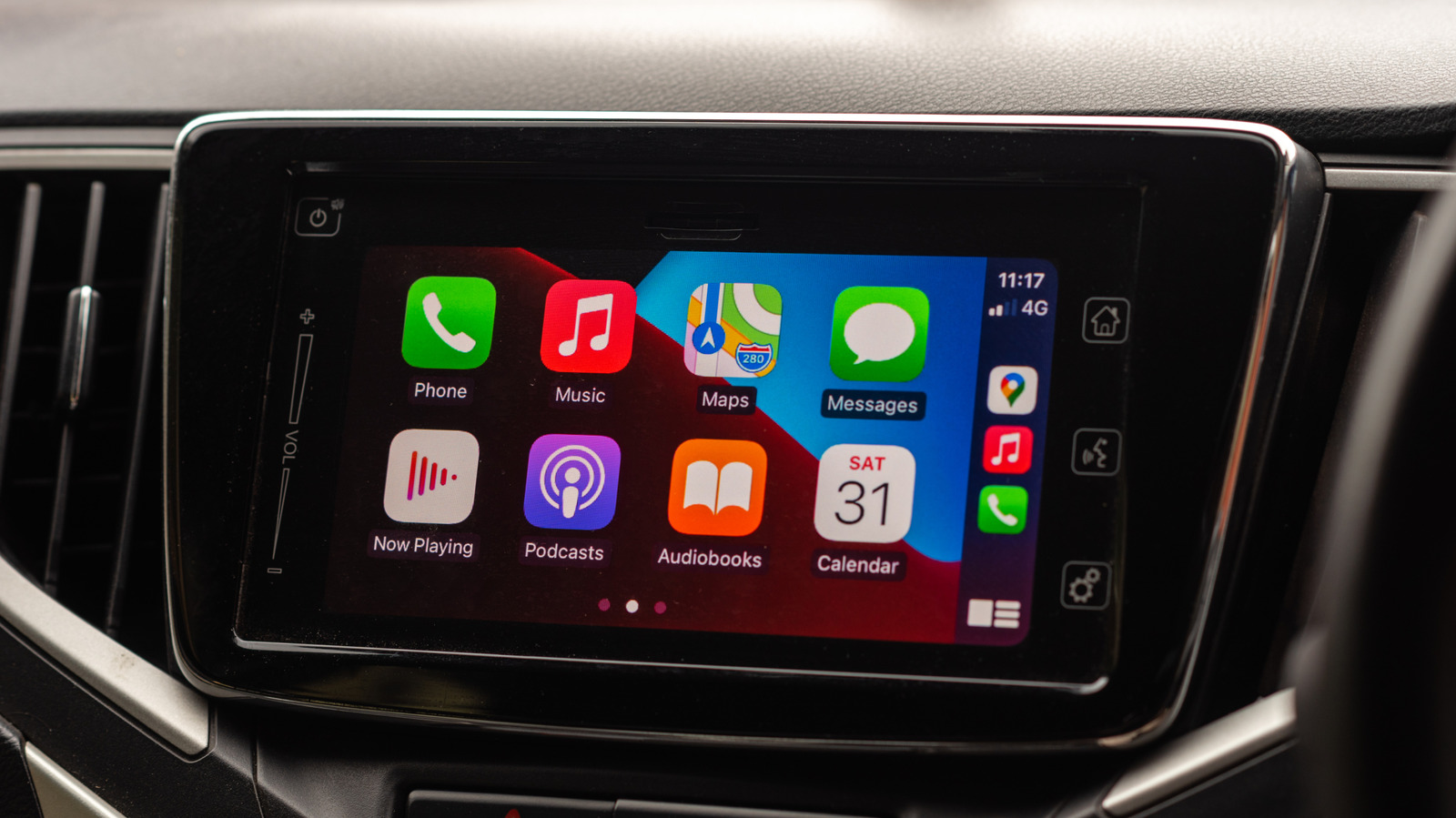
Apple CarPlay has become a staple of modern vehicles, offering iPhone users a hands‑free way to navigate, message and stream music while behind the wheel. Yet the convenience can turn into a nuisance when the system automatically launches every time a driver steps into the car, prompting many owners to look for ways to disable the feature without losing it entirely.
CarPlay establishes a connection either through a wired USB cable or via a wireless link that relies on Bluetooth and Wi‑Fi. When the iPhone detects the car’s infotainment module, it initiates the session automatically, mirroring the phone’s apps onto the dashboard screen. This behavior is intended to be seamless, but it can be frustrating for users who prefer to keep their phone separate from the car’s interface or who simply do not want the system to launch each trip.
The most direct method to prevent auto‑connection is to delete the car’s profile from the iPhone. Navigating to Settings → General → CarPlay, users can select the vehicle in question and choose “Forget This Car.” This removes the saved pairing, forcing the phone to ask for permission before establishing a new CarPlay session. On the vehicle side, many manufacturers provide a menu option to disable CarPlay or to turn off the wireless module entirely, which also stops the phone from recognizing the car as a trusted accessory.
Additional work‑arounds include turning off Bluetooth or Wi‑Fi on the iPhone before entering the vehicle, though this also disables other connected services such as hands‑free calling and music streaming. Some drivers opt for the “Do Not Disturb While Driving” mode, which silences notifications but does not stop CarPlay from launching. Airplane mode is another blunt tool that guarantees no wireless connections, but it likewise cuts off cellular data and GPS, limiting the phone’s functionality.
Understanding how to control CarPlay matters for safety and privacy. Unwanted activation can distract drivers with sudden pop‑ups or prompts, and the constant Bluetooth link can expose the phone to potential security risks if the car’s system is compromised. Moreover, automatic reconnection can drain the iPhone’s battery, especially on longer trips where the vehicle’s USB port does not supply power.
While Apple has not yet introduced granular settings to toggle automatic CarPlay launches, the current steps provide a reliable way for users to regain control. Industry observers note that future iOS updates may include more nuanced permissions, reflecting growing demand for customizable infotainment experiences. In the meantime, drivers who find CarPlay intrusive can follow the outlined procedures to keep their phones and cars operating on their own terms.

Comments (0)
Be the first to comment.
Join the discussion