Apple Wallet Glitches: Common Issues and Practical Fixes
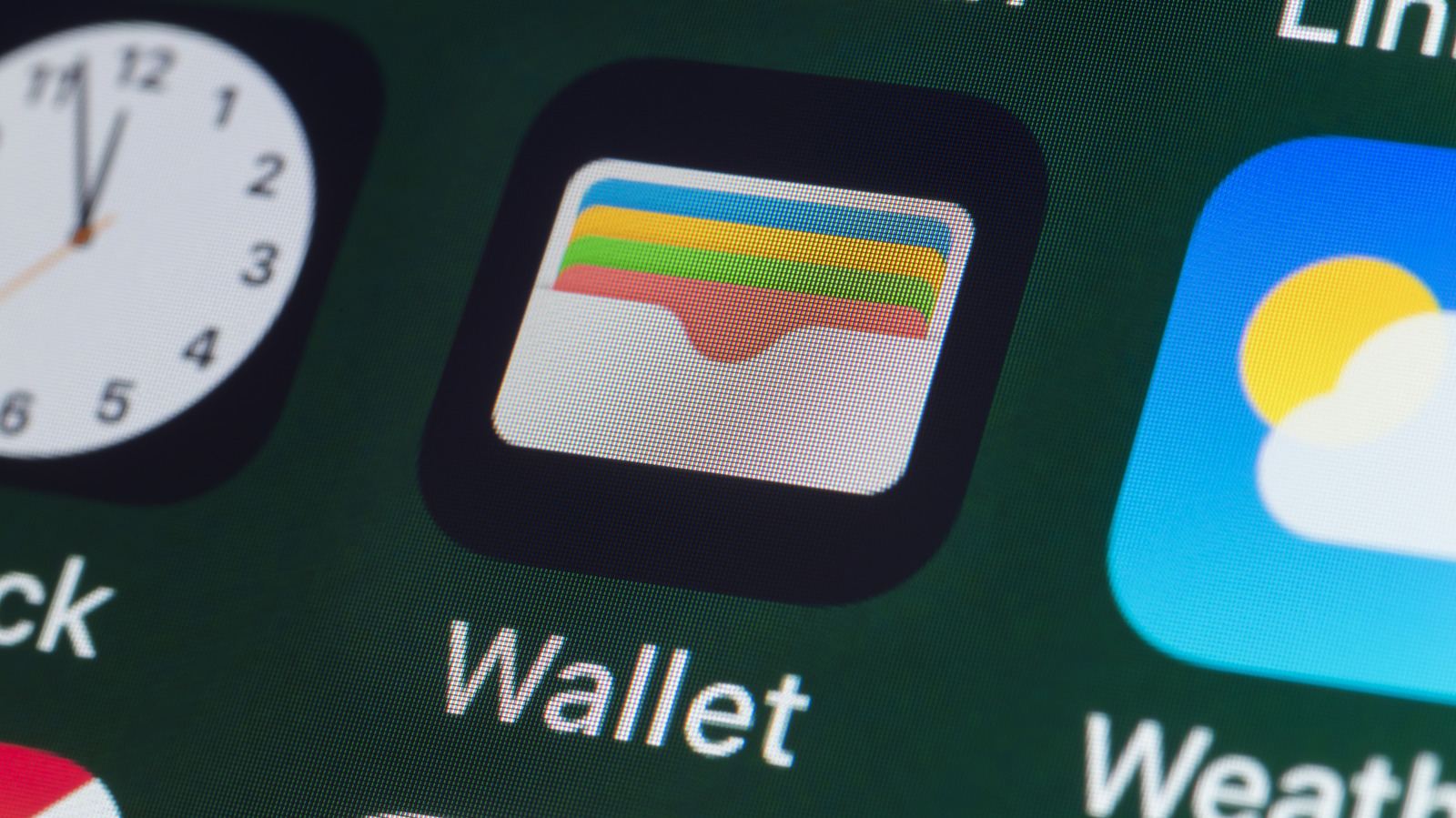
Apple Wallet and Apple Pay have become staples for iPhone users seeking quick, contactless payments, yet occasional hiccups can stall transactions and frustrate consumers. When a card fails to load, a payment is declined, or the app refuses to open, the problem is often rooted in simple software or settings conflicts that can be resolved without a visit to a service center.
One of the most frequent complaints involves cards disappearing from the Wallet after an iOS update or a device reset. This typically occurs when the device’s iCloud sync settings are misconfigured, preventing the wallet data from re‑appearing. Users can restore missing cards by confirming that iCloud Keychain is enabled under Settings > [User Name] > iCloud, then navigating to Wallet & Apple Pay and re‑adding the affected cards. A quick sign‑out and sign‑in to iCloud can also force a refresh of the stored credentials.
Payment failures at point‑of‑sale terminals often stem from network connectivity issues or outdated software. Apple Pay requires an active internet connection to validate the device’s token with the issuing bank. If a transaction is declined, checking that Wi‑Fi or cellular data is functional, and that the device is running the latest iOS version, can resolve the blockage. Additionally, some merchants’ terminals may not support the latest NFC standards; in those cases, removing and re‑adding the card can regenerate a fresh token that the terminal recognizes.
Another common obstacle is the “Unable to Add Card” error when attempting to register a new payment method. This can be triggered by restrictive regional settings, an unsupported card type, or a mismatch between the card’s billing address and the information stored in the Apple ID. Users should verify that the card is issued by a participating bank, confirm that the address entered matches the bank’s records, and ensure the device’s region setting aligns with the card’s country of issuance. If the problem persists, contacting the card issuer to confirm compatibility with Apple Pay is advisable.
Beyond the immediate fixes, experts recommend routine maintenance to keep Apple Wallet running smoothly. Regularly updating iOS, clearing the app’s cache by restarting the device, and periodically reviewing the list of active cards to remove any that are no longer needed can prevent many glitches. For persistent issues that resist standard troubleshooting, Apple’s support channels or a visit to an authorized service provider remain the next step, ensuring that users can continue to rely on the convenience of digital wallets for everyday purchases.

Comments (0)
Be the first to comment.
Join the discussion