Audacity Unveils Major UI Overhaul and Granular Editing Suite in Latest Release
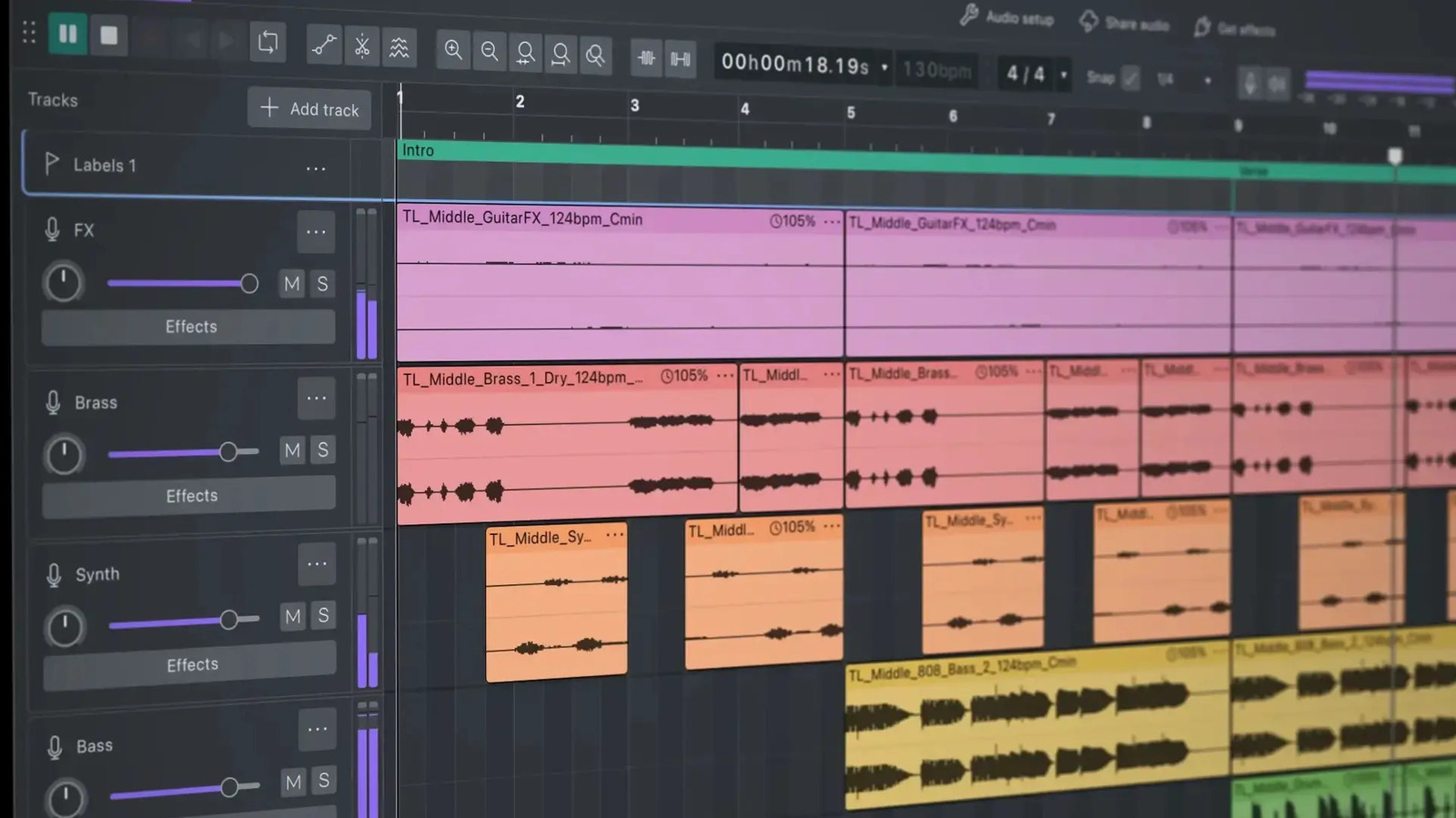
The open-source audio editor Audacity has rolled out its most significant update in years, introducing a refreshed visual design and a suite of fine-grained editing tools aimed at both casual users and seasoned producers.
The centerpiece of the update is a vibrant dark mode that replaces the program's long‑standing gray interface. Users can now toggle between light and dark themes, with customizable accent colors that adapt to the operating system’s palette, reducing eye strain during long editing sessions and aligning Audacity with modern UI expectations.
Beyond aesthetics, the new version adds granular editing capabilities that let users manipulate audio at the sample level. This precision editing makes it possible to trim, stretch, or fade micro‑segments of a track without affecting surrounding material, a feature previously reserved for high‑end digital audio workstations. The toolset also includes enhanced waveform zoom, snap‑to‑grid refinements, and a revamped timeline that displays markers and regions more clearly.
Audacity’s development team emphasized that the changes are built on community feedback gathered over the past several years. After a contentious period in 2021 surrounding telemetry data collection, the project re‑established its commitment to transparency and user control. The latest release continues that trajectory by offering optional telemetry that can be disabled entirely, and by publishing detailed documentation of all data handling practices.
Long‑time users will notice that the core functionality remains intact. The familiar multi‑track interface, support for a wide range of audio formats, and the ability to apply VST plug‑ins are still present, but now sit within a more intuitive layout. Menus have been reorganized to reduce clutter, and context‑aware tooltips provide on‑the‑fly guidance for newcomers.
The update arrives at a time when free, cross‑platform audio tools are in demand, especially among podcasters, educators, and independent musicians who lack access to expensive commercial software. By lowering the barrier to high‑precision editing, Audacity hopes to retain its position as a go‑to solution for creators on a budget.
Looking ahead, the Audacity team has indicated that future releases will focus on expanding plug‑in compatibility, improving real‑time effects processing, and further polishing the user experience based on ongoing community testing. The current version is available for Windows, macOS, and Linux, and can be downloaded directly from the project's website without charge.


Comments (0)
Be the first to comment.
Join the discussion