Apple Watch’s Theater Mode: When to Quiet Your Wrist Without Going Full Silent
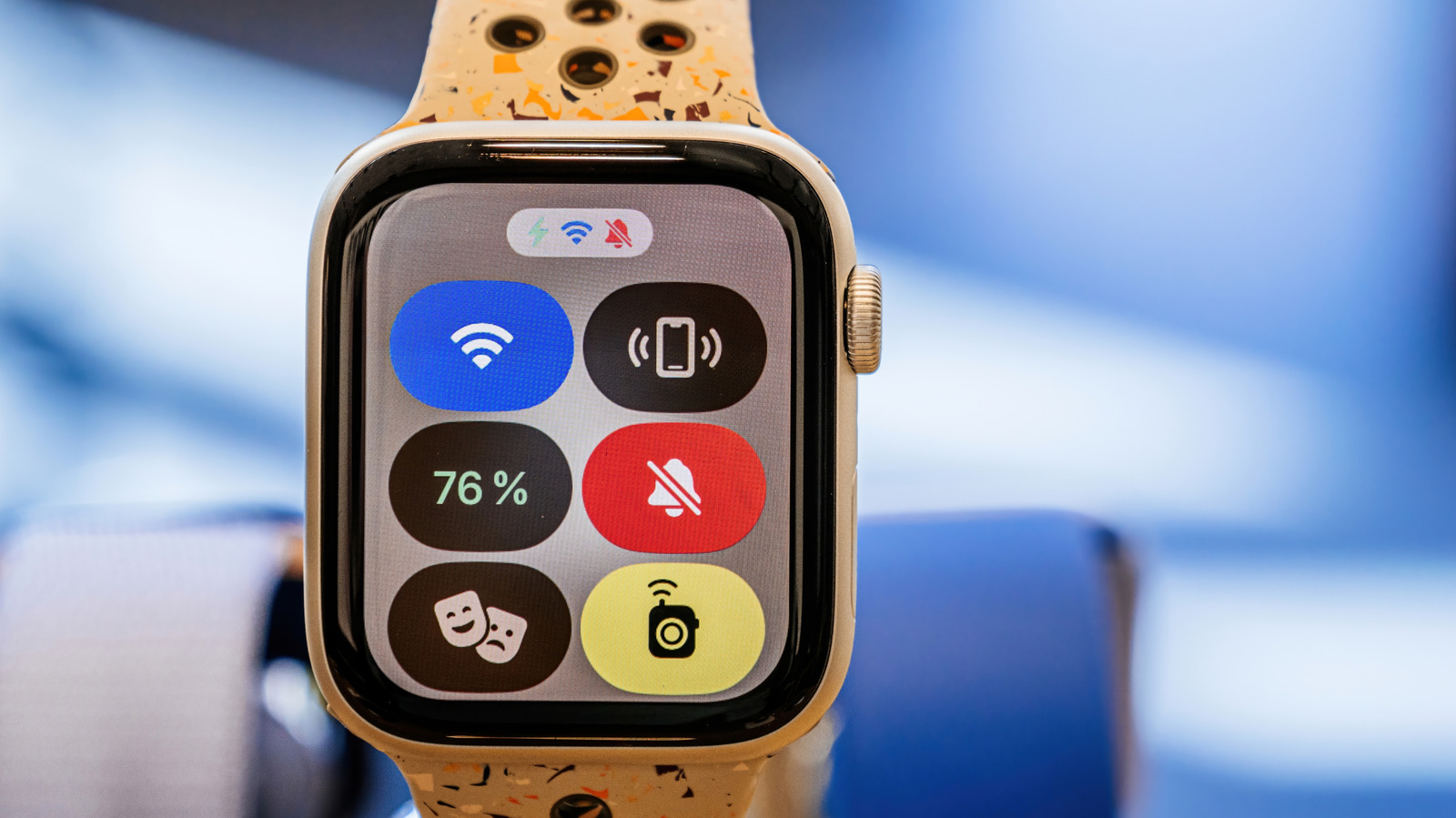
Apple Watch owners now have a middle‑ground option for muting their device: Theater Mode. Designed for situations where a full Do Not Disturb setting feels excessive, the feature lets users keep notifications from lighting up the screen while still allowing haptic alerts to buzz through the wrist.
Activating Theater Mode is a simple swipe in the Control Center, after which the watch’s display stays dark until the wearer raises their wrist. Incoming calls, messages, and app notifications remain silent, but the subtle tap that signals a new alert still reaches the wearer, preserving awareness without a visual cue.
The mode sits between the broader Do Not Disturb function and the basic Silent setting. While Do Not Disturb blocks both sound and haptic feedback, and Silent merely mutes the speaker, Theater Mode specifically targets the visual component. This distinction matters for users who need to stay discreet yet responsive, such as during a presentation or a live performance.
Practical applications are plentiful. In a dark cinema, a sudden screen flash can distract both the viewer and nearby patrons; Theater Mode prevents that while still vibrating for urgent messages. Likewise, professionals in meetings can avoid the glare of a lit screen yet feel the tap of a critical alert. The feature also proves handy during nighttime reading or while meditating, where visual interruptions are undesirable but complete isolation isn’t necessary.
Apple has not indicated any immediate plans to expand Theater Mode’s capabilities, but the addition aligns with the company’s broader push for context‑aware wearables. Users can combine it with existing focus configurations for a more tailored experience, and future watchOS updates may introduce custom vibration patterns or integration with third‑party apps. For now, the mode offers a convenient compromise for anyone seeking a quieter wrist without fully disengaging from their digital life.



Comments (0)
Be the first to comment.
Join the discussion