Android Auto’s Automatic Volume Drop Explained: Why Your Music Gets Quieted
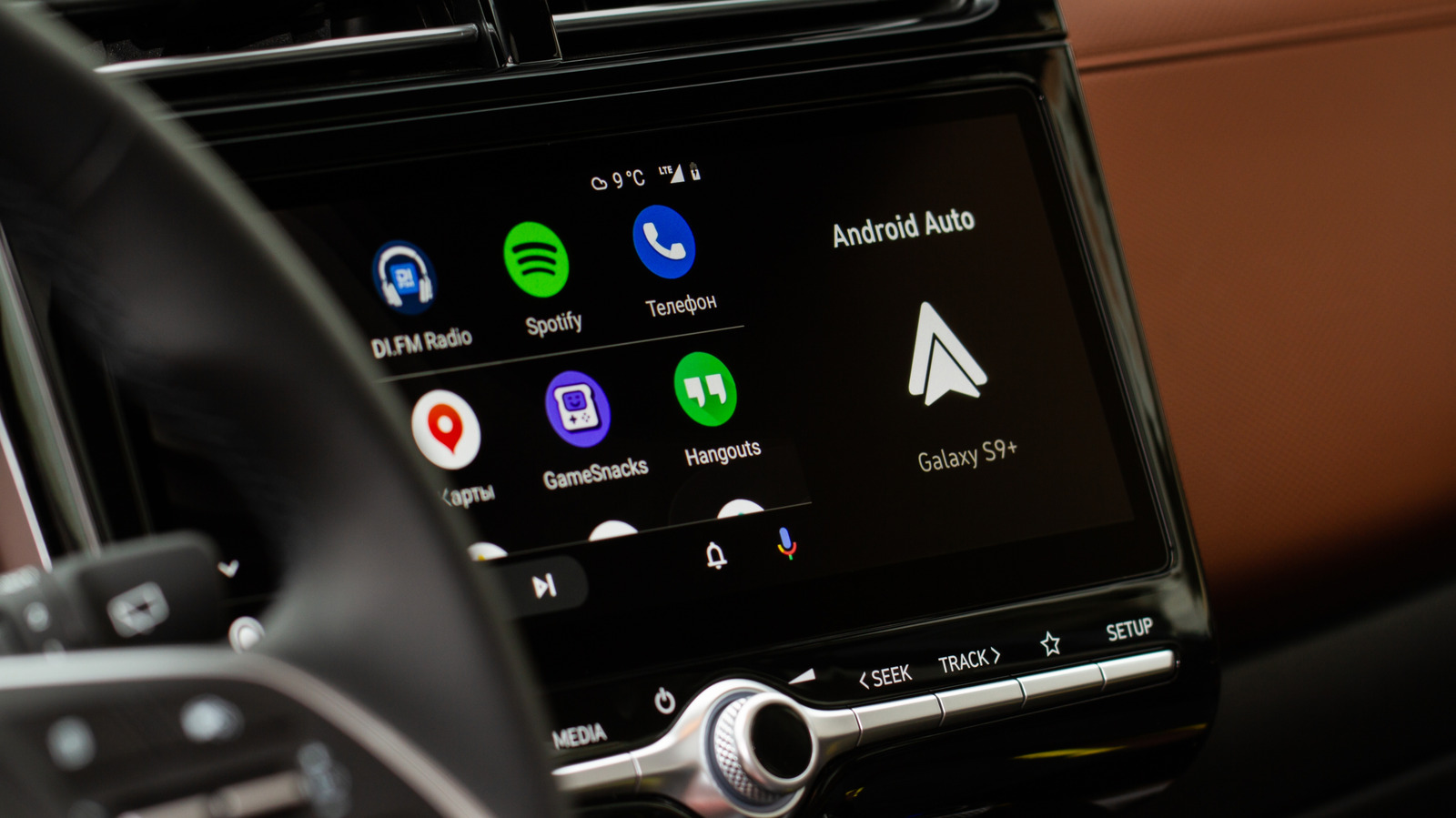
Drivers using Android Auto have reported that their music or podcast volume seems to dip at unexpected moments, especially when navigation prompts or incoming calls appear. The phenomenon, known as audio ducking, is built into the system’s sound‑handling logic and is not a bug, according to the platform’s design guidelines.
Audio ducking works by temporarily lowering the playback level of any media app when the operating system requests focus for a higher‑priority audio source, such as turn‑by‑turn directions, alerts, or phone notifications. The intention is to make those cues audible without requiring the driver to manually adjust the volume, thereby keeping the focus on the road.
This safety‑oriented approach aligns with broader automotive standards that aim to reduce driver distraction. By automatically attenuating background sound, Android Auto ensures that critical information is heard clearly, which can be especially important in noisy environments or when the vehicle’s built‑in speakers are the only audio output available.
Users who find the volume shifts jarring can usually adjust the behavior in the Android Auto settings, where options to disable or fine‑tune the ducking feature are provided. However, turning the feature off may increase the risk of missing important alerts, a trade‑off that the platform’s developers encourage users to consider carefully.
The issue was highlighted in a recent Engadget report that detailed the mechanics behind the volume changes and underscored that, while potentially irritating, the feature serves a practical purpose. As Android Auto continues to evolve, further refinements to the audio focus system are expected, aiming to balance user comfort with the imperative of road safety.



Comments (0)
Be the first to comment.
Join the discussion