Why Your Wired Connection Can Lag Behind Wi‑Fi: Unexpected Culprits Uncovered
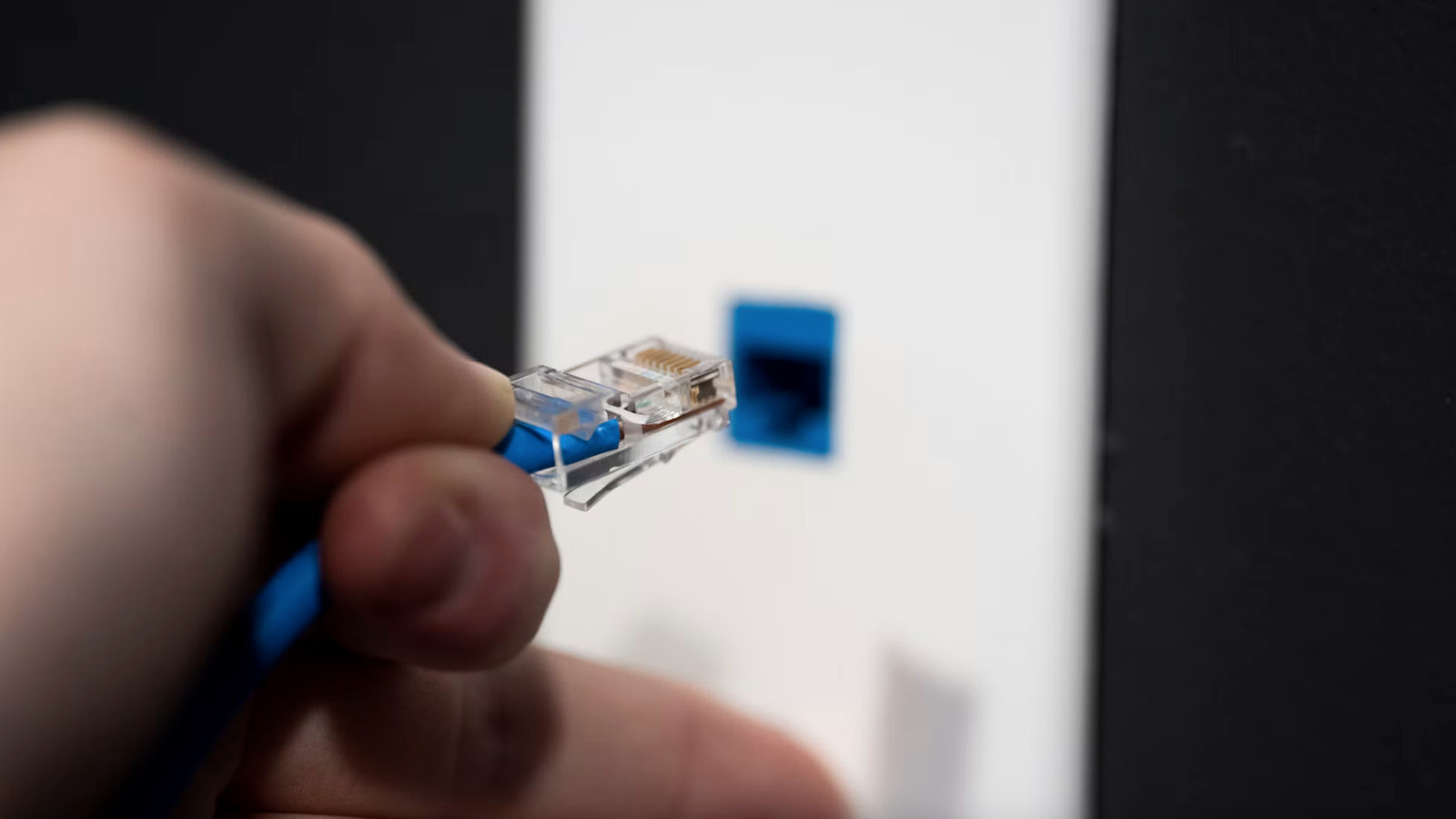
Contrary to popular belief, a direct Ethernet link does not always guarantee the fastest home network performance. Recent analysis highlights a range of hardware and software conditions that can cause a wired connection to underperform even when a wireless link appears to run more smoothly.
Physical factors top the list. Low‑grade or damaged cables, especially those exceeding the recommended length for a given category, can introduce signal attenuation and crosstalk. Improperly crimped connectors, bent conductors, or using cables not rated for the network speed (for example, a Cat5e cable on a gigabit‑only router) can also degrade throughput. In some cases, electromagnetic interference from nearby power lines or appliances further weakens the signal.
Software and configuration settings are equally influential. A mismatch between the network interface card (NIC) and the switch or router—such as forcing a device to operate in half‑duplex mode while the other end expects full‑duplex—creates collisions and retransmissions that slow data flow. Auto‑negotiation failures, outdated drivers, or disabled offloading features can also prevent the NIC from reaching its advertised speed.
Beyond the endpoints, the intervening equipment can be a hidden bottleneck. Older switches may lack support for newer Ethernet standards or may have ports throttled to conserve power. Firmware that has not been updated can contain bugs that limit bandwidth or misinterpret traffic patterns. Power‑over‑Ethernet (PoE) setups sometimes limit data rates to stay within power budgets, unintentionally capping performance.
Environmental conditions add another layer of complexity. Bundling Ethernet cables with high‑current power cords can induce electromagnetic noise, while poor grounding can cause voltage differentials that interfere with signal integrity. Even the layout of a home—such as running cables through walls with metallic studs—can affect the quality of the connection.
Understanding these variables helps users troubleshoot effectively. Swapping to a certified Cat6 or higher cable, verifying that both ends of the link are set to auto‑negotiate, and updating NIC drivers and router firmware are practical first steps. If performance remains inconsistent, testing the connection with a known‑good cable and a different switch can isolate the problem. As wired networking continues to evolve, staying aware of both hardware standards and configuration best practices ensures that Ethernet lives up to its reputation for speed and reliability.



Comments (0)
Be the first to comment.
Join the discussion