Why Your Roku-Enabled TV May Power On Unexpectedly—and How to Stop It
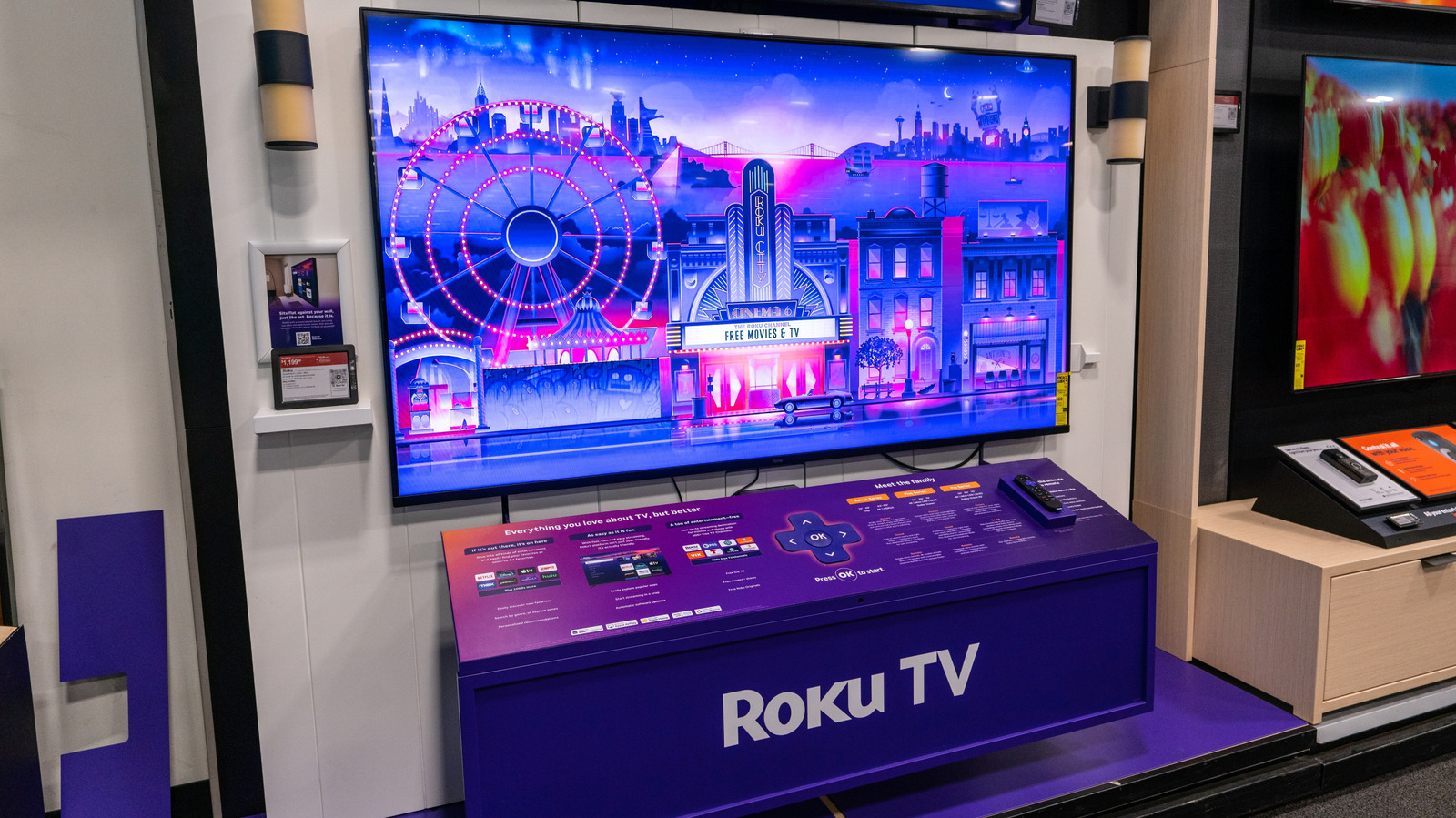
Many owners of Roku‑connected televisions have reported that their sets sometimes turn on without any apparent input, a nuisance that often traces back to the streaming device itself rather than the TV hardware.
One common trigger is the "Auto Power On" feature that allows a Roku to wake the TV when a user selects a channel or launches an app. If the Roku detects a remote signal, a network command, or even a scheduled task, it can send a power‑on instruction to the television, causing it to start up seemingly on its own.
Another frequent cause is the "Mobile Power On" option, which lets the Roku app on a smartphone turn the TV on remotely. Users who have the app installed may inadvertently press a button or experience a stray tap, prompting the TV to power up. Similarly, the "HDMI-CEC" (Consumer Electronics Control) protocol can cause the TV to respond to signals from other HDMI‑connected devices, such as game consoles or soundbars, that are set to turn on automatically.
To address these issues, owners can navigate the Roku settings menu and disable the relevant options. Turning off "Auto Power On" and "Mobile Power On" removes the device’s ability to command the TV, while adjusting HDMI‑CEC settings either on the Roku or the TV’s own menu can prevent cross‑device wake‑ups. Additionally, ensuring that the Roku’s software is up to date can resolve bugs that occasionally cause spurious power signals.
Understanding why a Roku‑enabled TV powers itself is useful not only for reducing annoyance but also for conserving energy. Unintended turn‑ons can increase electricity usage and wear on the television’s components. By reviewing and adjusting the device’s power‑related settings, users regain control over when their screen lights up, keeping the viewing experience under their own command.


Comments (0)
Be the first to comment.
Join the discussion