Why Your PC’s Camera and Mic Often Fail and How to Fix Them
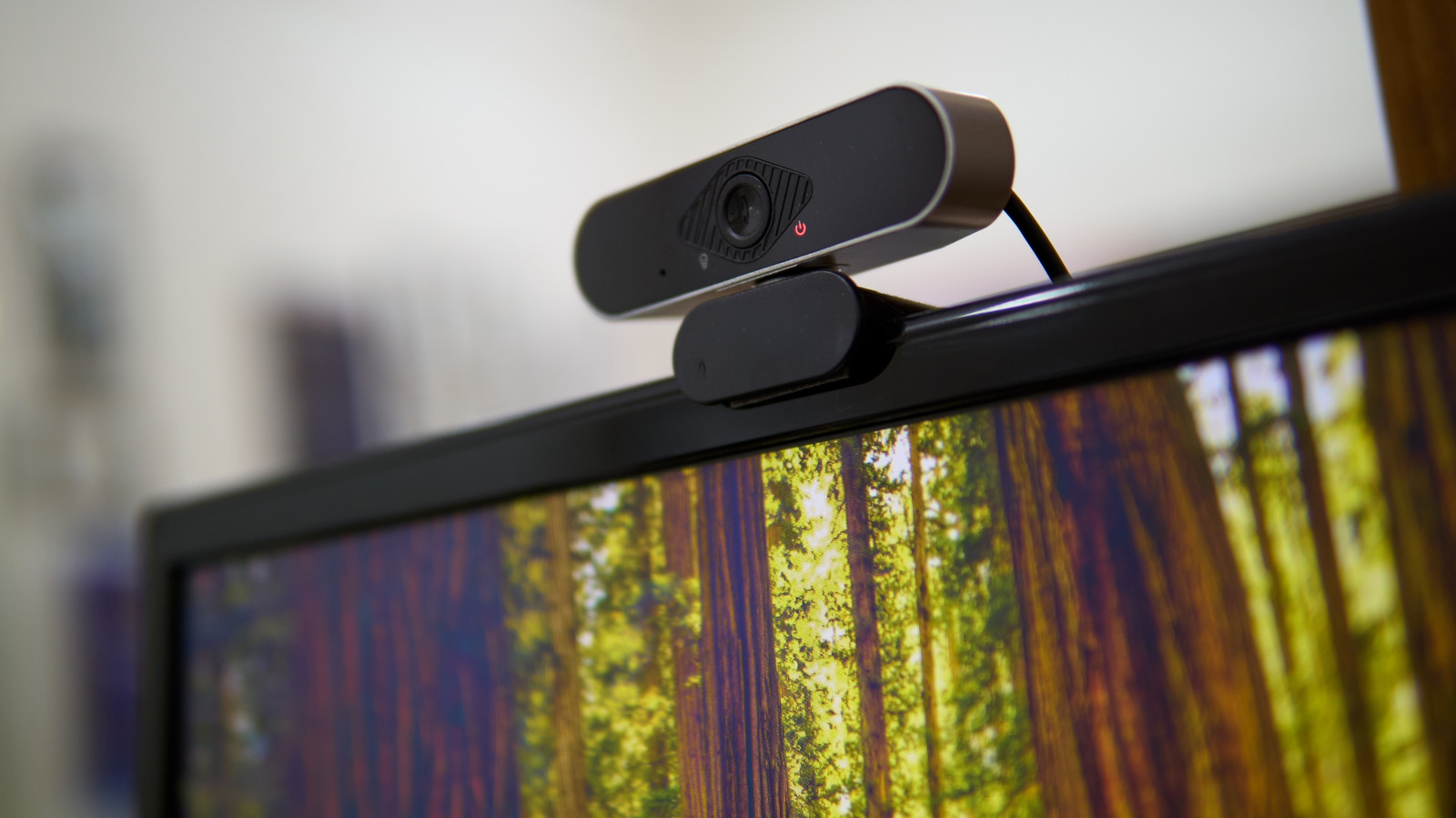
As remote work and virtual meetings become routine, a malfunctioning webcam or microphone can turn a simple call into a frustrating scramble. Users across platforms report that the most common culprits are not hardware failures but a mix of software settings, driver issues, and simple physical obstructions.
First, operating-system permissions frequently block access. Both Windows and macOS require users to explicitly grant apps the right to use cameras and microphones, and a recent update can reset those allowances. Checking the privacy settings—under "Camera" and "Microphone" sections in the system preferences—often restores functionality without further intervention.
Outdated or corrupted drivers represent the next biggest source of trouble. Device drivers act as translators between the hardware and the OS, and a missing or mismatched driver can render the device invisible to applications. Running the built‑in device manager or using the manufacturer’s update utility to reinstall the latest driver version typically resolves the issue.
Physical factors are surprisingly common: a misplaced piece of tape, a dusty lens, or a muted microphone switch can go unnoticed. Users should inspect the webcam for obstructions, ensure that any built‑in mute button is disengaged, and verify that external USB devices are securely connected.
Software conflicts also play a role, especially when multiple applications vie for the same device. Background programs such as video editors, streaming tools, or even browser extensions can lock the camera or mic, preventing other apps from accessing them. Closing unnecessary programs or restarting the computer often clears the lock.
Finally, system updates and security suites can inadvertently disable devices as part of broader protective measures. Reviewing recent OS patches or antivirus settings for any newly applied restrictions can uncover hidden blocks. By methodically checking permissions, drivers, physical connections, and software interactions, most users can restore their audio‑visual setup before the next scheduled call.



Comments (0)
Be the first to comment.
Join the discussion