Troubleshooting Guide: Restoring an Unresponsive Smartphone Touchscreen
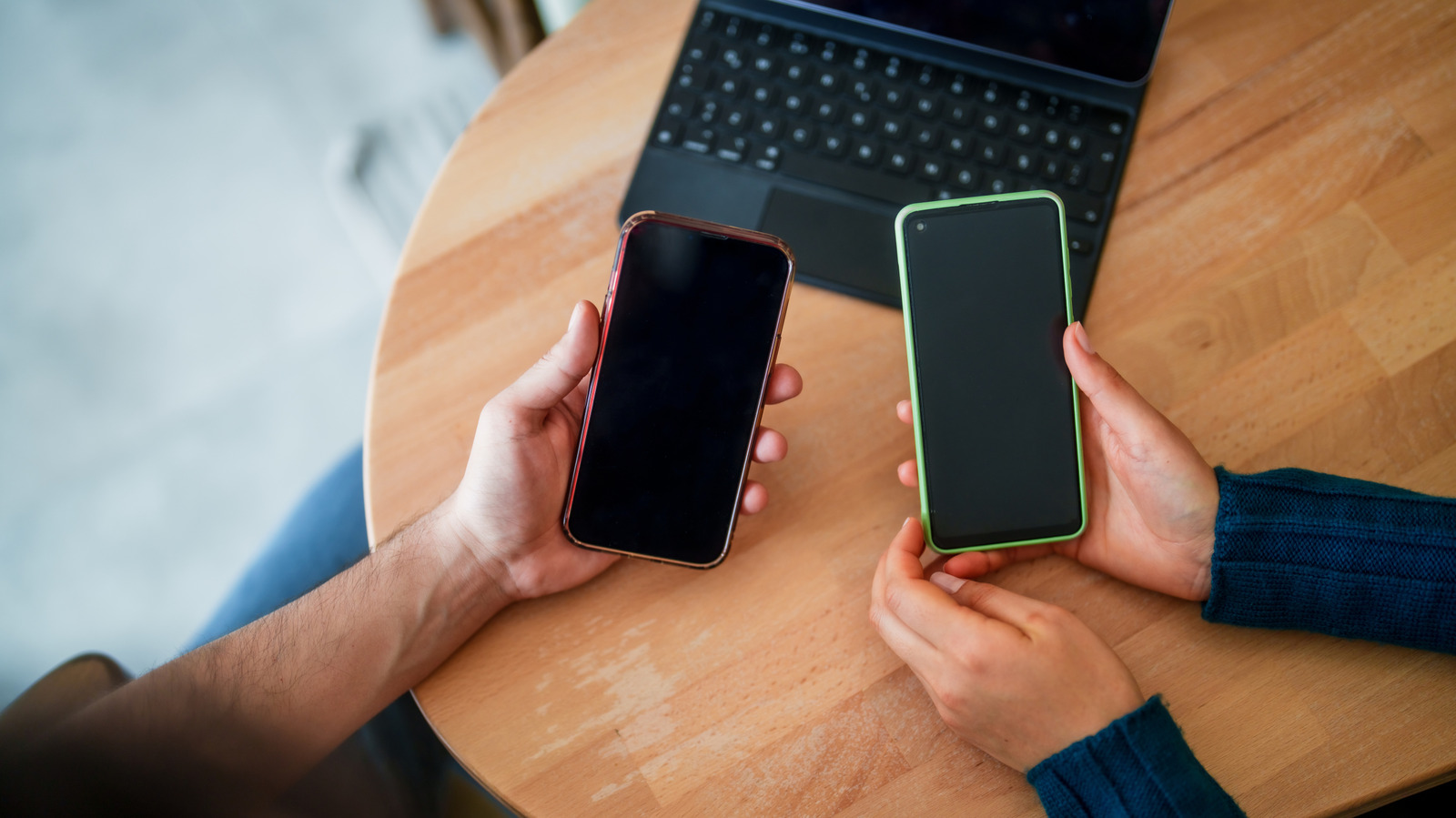
Smartphone users increasingly encounter screens that no longer respond to taps or swipes, a problem that can render a device virtually unusable. Before assuming the hardware has failed, a series of straightforward checks can often revive the touchscreen and save both time and repair costs.
The first step is to power the device off completely and then restart it. A simple reboot clears temporary memory glitches that may cause the touch sensor to misbehave. If the screen remains inert, hold the power button for several seconds to force a hard reset, ensuring that any stalled processes are terminated.
Physical obstructions are another common culprit. Dust, oil, or small particles lodged on the glass can interfere with capacitive sensing. Gently wipe the display with a soft, lint‑free cloth slightly dampened with water or a screen‑safe cleaner. Removing protective cases or screen protectors can also eliminate pressure points that distort touch input, especially if the accessories have warped or shifted over time.
Software conflicts often masquerade as hardware issues. Booting the phone into safe mode disables third‑party apps, allowing users to determine whether a recently installed program is causing the touch failure. Likewise, checking for operating‑system updates can resolve bugs introduced in earlier releases. If the device registers touch input after these measures, uninstalling the offending app or applying the update may be sufficient.
When software troubleshooting does not help, a factory reset may be necessary. Backing up personal data beforehand is essential, as the reset erases all user content and restores the phone to its original factory configuration. This step eliminates corrupted system files that can impair the touchscreen driver, offering a clean slate for the hardware to function correctly.
If none of the above actions restore responsiveness, the problem is likely hardware‑related. Issues such as a damaged digitizer, a loose connector, or water intrusion require professional assessment. Users should consult the manufacturer’s warranty terms or a reputable repair shop, as screen replacement is often the definitive solution. Prompt attention can prevent further damage and extend the device’s usable life.



Comments (0)
Be the first to comment.
Join the discussion