How to Activate Apple CarPlay in Minutes
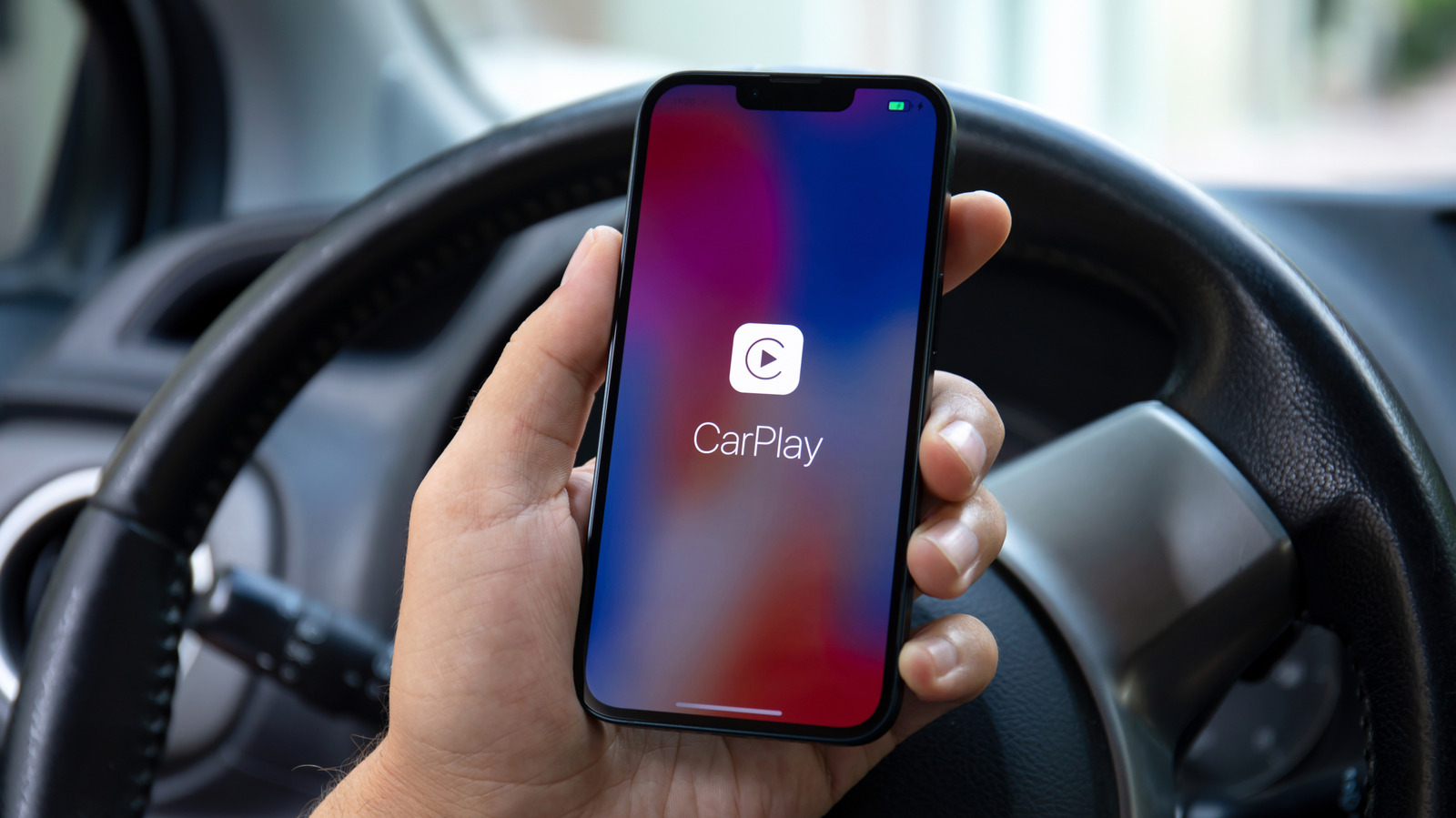
Apple’s CarPlay platform can be linked to a compatible vehicle in just a few minutes, a fact that many new users discover after reading the straightforward guide released by technology outlet Engadget.
CarPlay extends the iPhone’s interface onto a car’s infotainment screen, allowing drivers to access navigation, messages, music and voice‑controlled apps while keeping eyes on the road. The system works with any iPhone running iOS 13 or later and with cars that support either a wired USB connection or a wireless link, a combination that covers a growing share of the market.
To begin, owners should verify that their vehicle’s infotainment system lists CarPlay as an option in the settings menu and that the iPhone is running the latest iOS version. Connecting the phone with a certified Lightning‑to‑USB cable usually triggers an on‑screen prompt asking whether to enable CarPlay; selecting "Allow" completes the pairing. For wireless‑only models, the driver must first pair the iPhone over Bluetooth, then confirm the CarPlay connection when it appears in the phone’s Wi‑Fi network list.
Several preparatory steps can smooth the experience. Ensuring that Siri is turned on and that "Hey Siri" is enabled lets the driver issue voice commands without touching the screen. Using the original Apple‑branded cable reduces the likelihood of intermittent connections, and disabling "Do Not Disturb While Driving" prevents the phone from muting notifications that CarPlay would otherwise relay. Adjusting the CarPlay layout in the iPhone’s Settings → General → CarPlay menu also lets users prioritize the apps they use most.
Users occasionally run into hiccups such as a black screen, delayed audio, or failure to recognize the phone. In most cases, restarting the iPhone, unplugging and re‑plugging the cable, or updating the vehicle’s firmware resolves the issue. If problems persist, resetting the CarPlay settings on the phone and re‑establishing the connection often clears corrupted data.
As automakers continue to embed CarPlay as a standard feature, the setup process is expected to become even more seamless, with newer models supporting automatic detection and connection without user intervention. For now, following the simple checklist outlined above lets drivers enjoy a safer, more integrated driving experience from the first time they plug in.



Comments (0)
Be the first to comment.
Join the discussion