Choosing Between Sleep, Shutdown and Hibernation on Mini PCs
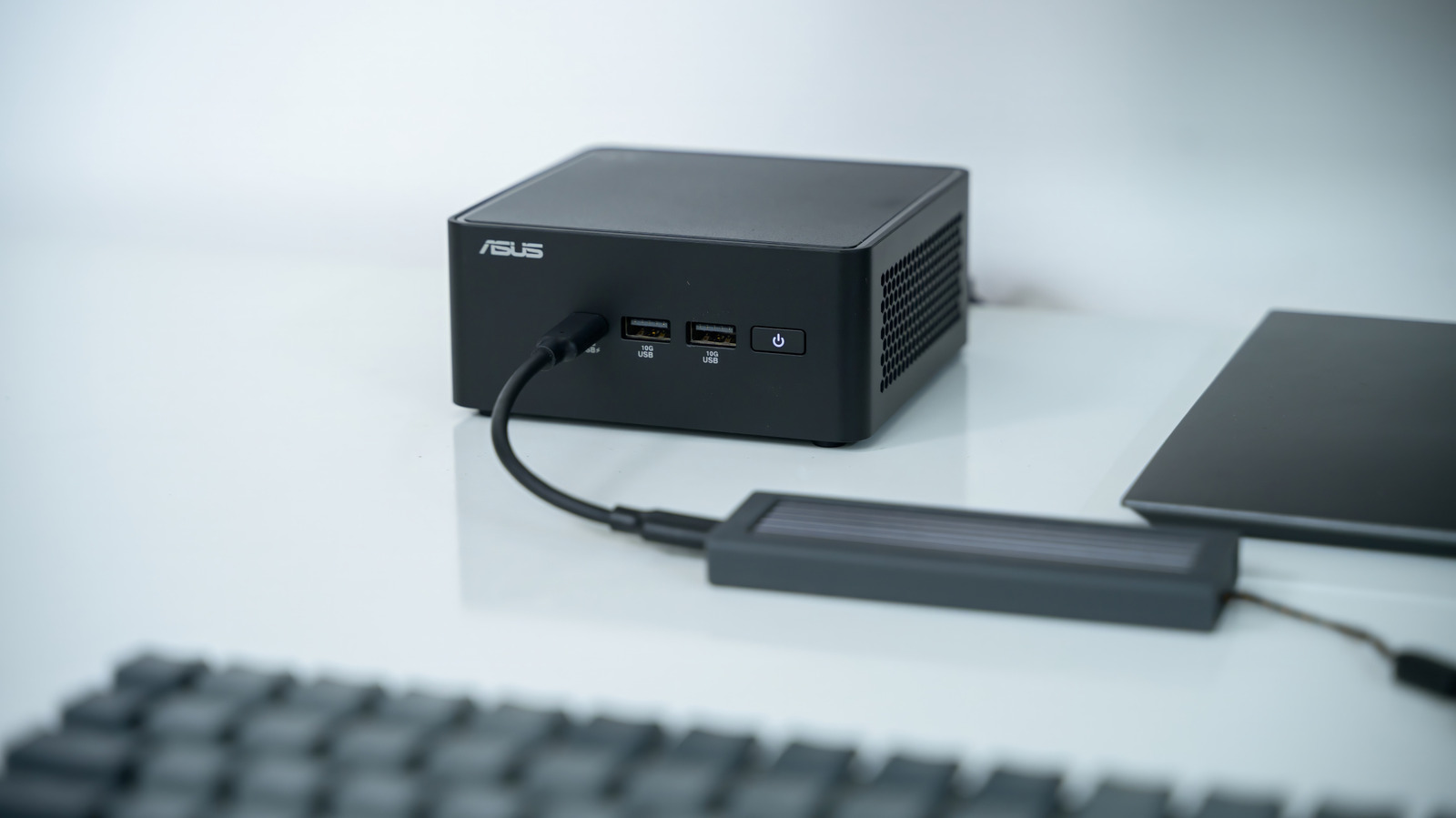
Mini PCs have become a staple for space‑constrained workstations and home entertainment hubs, but their compact design often leaves users uncertain about the most efficient way to power them down. The decision between sleep, shutdown or the less‑known hibernation mode can affect everything from battery life to system responsiveness.
Sleep mode places the computer in a low‑power state where the processor halts most activity while the RAM remains energized. This allows the system to awaken within seconds, making it ideal for short breaks or when users need to step away briefly without losing open applications.
Shutdown, by contrast, cuts power to all components and clears the volatile memory. The machine performs a full boot sequence the next time it is powered on, which takes longer but guarantees that no residual processes are running. This state is preferred for extended periods of inactivity, software updates that require a reboot, or when the device is being moved.
Hibernation bridges the gap between the two. When activated, the PC writes the contents of RAM to the storage drive and then powers off completely. On restart, the saved memory image is reloaded, restoring the previous session. Though resumption is slower than sleep, it consumes no power while the device is off, making it a practical choice for users who want the convenience of a saved session without the ongoing energy draw.
Practical guidance suggests using sleep for intervals of a few minutes to an hour, especially when the PC remains plugged in. For overnight or travel scenarios, hibernation offers a safe way to preserve work without draining the battery, while a full shutdown is advisable when the device will sit idle for several days or when firmware updates are pending.
Hardware specifics also play a role. Systems equipped with solid‑state drives retrieve hibernation images more quickly than those with traditional hard disks, reducing the perceived delay. Additionally, some mini PCs lack robust cooling solutions, so keeping them in sleep mode for prolonged periods could lead to heat buildup if ventilation is insufficient.
Manufacturers and operating‑system developers generally recommend configuring power‑management settings to match usage patterns. Windows, for example, provides a “hybrid sleep” option that combines sleep’s quick wake‑up with hibernation’s power‑off safety, while many Linux distributions let users tailor the timeout for each mode.
Looking ahead, emerging firmware standards and AI‑driven power‑saving algorithms promise to automate these decisions, dynamically selecting the optimal state based on workload, battery level and ambient temperature.
In the meantime, understanding the trade‑offs among sleep, shutdown and hibernation empowers mini‑PC owners to balance convenience, performance and energy efficiency, ensuring the compact machines stay ready when needed and conserve resources when not.



Comments (0)
Be the first to comment.
Join the discussion