Simple Tweaks Can Boost Your Apple CarPlay Experience
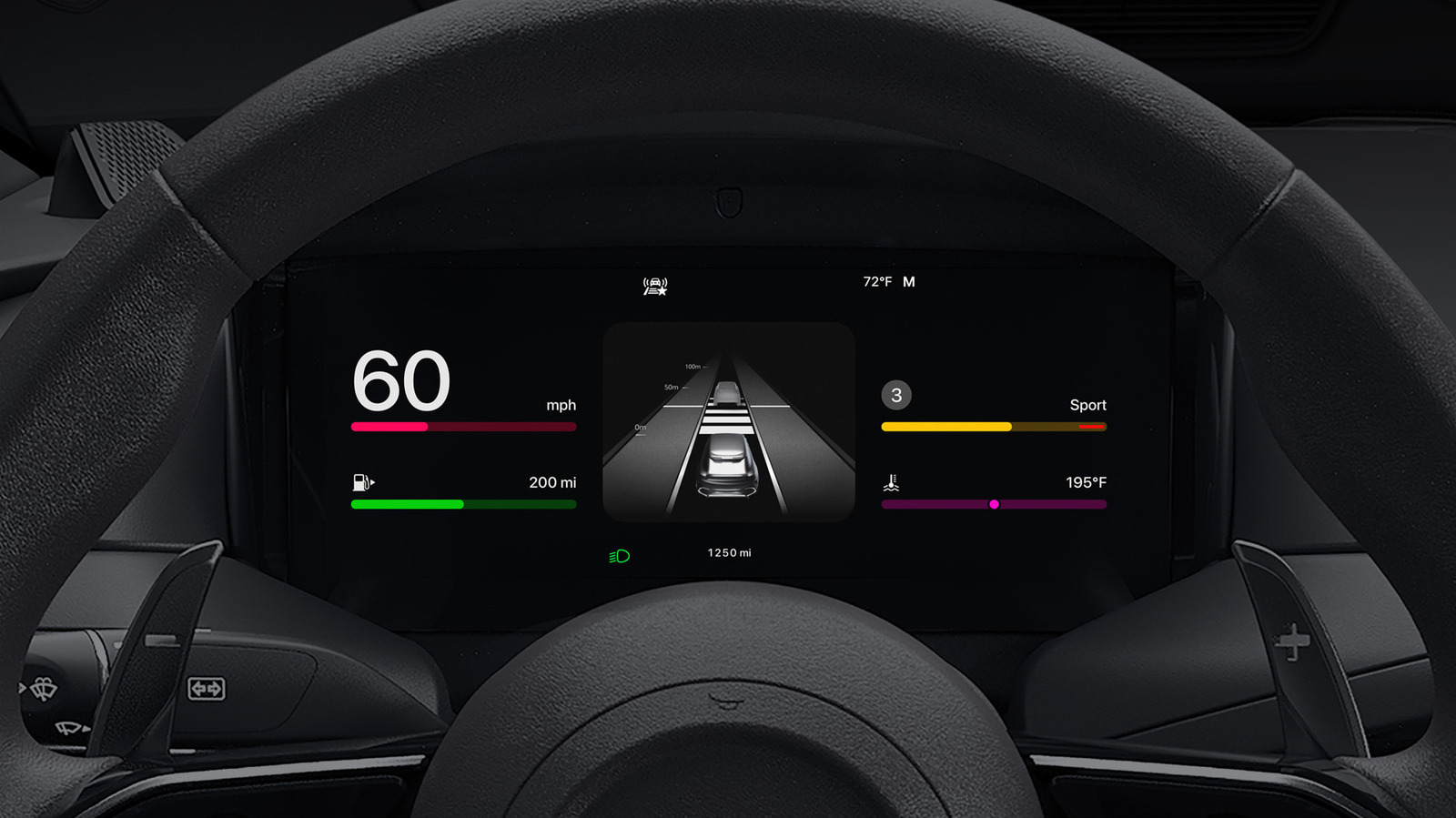
Apple CarPlay arrives in most new vehicles ready to mirror an iPhone’s interface, but a handful of adjustments can transform the system from merely functional to genuinely enjoyable for drivers who spend hours behind the wheel.
CarPlay projects familiar iOS apps onto a car’s infotainment screen, letting users access maps, messages, music and more through touch, steering‑wheel controls, or Siri voice commands. While the default setup works for most trips, the platform includes a suite of hidden preferences that many owners never explore.
Among the most effective changes is activating the “Do Not Disturb While Driving” mode, which silences incoming alerts and automatically routes calls to voicemail, reducing visual clutter. Users can also reorder apps on the home screen so that navigation or audio controls appear first, adjust screen brightness to match ambient lighting, and disable background app refresh for non‑essential services to speed up response times. Enabling Siri’s proactive suggestions further tailors the experience, presenting frequently used destinations or playlists before the driver even asks.
These tweaks matter beyond convenience. Fewer pop‑up notifications and a cleaner layout help keep eyes on the road, while faster app launch speeds diminish the temptation to fiddle with the system mid‑journey. Battery drain on the connected iPhone is also lessened when background processes are curtailed, extending the phone’s life during long trips.
Industry observers note that Apple continues to refine CarPlay with each iOS release, adding new customization layers and third‑party app support. Drivers who regularly review the Settings menu after software updates are likely to reap the latest enhancements without additional hardware. As automakers integrate CarPlay more deeply into vehicle dashboards, mastering these simple adjustments can ensure the technology remains an aid rather than a distraction.



Comments (0)
Be the first to comment.
Join the discussion