Why Gamers May Want to Cap Frame Rates: Benefits, Risks and How to Do It
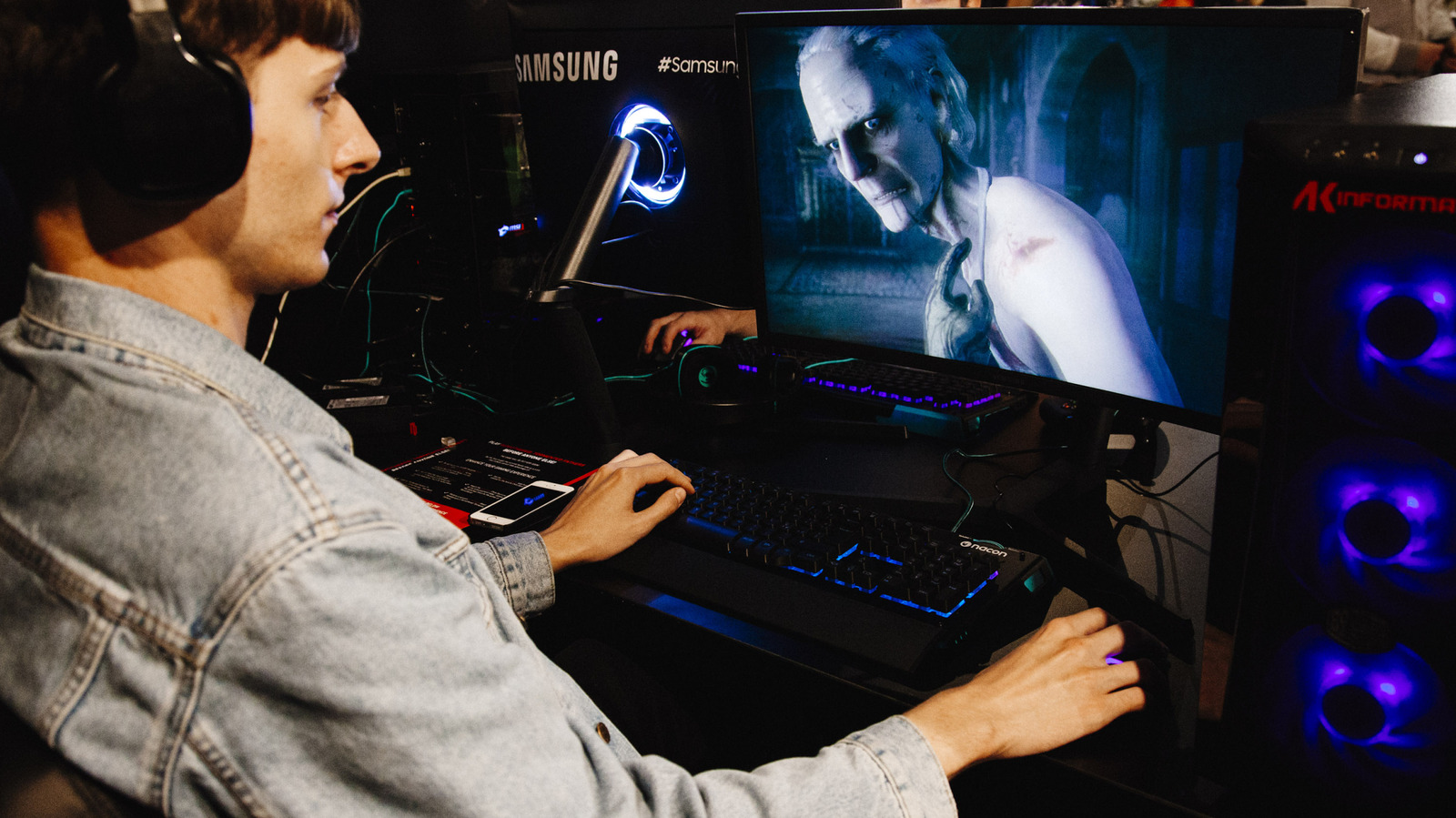
While the instinct to push a gaming PC to its highest possible frames‑per‑second (FPS) is common, experts note that throttling the output can actually improve the overall experience, especially on hardware that isn’t built for endless performance bursts.
Limiting FPS reduces the workload on the graphics processor, which in turn cuts power draw and heat generation. Less heat means quieter fan operation and a lower chance of thermal throttling that can degrade performance over longer sessions.
Consistency is another advantage. When a game runs at a wildly fluctuating frame rate, visual stutter can appear even on monitors with adaptive‑sync technology. Capping the output to a steady number—such as 60 or 120 FPS—helps maintain a uniform rhythm that feels smoother to the eye.
The benefit is especially pronounced for laptop users and those on battery power. A capped frame rate can extend battery life by up to 30 percent, according to several hardware reviews, because the GPU does not constantly chase an unattainable ceiling.
However, the approach isn’t universal. Competitive titles that thrive on split‑second reactions, like first‑person shooters or fighting games, often reward uncapped performance on high‑refresh monitors. In those contexts, limiting FPS could introduce unnecessary input lag.
Most modern graphics drivers and many games include built‑in options to set a maximum FPS, and third‑party utilities can enforce limits across multiple applications. Users are encouraged to experiment with different caps to find a balance that preserves visual fluidity while conserving resources, especially as newer monitors and GPUs continue to push the boundaries of what is technically possible.


Comments (0)
Be the first to comment.
Join the discussion