SD Card File Size Limits Explained: Why 4GB Caps Appear and How to Overcome Them
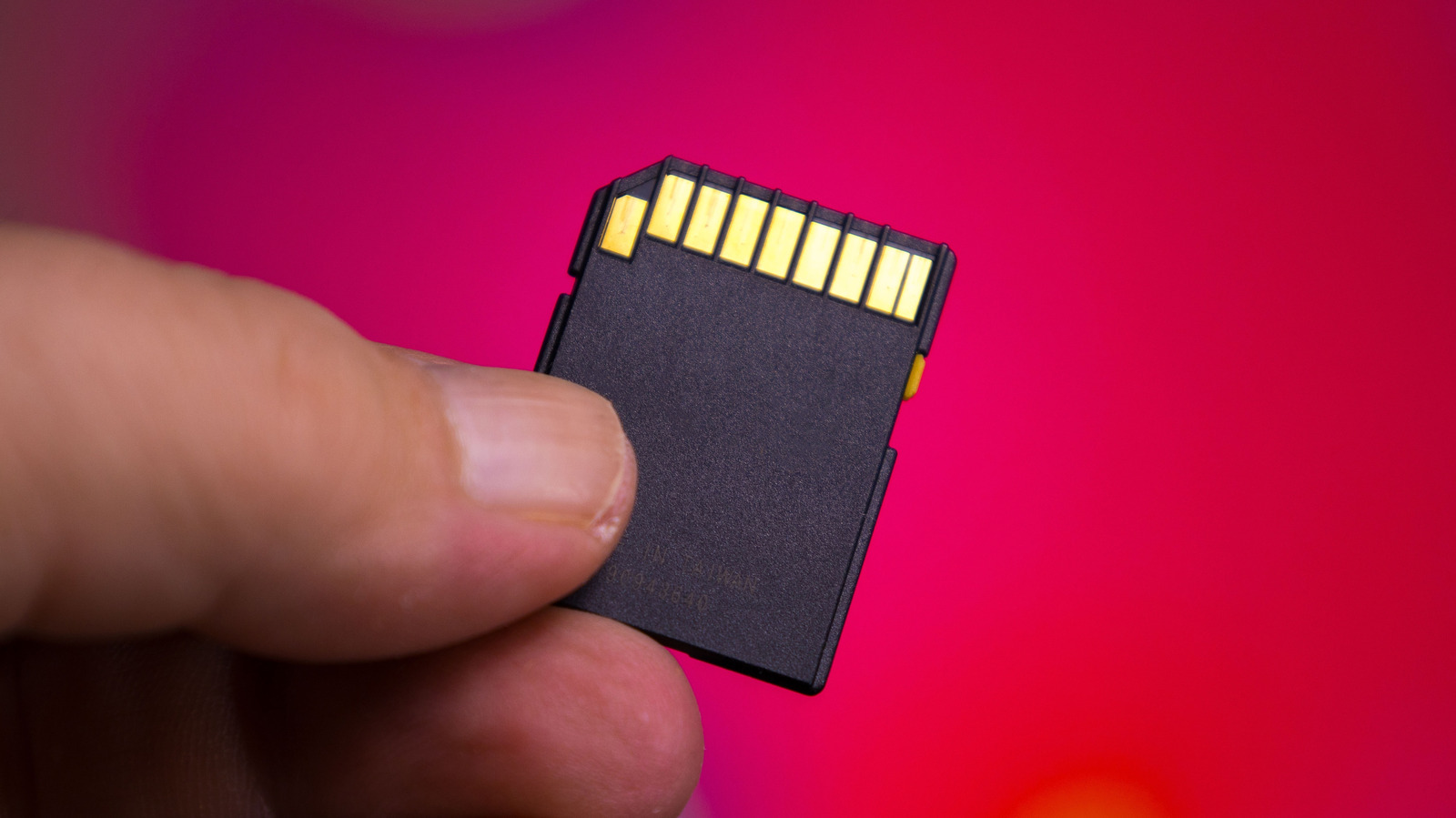
Many users encounter a frustrating roadblock when trying to copy large video or backup files to an SD card: the transfer stalls or fails once the file exceeds 4 gigabytes, even though the card has ample free space. This limitation is not a defect in the card itself but a consequence of the file system most cards are formatted with by default.
Most consumer‑grade SD cards are shipped pre‑formatted with the FAT32 file system, a standard that dates back to the mid‑1990s. While FAT32 is widely compatible with cameras, smartphones, gaming consoles, and older computers, it imposes a hard ceiling of 4 GB on the size of a single file. When a user attempts to move a video, high‑resolution photo collection, or any other large file that surpasses that threshold, the operating system refuses the operation, citing insufficient space despite the card’s capacity.
The remedy is straightforward: reformat the card using a file system that supports larger files, such as exFAT or NTFS. ExFAT, introduced by Microsoft in 2006, retains the broad device compatibility of FAT32 while lifting the file‑size restriction to virtually unlimited values (up to 16 EB). NTFS offers similar benefits but is less universally recognized by non‑Windows devices, making exFAT the preferred choice for most portable media. Users can reformat the card via the built‑in tools in Windows, macOS, or Linux, typically by right‑clicking the drive, selecting “Format,” and choosing exFAT as the file system.
Before reformatting, it is essential to back up any existing data, as the process erases all contents on the card. Additionally, some older devices—particularly legacy cameras, drones, or car audio systems—may not recognize exFAT, reverting to FAT32 as the only viable option. In those cases, users must either split large files into smaller segments using file‑splitting software or invest in a newer device that supports exFAT.
Understanding the underlying file‑system limitation helps users avoid unnecessary frustration and make informed decisions about storage media. As newer hardware increasingly adopts exFAT as the default, the 4 GB ceiling is expected to fade, but for now, a quick reformat or mindful file management remains the most effective solution for anyone needing to move larger files onto an SD card.



Comments (0)
Be the first to comment.
Join the discussion