Phone Performance May Dip After Updates, Experts Say Slowdown Is Usually Temporary
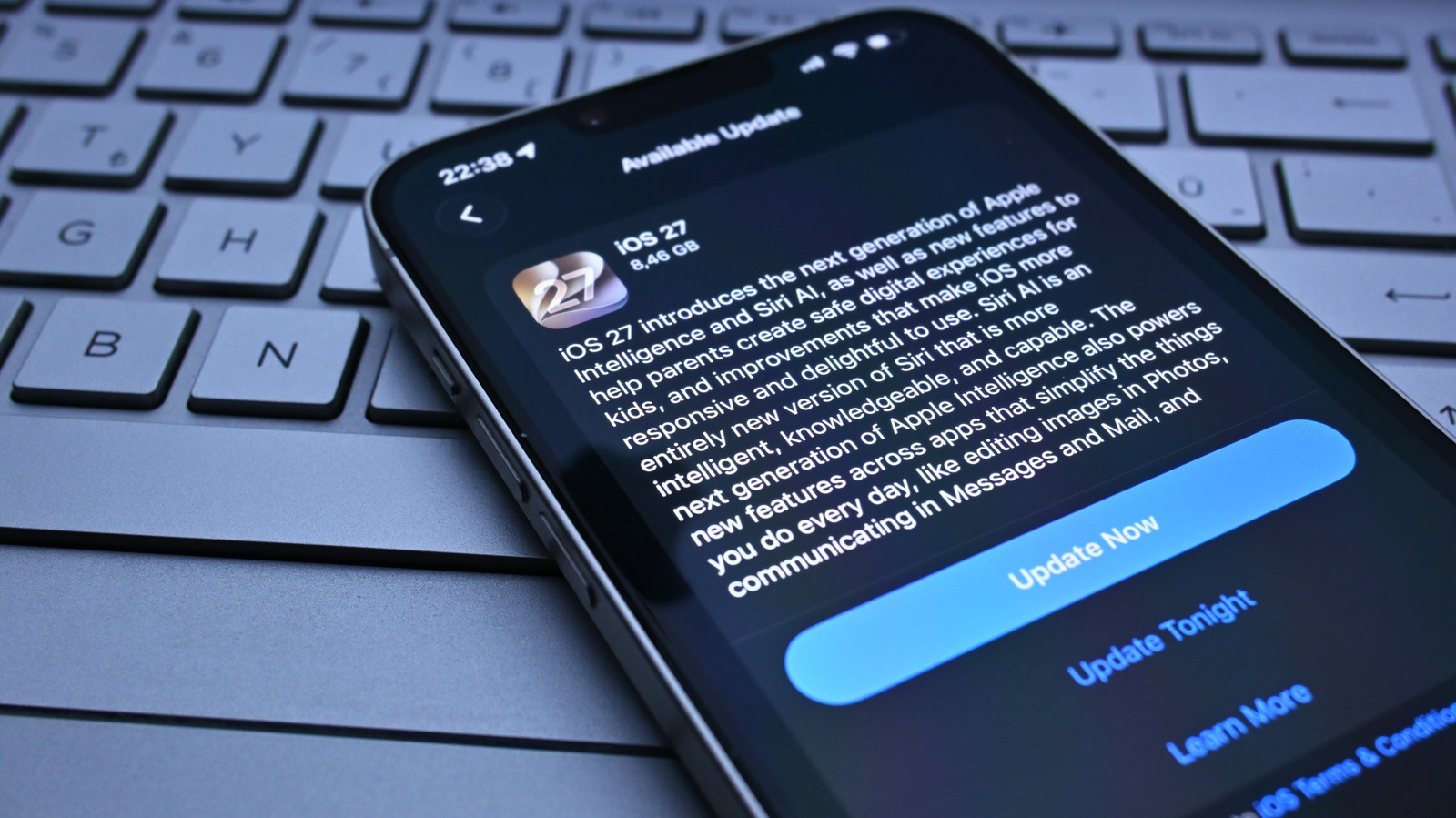
When a smartphone receives a new software update, many users report that the device feels slower or less responsive for a short period. This phenomenon, while frustrating, is generally expected as the operating system reconfigures itself to accommodate fresh code, new features, and security patches.
During the initial hours or days after an update, the phone often runs background tasks such as indexing media files, rebuilding app caches, and applying system‑level optimizations. These processes consume CPU cycles and memory, which can temporarily reduce the speed of everyday interactions like launching apps or scrolling through menus.
Manufacturers and operating‑system developers typically design updates to improve overall performance, battery life, and security in the long run. However, the transition phase can expose mismatches between legacy data structures and new software expectations, leading to brief performance hiccups. In many cases, the device stabilizes once the background work finishes and the system clears temporary files.
Tech analysts advise users to give their phones a few days after installing an update before assuming a problem exists. Simple steps—such as restarting the device, clearing app caches, or disabling unused widgets—can accelerate the recovery. If sluggishness persists beyond a reasonable period, contacting support or checking for subsequent patches is recommended.
The temporary slowdown underscores a broader challenge in mobile ecosystems: balancing rapid feature rollout with the need to maintain a seamless user experience. As updates become more frequent to address security threats and hardware compatibility, users can expect occasional adjustment periods, but the overall trajectory remains toward faster, more secure smartphones.



Comments (0)
Be the first to comment.
Join the discussion