Neglected PC Maintenance: Why Built‑In Windows Tools Aren’t Enough
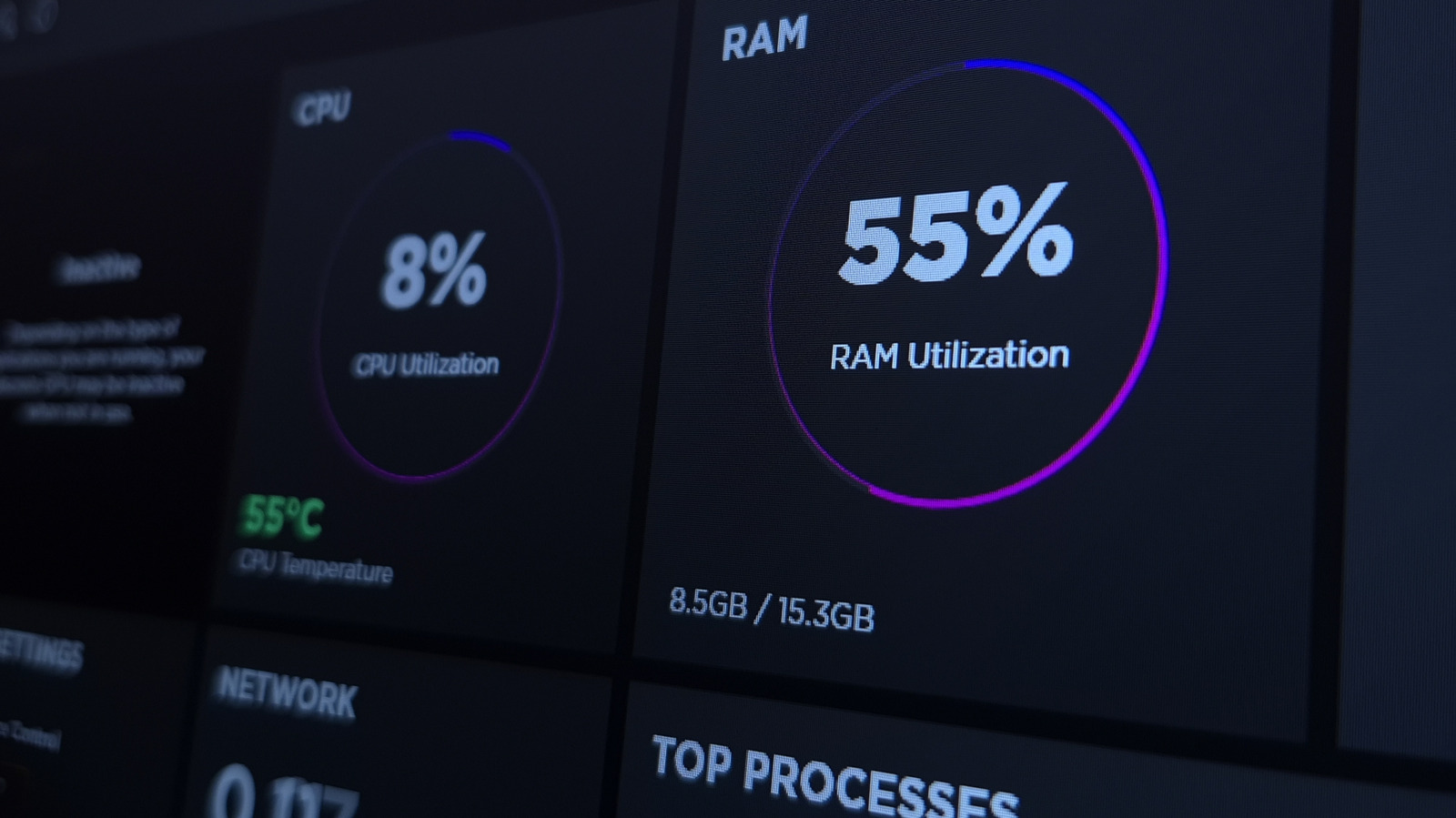
Many Windows users rely on the operating system’s own utilities—Disk Cleanup, Storage Sense, and the occasional defragmentation—to keep their machines running smoothly, yet a growing number of experts say that approach leaves a critical gap in overall system health.
Windows does ship with a suite of maintenance features, from the built‑in “Troubleshoot” wizards that diagnose common problems to the “Windows Security” app that handles malware protection. However, most of these tools require manual activation, periodic checks, and a degree of technical know‑how that many casual users simply don’t have time for.
What tends to be overlooked is the need for continuous, automated oversight of the system’s deeper layers—registry entries, background services, driver versions, and startup programs. When left unchecked, outdated drivers can cause hardware conflicts, bloated registries can slow boot times, and unnecessary startup items can sap resources before the desktop even appears.
Specialized maintenance utilities fill that void by consolidating cleaning, updating, and monitoring into a single, user‑friendly interface. They can schedule regular junk‑file removal, flag and install the latest driver releases, and provide real‑time alerts when critical updates are available. Because they operate in the background, they reduce the chance that a user will forget to run a manual cleanup or overlook a pending driver upgrade.
Beyond performance, comprehensive maintenance has security implications. Unpatched drivers and lingering temporary files can become attack vectors for malware, especially on systems that do not receive frequent manual attention. Automated tools help mitigate those risks by ensuring that the software stack remains current and that unnecessary files are purged before they can be exploited.
Industry analysts note that while Microsoft is gradually expanding its own health‑check capabilities, the current offering still falls short of the proactive, all‑in‑one approach delivered by third‑party solutions. Users who prioritize a hassle‑free experience often turn to reputable utilities that have earned positive reviews for safety and effectiveness.
Looking ahead, the gap may narrow as Windows integrates more robust health management features directly into the OS. Until then, experts advise PC owners to assess their maintenance habits and consider adding a dedicated optimization tool to their routine, especially if they notice slower boot times, unexpected crashes, or frequent driver warnings.
In short, the one thing many overlook in keeping a PC healthy isn’t a single setting but a continuous maintenance strategy—one that goes beyond the basic tools Windows provides and embraces automated, comprehensive oversight.

Comments (0)
Be the first to comment.
Join the discussion