Monitor Flicker on Startup: Common Causes and Fixes
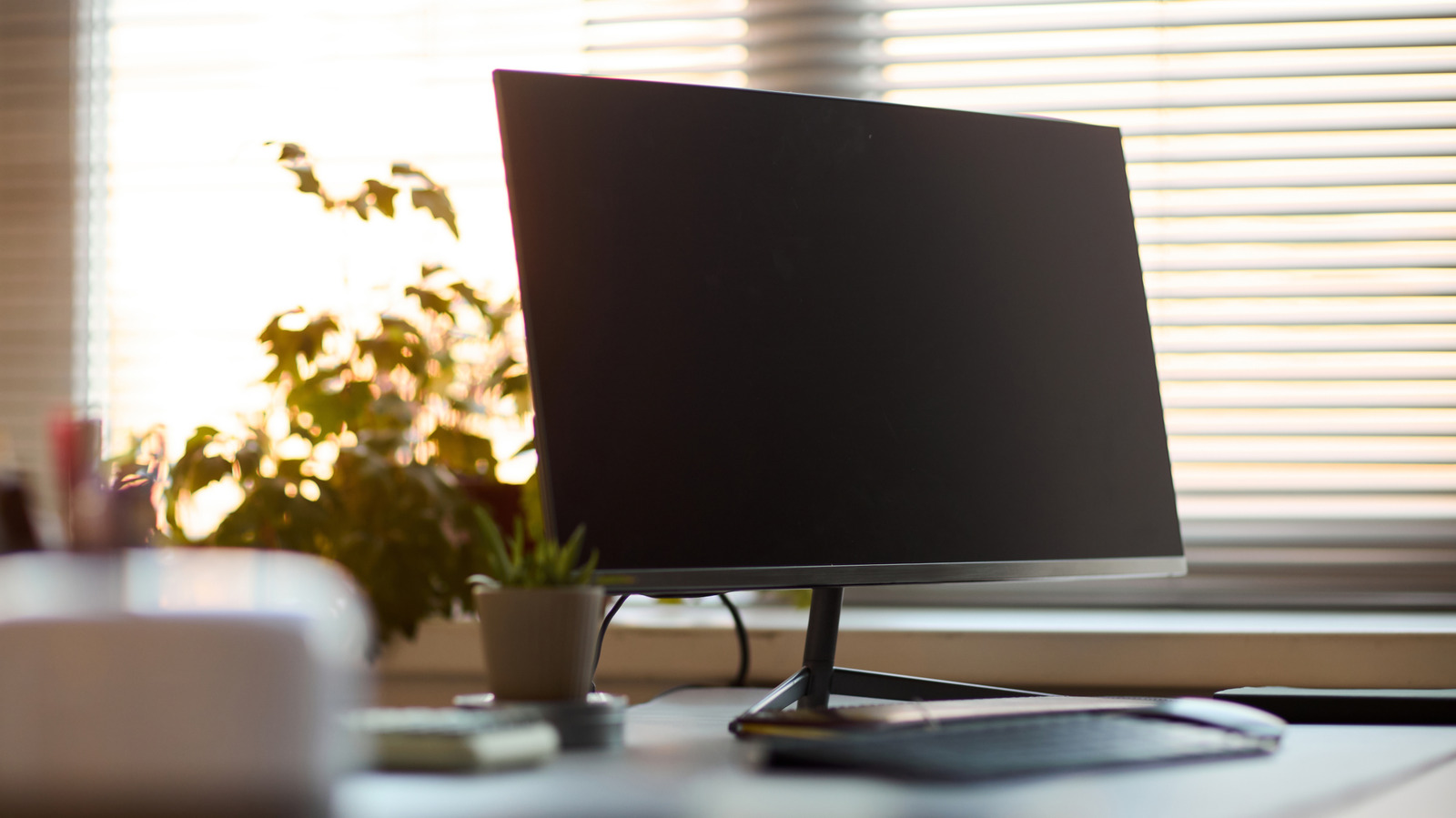
Users often notice a brief flicker or brief loss of picture when they power on a computer monitor, a symptom that can stem from a range of hardware or configuration problems.
One of the most frequent culprits is the back‑light system, which in older LCD models relies on an inverter to power fluorescent tubes and in newer panels uses LED drivers. Age, heat stress or a failing power‑supply component can cause the illumination to pulse briefly as the monitor initializes.
Physical connections also play a major role. A loosely seated HDMI, DisplayPort, DVI or VGA cable, or a cable with internal damage, can interrupt the video signal long enough to produce a flicker. Even a bent pin or a worn connector on the graphics card side can trigger the same effect.
Software settings are another source of trouble. If the computer outputs a resolution or refresh rate that the monitor cannot sustain, the display may momentarily lose sync when the signal first arrives. Out‑of‑date graphics drivers or mismatched timing parameters can exacerbate the issue, especially on systems that switch between integrated and discrete GPUs.
Diagnosing the problem typically starts with the simplest steps: reseat or replace the video cable, test the monitor on a different computer, and verify that the operating system is using a supported resolution and refresh rate. Updating the graphics driver and resetting the monitor to its factory defaults are also recommended before considering hardware repair.
When the flicker persists despite these measures, the fault is likely internal. A failing back‑light inverter or LED driver module often requires professional replacement, and in some cases the entire LCD panel may be defective. Users with active warranties should contact the manufacturer, while those out of warranty may need to weigh repair costs against purchasing a new monitor.
Overall, a brief flicker at power‑on is usually a sign that something is out of alignment, but most causes are identifiable and many can be resolved without replacing the display. Persistent or worsening flicker, however, signals a deeper hardware issue that merits prompt attention to avoid complete failure.



Comments (0)
Be the first to comment.
Join the discussion