Keeping an Eye on Hidden Tasks: Why Monitoring PC Background Processes Matters
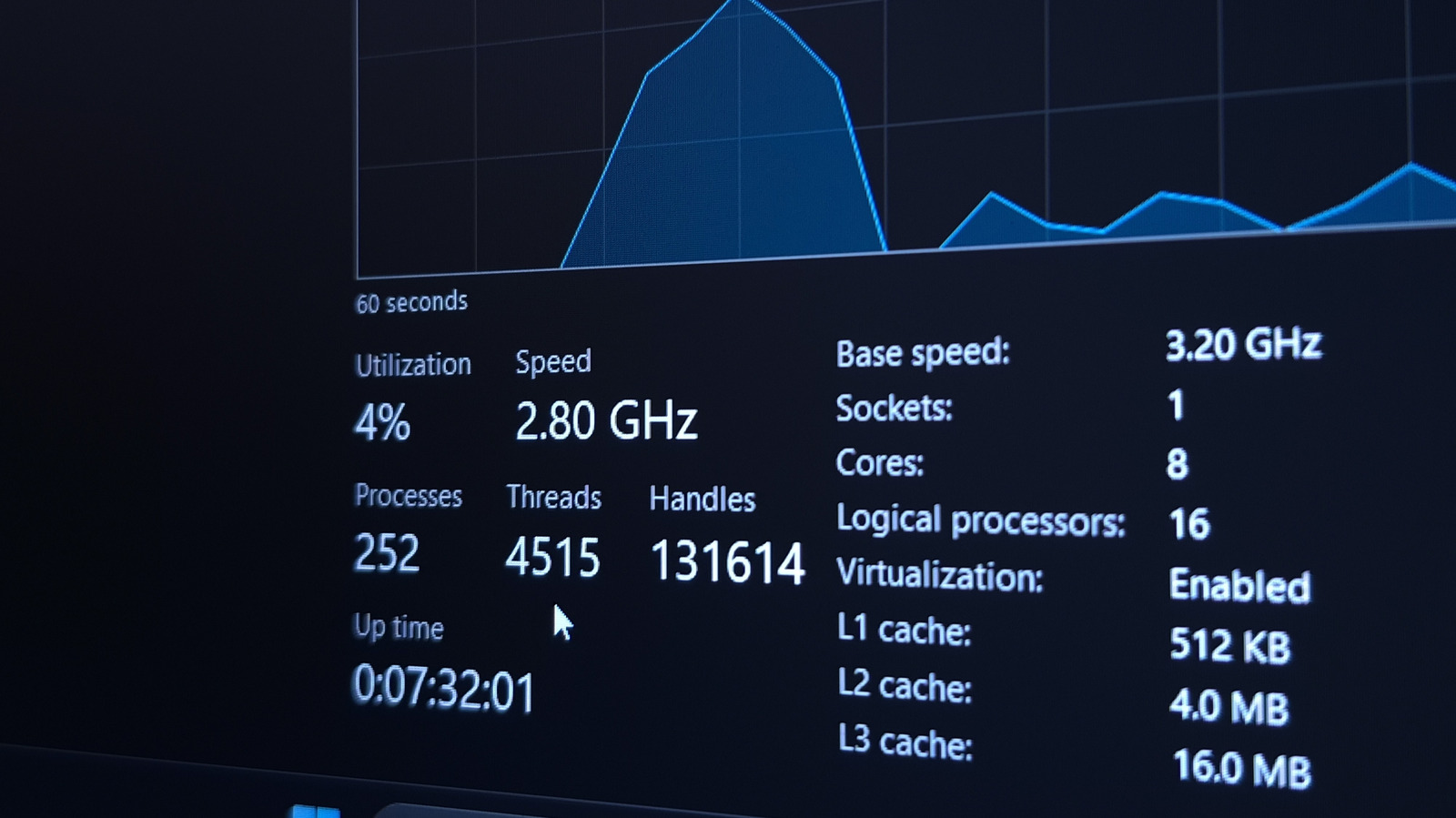
Modern computers constantly run a multitude of tasks behind the scenes, from system updates to background services that keep hardware and software synchronized. While many of these processes are essential for smooth operation, they can also consume resources, affect performance, and sometimes signal security concerns. Understanding what your PC is doing when you’re not actively using it is therefore a key step in maintaining both efficiency and safety.
Operating systems such as Windows, macOS, and Linux provide built‑in utilities—Task Manager, Activity Monitor, and System Monitor respectively—that list active processes, their CPU and memory usage, and their origin. By regularly reviewing these lists, users can spot unusual spikes, unfamiliar applications, or services that persistently run despite being idle. Such anomalies often point to misbehaving software, unnecessary startup items, or potentially unwanted programs.
Beyond performance, background processes can have privacy implications. Certain applications may transmit data to remote servers, synchronize files, or collect usage statistics without clear user consent. When a process repeatedly accesses the network or spikes in data transfer, it may indicate telemetry that users wish to limit, or in worst cases, malware exfiltrating information. Monitoring tools that show network activity alongside process details help users make informed decisions about what to allow or block.
Security experts recommend a periodic audit of running processes, especially after installing new software or system updates. Unrecognized entries should be researched—checking the executable’s digital signature, file location, and online reputation databases can quickly differentiate legitimate system components from rogue code. If a suspicious process cannot be identified, isolating the machine, running reputable anti‑malware scans, and, if necessary, seeking professional assistance can prevent escalation.
Proactive monitoring also supports better hardware longevity. Excessive CPU or disk usage caused by runaway background tasks can generate heat, wear components faster, and shorten battery life on laptops. Adjusting settings to disable nonessential services, configuring apps to limit background activity, and keeping drivers up to date are practical steps that stem from an informed view of what is running under the hood.
In summary, regularly checking a computer’s background processes empowers users to optimize performance, safeguard personal data, and catch potential threats early. While the tools are built into most operating systems, third‑party utilities offering richer visualizations and alerts are also available for those who want deeper insight. By making this simple habit part of routine computer maintenance, individuals can keep their machines running efficiently and securely.



Comments (0)
Be the first to comment.
Join the discussion