Switching Fitness Trackers: How to Preserve Your Health Data When Changing Devices
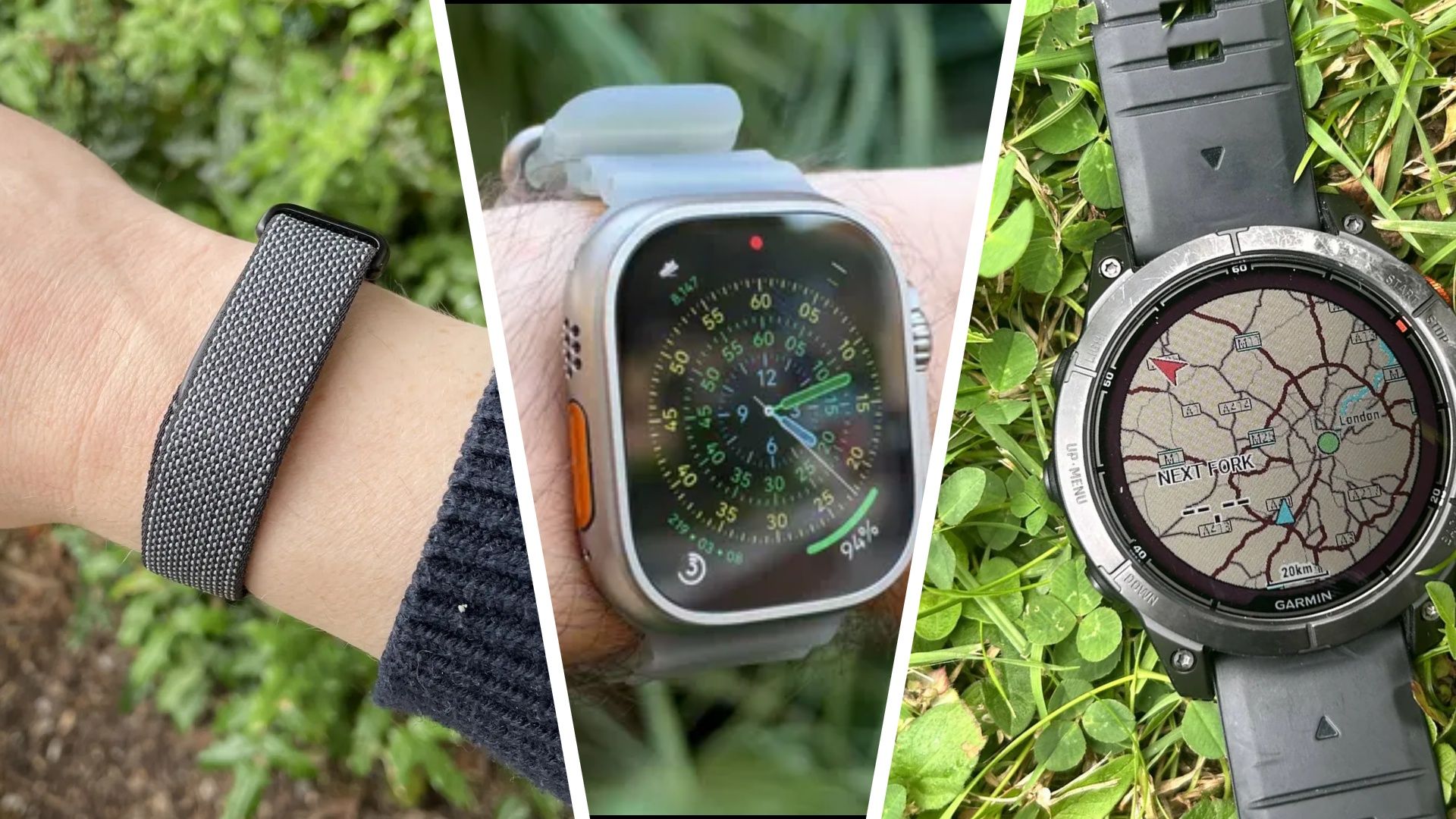
When a long‑used fitness tracker begins to show signs of wear or no longer meets a user's evolving needs, many consider upgrading to a newer model or even switching to a different brand. The challenge, however, lies in moving the accumulated health and workout history to the new device without losing valuable insights that users have built up over months or years.
Most major fitness platforms, including Fitbit, Apple, Garmin and Samsung, store data in cloud‑based accounts that can be accessed from multiple devices. To retain past activity logs, users should first confirm that their existing tracker is fully synced with its companion app and that the account details are up‑to‑date. Once the data is securely backed up online, the next step involves linking the new device to the same account, a process that typically requires installing the latest version of the app, signing in, and following the on‑screen pairing instructions.
For those who prefer to change brands—say, moving from a slim Fitbit wristband to a larger GPS‑focused running watch—the transition can be a bit more involved. While many manufacturers allow data export in standard formats such as CSV or TCX, the receiving platform may not automatically ingest every metric. Users are advised to export their historical records from the original service, then import them into the new ecosystem where possible, or rely on third‑party tools that bridge the gap between competing ecosystems. In cases where direct import is unavailable, keeping a personal archive of the exported files ensures the information is not lost.
Timing the switch around major sales events, such as Black Friday, can provide cost savings, but it also means that support resources may be stretched thin. Consumers should verify that the new device’s firmware is current and that any required companion apps have been updated before initiating the migration. Additionally, resetting the old tracker to factory settings after confirming successful data transfer helps protect personal information and prepares the device for resale or recycling.
Industry analysts note that the ability to retain data across devices influences brand loyalty, especially as users become more data‑driven in their health routines. Manufacturers that streamline the migration process—by offering one‑click account linking or built‑in data import features—tend to attract users looking to upgrade without sacrificing continuity. Conversely, fragmented ecosystems can deter customers from switching, reinforcing market concentration among a few dominant players.
Looking ahead, experts anticipate tighter integration standards that could make cross‑brand data transfers more seamless. In the meantime, users planning a fitness tracker upgrade should prioritize thorough syncing, careful export of historical logs, and verification that the new device can access the same account. By following these steps, they can enjoy the benefits of newer hardware while preserving the longitudinal health insights that inform their training and wellness decisions.

Comments (0)
Be the first to comment.
Join the discussion