Samsung TV owners can restore performance with a simple reset
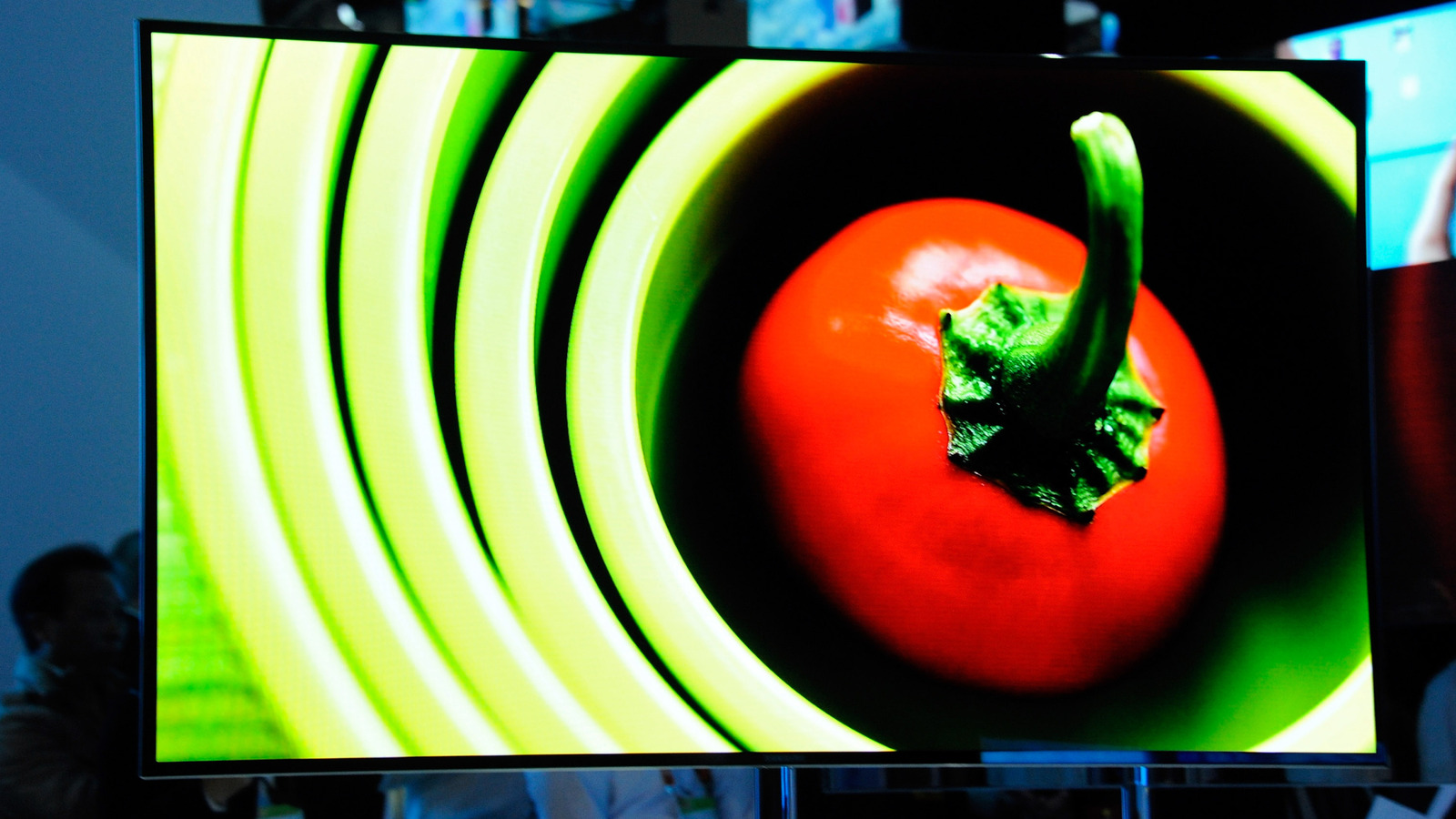
Samsung television users, whether they own the premium Frame series or a standard model, may find themselves needing to reboot or completely reset the device to resolve persistent glitches or connectivity problems.
Common triggers for a reset include unresponsive menus, frozen screens, erratic picture quality, or repeated network drop‑outs. While occasional software hiccups are normal, a reset can clear corrupted caches and restore the TV to its original operating state, often saving a service call.
A soft reset is the quickest remedy: turn off the TV, unplug it from the wall outlet, wait roughly one minute, then plug it back in and power it on. This cycle forces the internal hardware to reinitialize and can resolve many minor issues without affecting user settings.
When a soft reset is insufficient, a full factory reset is available through the on‑screen menu. Navigate to Settings, select General, then choose Reset. The TV will prompt for a PIN; the default code is typically 0000 unless the owner has changed it. Confirming the reset erases personal preferences, installed apps, and Wi‑Fi credentials, returning the unit to its out‑of‑the‑box configuration.
Because a factory reset removes all stored data, users should back up any important information, such as custom picture profiles or saved streaming‑service logins, before proceeding. After the reset, the TV will guide the owner through the initial setup process, including software updates that can improve performance and security. If problems persist after both soft and hard resets, contacting Samsung support or a qualified technician is advisable.


Comments (0)
Be the first to comment.
Join the discussion