Samsung lets users remap Galaxy side button for apps and shortcuts
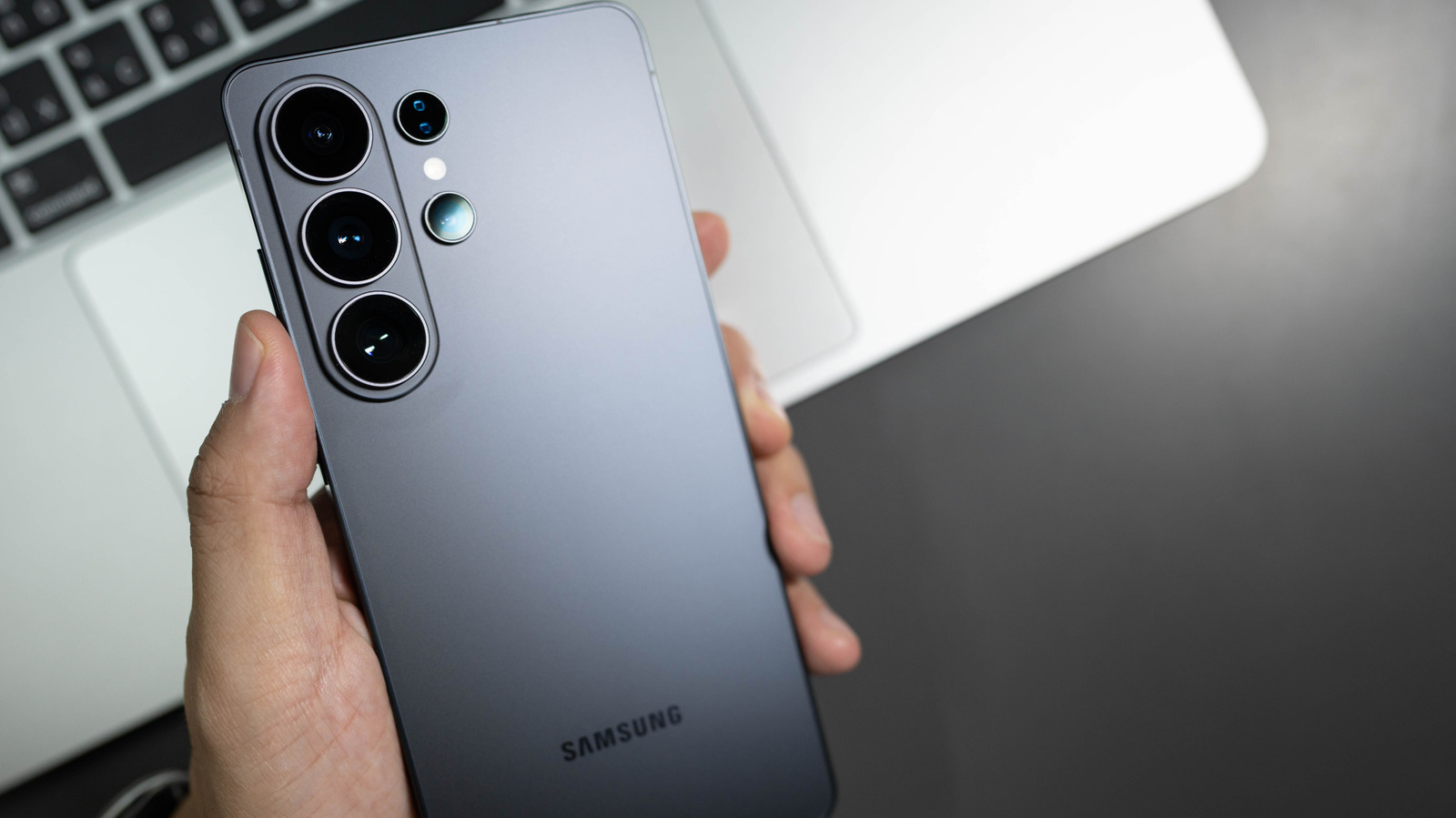
Samsung has expanded the functionality of the side button on its Galaxy smartphones, allowing users to assign a broader range of actions beyond the traditional power and Bixby functions. The change, rolled out through recent One UI updates, gives owners the option to set the button’s double‑press or long‑press to launch any compatible app, open the camera, or trigger a custom shortcut.
Historically, the side button has served a fixed purpose: a single press to power the device on or off, a double press to activate the Bixby voice assistant, and a long press to open the power‑off menu. Over successive generations, Samsung introduced variations, such as a dedicated Bixby button on the Galaxy S8 and later models, but the core behavior remained largely static. User feedback and competition from other Android manufacturers prompted the company to rethink this approach.
With the latest One UI iteration, the customization settings are found under Settings → Advanced features → Side key. From there, users can select “Double press” or “Press and hold” and choose from a list that includes the camera, flashlight, voice recorder, and any third‑party app that supports shortcut integration. The interface also offers a “Quick launch” option, enabling a single tap to open a frequently used function without navigating through menus.
The move reflects a broader trend toward greater personalization in mobile operating systems. As smartphones become central to daily workflows, the ability to tailor hardware controls can improve efficiency and accessibility, especially for users with specific ergonomic needs. Analysts note that such flexibility may help Samsung retain users who might otherwise gravitate toward devices offering more programmable hardware buttons.
Looking ahead, Samsung has hinted that future updates could extend side‑button customization to include gesture‑based shortcuts or integration with Samsung’s ecosystem of wearables and smart home devices. For now, the added flexibility offers Galaxy owners a simple way to streamline their interactions, turning a static power key into a versatile tool that adapts to individual preferences.


Comments (0)
Be the first to comment.
Join the discussion