When and Why to Reboot Your Fitbit: A Practical Guide
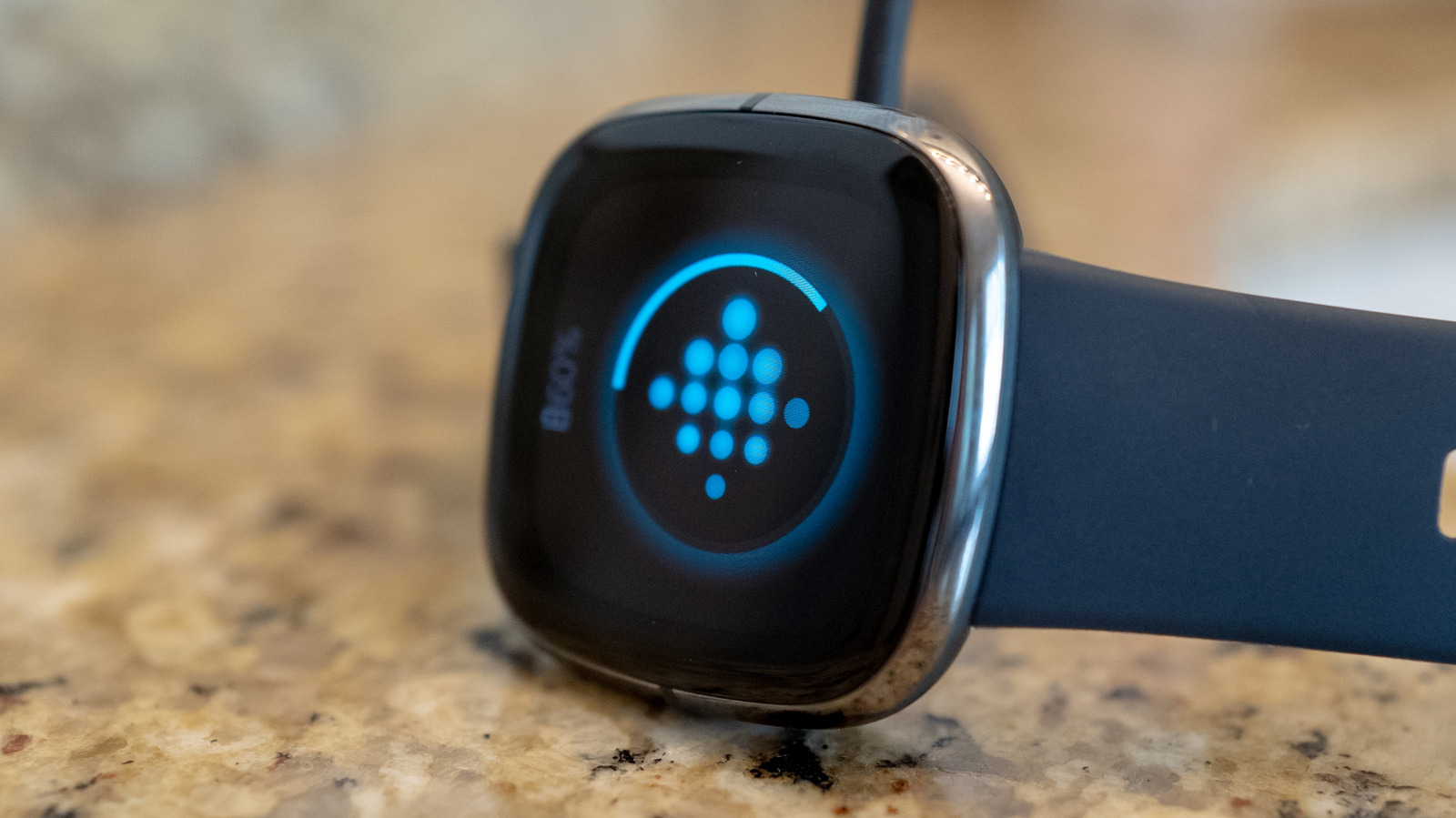
Restarting a Fitbit smartwatch isn’t a new trick, but it remains the most straightforward way to resolve a range of everyday glitches, from a frozen display to missed activity data.
The process works by clearing the device’s temporary memory and forcing the operating system to reload, which can re‑establish a lost Bluetooth connection, correct sensor calibration, and reset any software hiccups that develop over time.
Fitbit users typically reach for the power‑cycle when the watch stops syncing with the companion app, when heart‑rate readings become erratic, or when step counts appear unusually low despite regular movement. Battery drain that seems faster than usual can also be a sign that a simple restart may help the device return to normal power management.
There is no prescribed schedule for rebooting a Fitbit; the manufacturer’s support pages advise performing the reset only when problems arise. Some owners find that a periodic restart—perhaps once a month—helps keep the watch running smoothly, but doing it more frequently offers no measurable benefit and may wear the hardware faster.
To restart most Fitbit models, press and hold the side button (or the dedicated button combination for older devices) for about 8 to 10 seconds until the screen flashes or the device vibrates. After the watch powers back on, it will automatically attempt to reconnect to the phone and resume tracking without losing stored data.
As firmware updates continue to improve stability, the need for manual restarts may decline, but for now the “turn it off and on again” method remains a handy tool in the wearer’s troubleshooting kit, ensuring that the device stays reliable for daily health monitoring.



Comments (0)
Be the first to comment.
Join the discussion