Front USB ports may bottleneck your peripherals, tests show
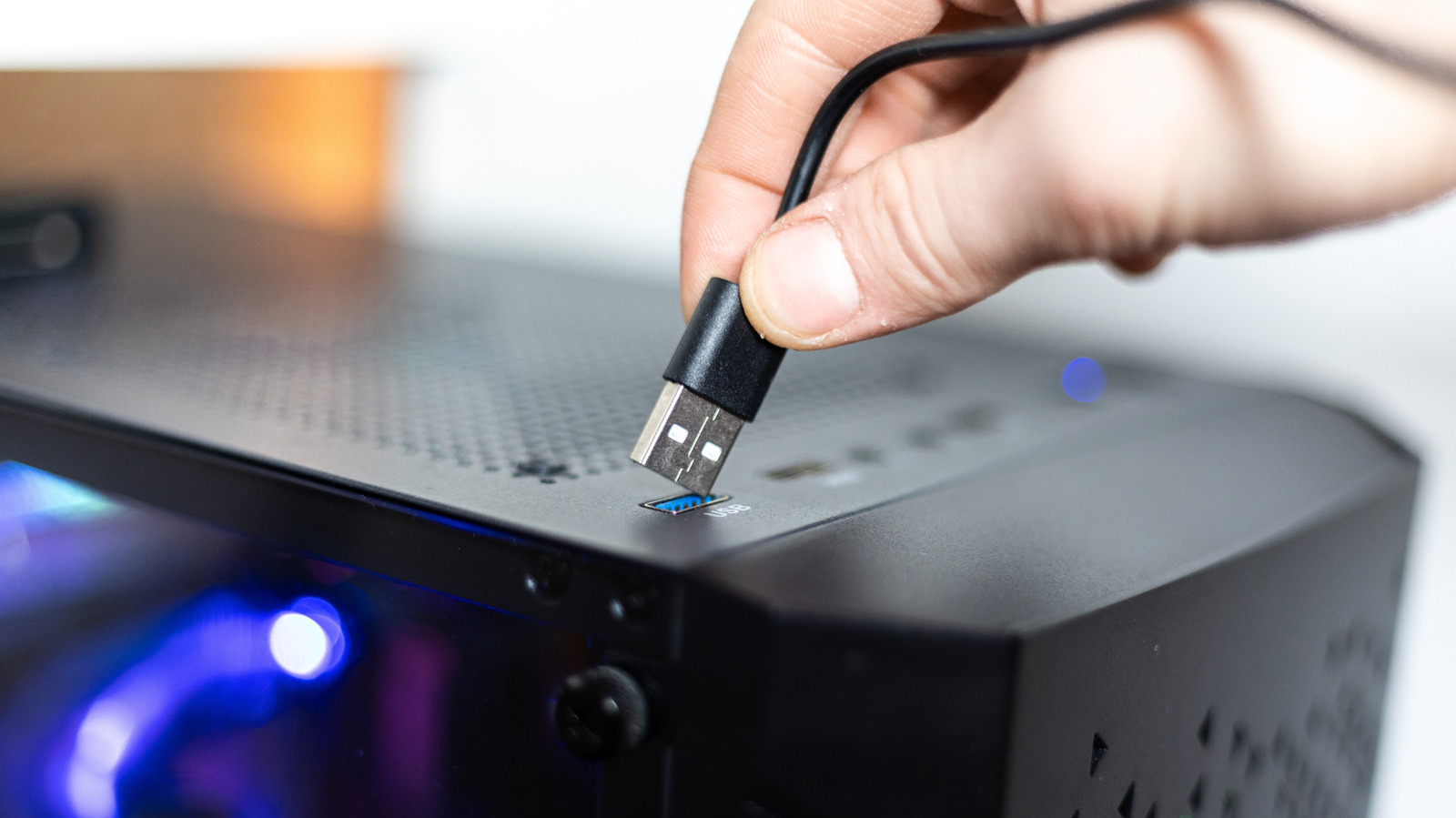
Recent testing reveals that the USB connectors located on the front of desktop cases often deliver slower data transfer rates than the ports mounted on the rear of the same machine, a disparity that can affect everything from external hard drives to gaming controllers.
The difference stems from the way front ports are wired through the case's internal hub. While rear ports connect directly to the motherboard's controller, front ports typically route through a separate header, adding extra circuitry and sometimes a lower‑grade controller that can limit bandwidth and power delivery.
Engineers note that many manufacturers prioritize convenience over performance when designing front panel connectors. The additional cables and connectors required to reach the motherboard can introduce signal loss, especially for USB 3.0 and newer standards that rely on higher frequencies. In practice, users may see transfer speeds drop by as much as 30 percent compared to rear ports, according to benchmark data gathered from a range of popular desktop models.
This performance gap matters most for devices that rely on sustained high‑speed data streams, such as external SSDs, video capture cards, or VR headsets. Even peripherals that are less demanding, like keyboards and mice, can experience occasional lag if the front ports are unable to supply sufficient power, leading to intermittent disconnects or reduced responsiveness.
Consumers looking to maximise throughput should consider routing high‑speed devices to the rear panel whenever possible. For those who need front‑panel access, checking the case specifications for a USB 3.1 or USB 3.2 compliant header, and ensuring the motherboard’s BIOS is up to date, can help mitigate the slowdown. Some enthusiasts also install dedicated USB expansion cards that provide additional high‑performance ports directly on the motherboard.
As desktop designs continue to evolve, the industry may address the issue by integrating faster internal hubs or offering more rear‑panel ports. Until then, users are advised to test their own setups and prioritize the rear connectors for bandwidth‑intensive hardware to avoid unintended bottlenecks.


Comments (0)
Be the first to comment.
Join the discussion