Forgotten Android Phone Finds New Life as a Desktop Communication Hub
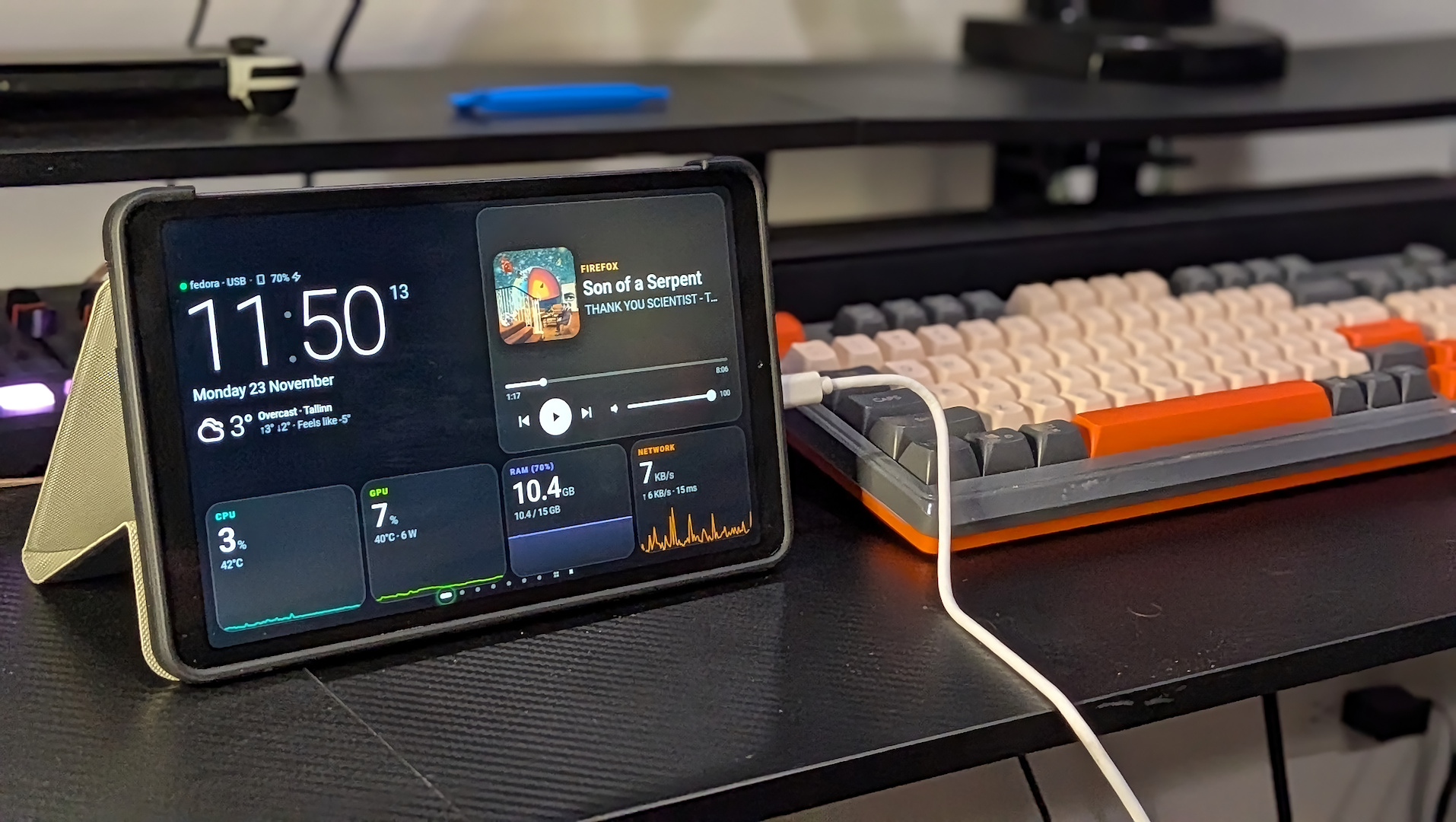
When a once‑used Android phone ends up in a kitchen junk drawer, most owners assume its usefulness has run its course. A recent piece highlighted how a single terminal command can transform that dormant device into a functional desktop companion, handling calls, messages and notifications without the need for a dedicated workstation phone.
The process hinges on the Android Debug Bridge (ADB), a command‑line tool that developers use to communicate with Android devices over USB. By issuing a concise ADB instruction, users can activate USB audio routing and expose the handset’s telephony functions to the host computer, effectively turning the phone into a desk‑side handset.
Once the command is executed, the device appears as an audio input and output source on the computer. Standard voice‑over‑IP (VoIP) or soft‑phone applications can then be pointed to the Android’s microphone and speaker, allowing users to answer calls, send texts and receive app notifications directly from their laptop or desktop.
This repurposing is especially appealing for those who accumulate several functional devices that no longer fit their daily routines. Rather than discarding or selling the gadgets, owners can give them a second life, reducing electronic waste and saving the modest cost of a separate desk phone.
Tech enthusiasts note that the method requires only a USB cable and a computer with ADB installed—tools that are already common among developers and power users. No additional software needs to be installed on the Android device, preserving its original configuration while extending its utility.
Security considerations remain important. Since the device is now accessible from the host computer, users should ensure the connection is trusted and that the phone’s lock screen remains enabled to prevent unauthorized access when the device is not in use.
Looking ahead, the technique could inspire broader adoption of “device recycling” practices, where old smartphones serve niche roles such as dedicated media controllers, network monitors or even home‑automation hubs, all triggered by simple command‑line tweaks.
As more people seek cost‑effective ways to maximize their existing hardware, a single terminal command may become a handy tool in the quest to keep forgotten gadgets productive rather than relegated to dusty drawers.



Comments (0)
Be the first to comment.
Join the discussion