Boosting Android Audio: Tips for Better Sound with Bluetooth and Wired Headsets
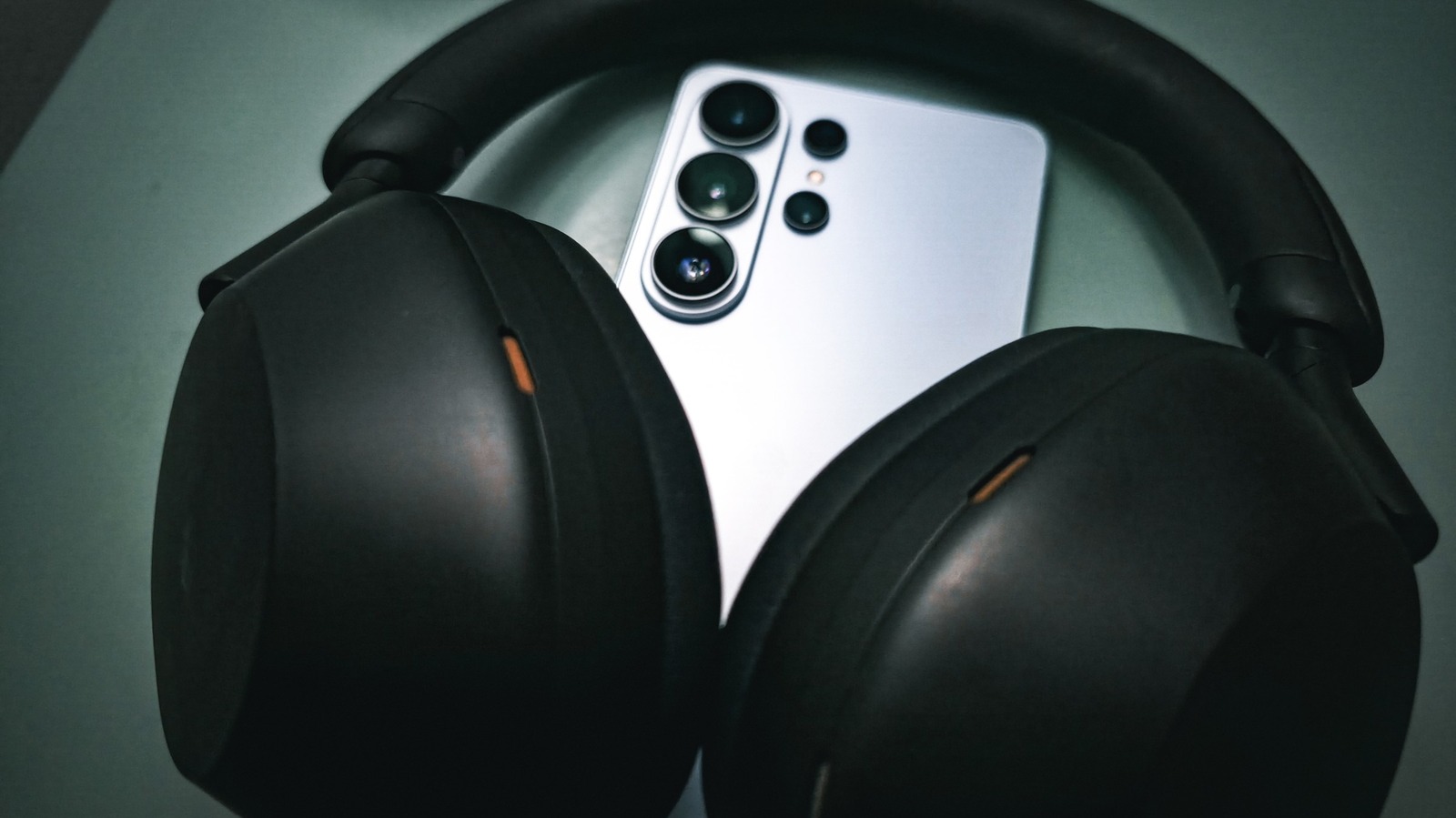
Android users looking to sharpen the fidelity of their music, podcasts, or calls have a range of options beyond simply plugging in a pair of headphones. By tweaking system settings and selecting the right accessories, listeners can extract clearer highs, richer mids, and deeper bass from both wired and wireless devices.
One of the most impactful adjustments is enabling the built‑in equalizer found in many Android skins or third‑party audio apps. Users can choose preset profiles—such as “Bass Boost” or “Treble Boost”—or create custom curves that match the acoustic signature of their particular headphones. On devices that support it, turning on “Dolby Atmos” or “SoundAlive” can further enhance spatial perception, though the effect varies by model.
When it comes to Bluetooth, the codec in use plays a crucial role. Modern Android phones often default to SBC, a basic compression format that can limit detail. Switching to higher‑quality codecs like AAC, aptX, aptX HD, or LDAC (where both phone and headset support them) reduces latency and preserves more of the original audio data. Users can access codec settings through the “Developer Options” menu, selecting the preferred option after pairing the headphones.
Wired connections, while simpler, still benefit from proper configuration. Ensuring the phone’s “USB audio routing” is set to “Off” prevents the system from treating the headphone jack as a digital output, which can cause volume inconsistencies. Additionally, using high‑impedance headphones may require a dedicated DAC or headphone amplifier to drive the drivers effectively, especially on budget devices that lack a robust built‑in amp.
Beyond technical tweaks, choosing quality headphones matters. Over‑ear models with larger drivers typically deliver a broader frequency range, while in‑ear designs with balanced armature drivers excel at detail. For Bluetooth users, selecting headsets that support the desired codec and have a reputation for low distortion will maximize the benefits of the software settings. As Android continues to evolve, upcoming updates are expected to integrate more granular audio controls directly into the system UI, making high‑fidelity listening increasingly accessible to the average consumer.



Comments (0)
Be the first to comment.
Join the discussion