Apple Pencil Pairing Guide: Which iPad Models Need Which Steps
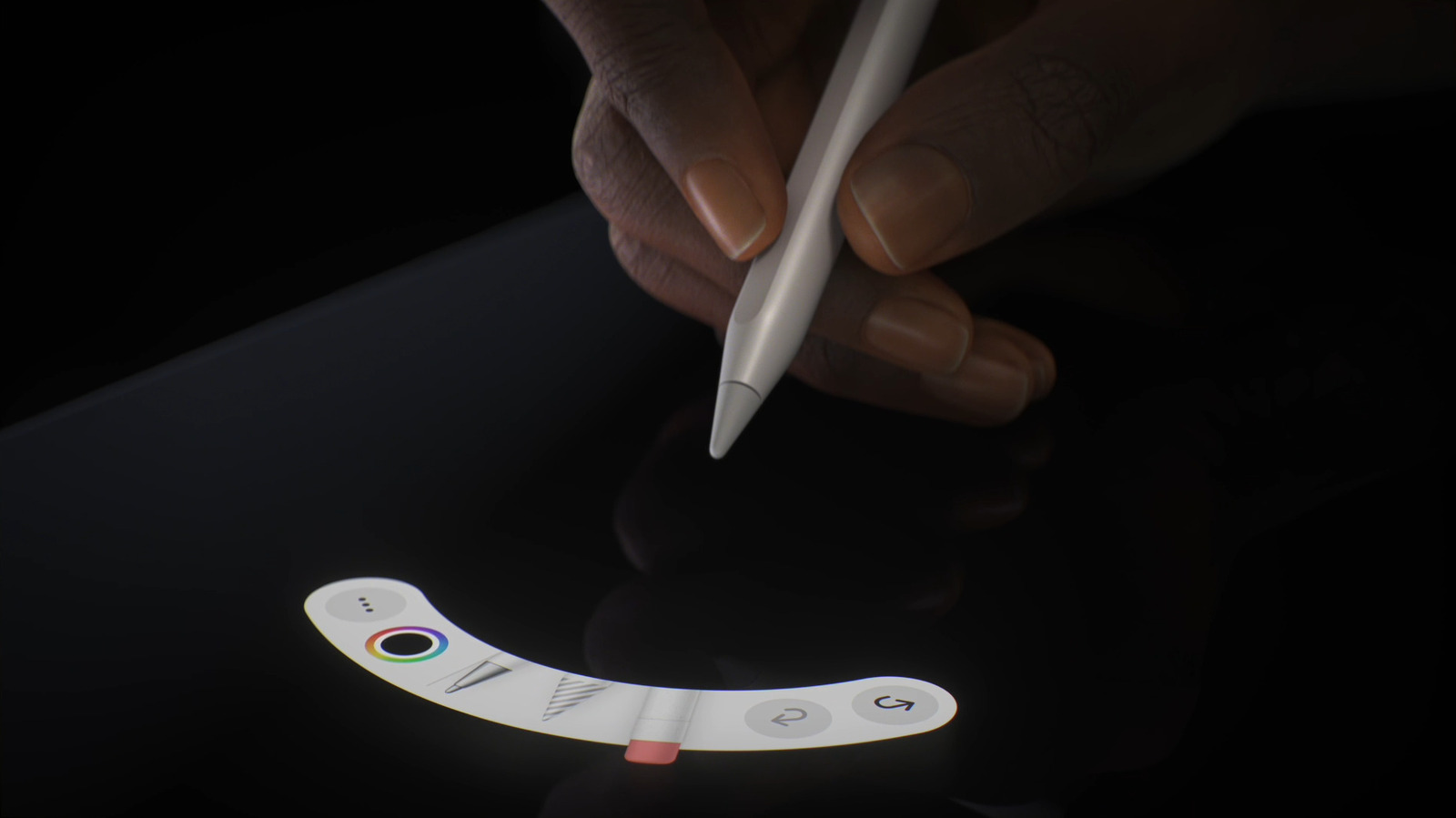
The Apple Pencil has become a staple accessory for iPad users seeking precision drawing, note‑taking, and navigation, yet the process of linking the stylus to a tablet varies markedly across the current lineup of devices.
Apple currently offers two generations of the Pencil. The first‑generation stylus, identifiable by its smooth, all‑white body and removable cap, pairs via a Lightning connector that plugs directly into the iPad’s charging port. In contrast, the second‑generation Pencil, featuring a matte finish and a flat side for magnetic attachment, connects wirelessly when snapped to the side of a compatible iPad.
Compatibility is the primary factor determining which method a user must follow. First‑generation Pencil support includes the iPad (6th‑generation) and later, the iPad mini (5th‑generation) and later, the iPad Air (3rd‑generation), and the original iPad Pro 9.7‑inch, 10.5‑inch, and 12.9‑inch (1st‑generation). All of these models rely on the Lightning‑based pairing: users remove the cap, insert the Pencil’s tip into the port, and confirm the pairing prompt that appears on screen.
The newer, magnetically attached Pencil works with the iPad Pro 11‑inch (1st‑generation and later), iPad Pro 12.9‑inch (3rd‑generation and later), iPad Air (4th‑generation and later), and iPad mini (6th‑generation). When the Pencil is placed on the magnetic strip along the device’s edge, the iPad automatically detects it and displays a pairing notification; a single tap completes the connection. The magnetic attachment also serves as a charging solution, delivering up to 15 minutes of use from a brief 30‑second charge.
Beyond the mechanical steps, users should be aware of software requirements. Pairing a Pencil generally requires iPadOS 12.2 or later; earlier operating system versions may not recognize the stylus, prompting a firmware update. Once paired, the Pencil’s battery status appears in the widget tray, allowing users to monitor charge levels without removing the device.
Understanding these distinctions matters for both new buyers and existing iPad owners. Purchasing a mismatched Pencil—such as a first‑generation stylus for a magnetic‑compatible iPad—will result in an inability to pair, leading to frustration and unnecessary expense. Retailers and Apple’s online store now list compatible models alongside each Pencil generation to mitigate this risk.
Looking ahead, analysts expect Apple to continue refining the integration between its tablets and stylus, potentially introducing a universal magnetic charging system that works across all iPad lines. Until such a change arrives, the onus remains on users to verify compatibility and follow the correct pairing routine to unlock the full creative potential of the Apple Pencil.



Comments (0)
Be the first to comment.
Join the discussion